
XRST999 - Minecraft Skins & Skin History
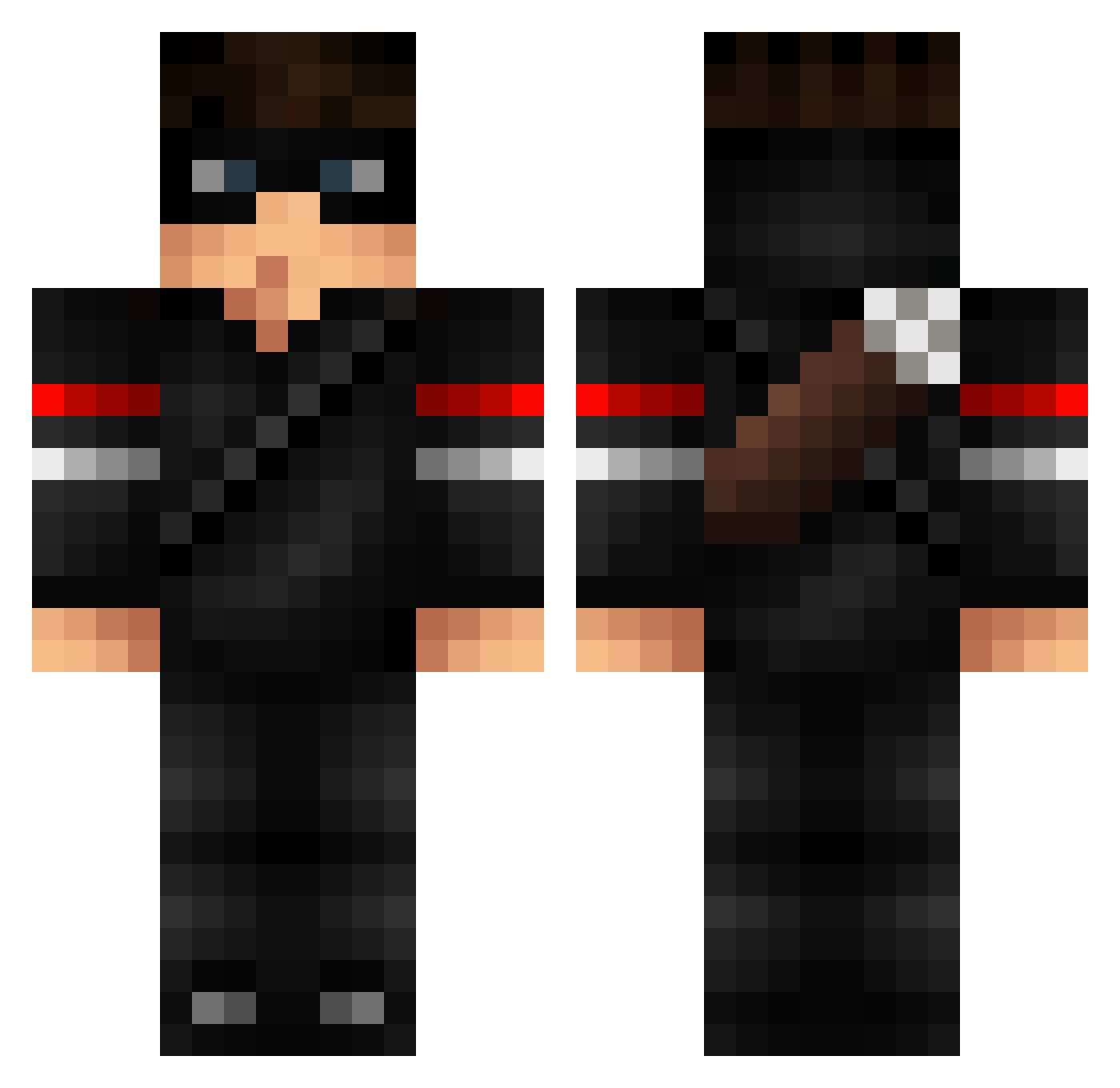
Current Minecraft skin of the player XRST999, loaded from the official Mojang API. Rotate the 3D model with your mouse or finger, then download the skin as a PNG file and use it in Minecraft: Bedrock Edition or Java Edition for free. When XRST999 changes their skin, this page updates automatically and the old skin stays in the history below.
Other players with this skin (81)
XRST999 was the 23rd player we have seen with this skin, first spotted on 21.08.2026. The same skin was seen on these players. Open a nickname to see their current skin and skin history.
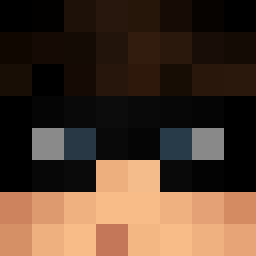 iErenYilmaz Aurity GyBi33 Jacx1242 Fabienst Zeus _DeViLsHoT Vicious_01 Fungushero Burzza69 MrAshy ColuiiCheOsserva Fuset darktomimery HaschischBaron Macimovic CN_Beany ThekittenMC FastEnough hsynctnn_ DurinBane Algrate JuannnR14 QPink CensativeeOG lil_Zelda33 TheS0uls avillas0 GioGamers Luigi_Brandi Sizluh Moegens KwazyFX GIGACHADGABRIEL Adolfiussaurio11 SayDox_ egem1923
 LaugeDreng xLayt irtazahaider Danny1000X Tinkqa Rakalkira Dabali GarenMain31 emreus04 snapplesuncle 5TFN SKESAVAN Ozdeniz ryan72ftw LuckyLuc_____ Pun1sher12 Charliesmakingme hihihi325234 YeezyShoes_ GLad2SeeU Tiimmiboy SheldorTheConque PhattLoad_
More Thief Minecraft skins
How to install the XRST999 skin
- Press the Download button above to save the skin as a PNG file.
- Minecraft: Bedrock Edition (PE): open the Dressing Room from the main menu (or tap your character → Edit Character), go to Classic Skins → Owned, press the + (new skin) button, choose the downloaded PNG and pick the Classic (Steve) model. Works on PC and mobile; consoles cannot import custom skins.
- Minecraft: Java Edition: open the Minecraft Launcher, go to the Skins tab, click New Skin, load the PNG, pick the Classic (Steve) model and press Save & Use. You can also upload it at minecraft.net → Profile → Change Skin.
The skin does not show up after import - what should I do?
Restart Minecraft and open the Dressing Room again - imported skins sometimes appear only after a restart. Also make sure you selected the imported skin and picked the Classic (Steve) model.
Which model should I choose, Classic or Slim?
This skin is designed for the Classic (Steve) model. If you pick the wrong model, the arms of the skin will look stretched or squeezed.
Is the skin of XRST999 free to download?
Yes. Press Download, save the PNG file and use it in Minecraft: Bedrock Edition or Java Edition - no payment or registration needed. The skin also works on multiplayer servers and Realms.
More skins
Looking for more? Go back to all Minecraft skins and check the top skins of the week, month and all time, or find any player's skin by nickname.