
XNIXOX - Minecraft Skins & Skin History
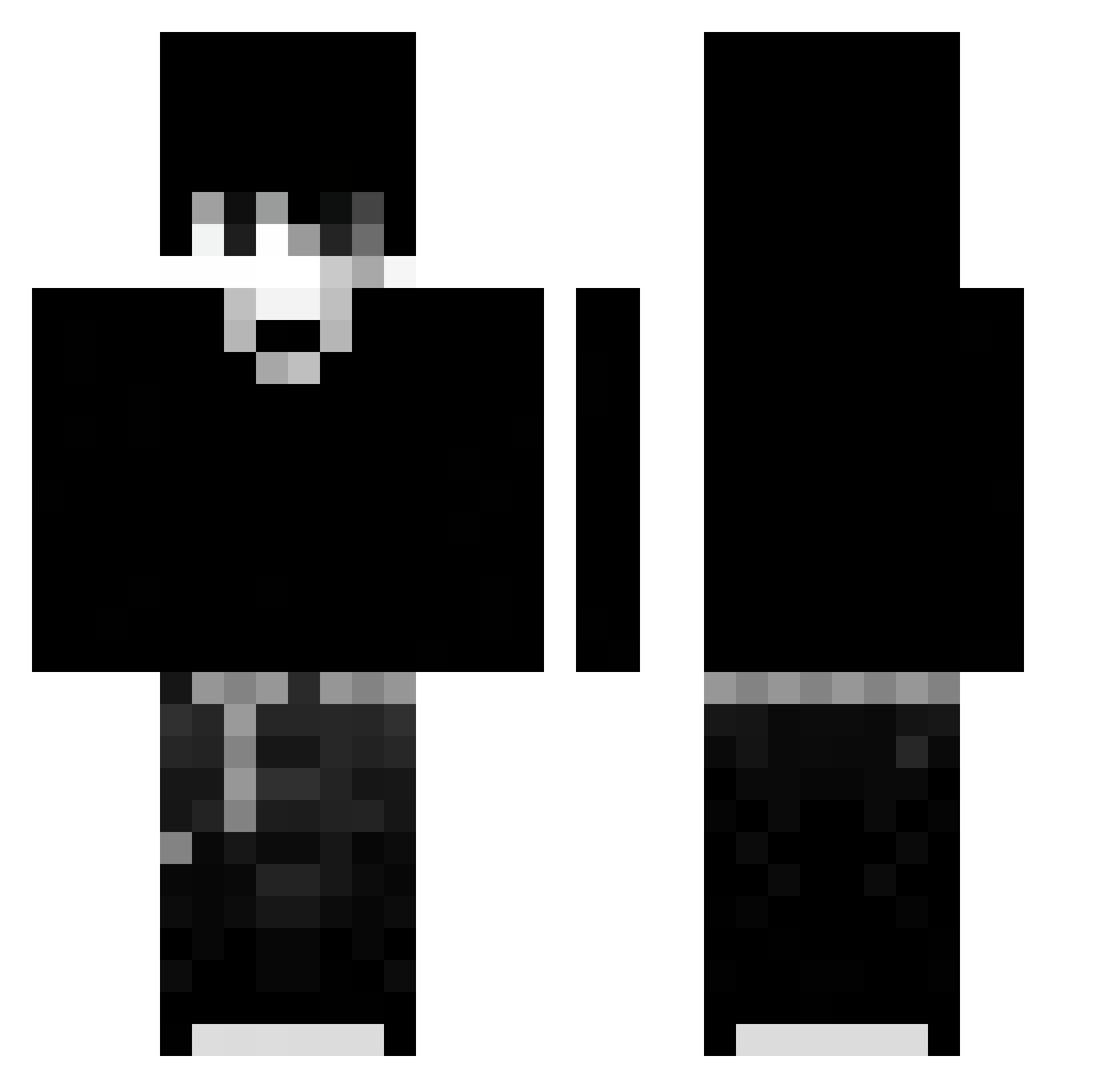
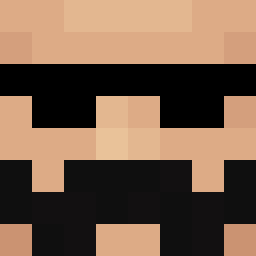
Current Minecraft skin of the player XNIXOX, loaded from the official Mojang API. Rotate the 3D model with your mouse or finger, then download the skin as a PNG file and use it in Minecraft: Bedrock Edition or Java Edition for free. When XNIXOX changes their skin, this page updates automatically and the old skin stays in the history below.
Other players with this skin (72)
XNIXOX was the 36th player we have seen with this skin, first spotted on 28.08.2026. The same skin was seen on these players. Open a nickname to see their current skin and skin history.
 xcamposMC
 Kryfx
Kryfx remoltar
 sxphianne plankqs Xx_TechyVN_xX Bocik0 kozak6911 sbsbhsb IAmBNIC TheChamba777 Zedixik_ Majstereeek_ zlykotek123 thurxss_rsrs _Undying__ DRAHAN4 rt_shark Vine5 MC_kiritox nullvale g0thangeIz Tymonikx SANTY_NICE Starlord_on edwardneedshands LucTek1
 Yuudaiii sleep_2233 jasiekana Wh3re_Dr4gon_1 wcsj666 redred0422 spfudrg
 MadPSW 19ToDoRoKi14 EgoMilo_ iL0VEcats4life zervv_ Praho1a
 luc1f_r
 tnvsyuna Larobr Major_Blacha KillZoneMX batuhan635 Coli_ StarboyR8 77777777_7777777 MoyuzZ Err0r_403 Lxndres Xaliwar ertuss23 ponte185 Supersatur07 X_Mahmoud_X MikroPolo_ Oskigracz Skarghx
More Monochrome Minecraft skins
How to install the XNIXOX skin
- Press the Download button above to save the skin as a PNG file.
- Minecraft: Bedrock Edition (PE): open the Dressing Room from the main menu (or tap your character → Edit Character), go to Classic Skins → Owned, press the + (new skin) button, choose the downloaded PNG and pick the Classic (Steve) model. Works on PC and mobile; consoles cannot import custom skins.
- Minecraft: Java Edition: open the Minecraft Launcher, go to the Skins tab, click New Skin, load the PNG, pick the Classic (Steve) model and press Save & Use. You can also upload it at minecraft.net → Profile → Change Skin.
The skin does not show up after import - what should I do?
Restart Minecraft and open the Dressing Room again - imported skins sometimes appear only after a restart. Also make sure you selected the imported skin and picked the Classic (Steve) model.
Which model should I choose, Classic or Slim?
This skin is designed for the Classic (Steve) model. If you pick the wrong model, the arms of the skin will look stretched or squeezed.
Is the skin of XNIXOX free to download?
Yes. Press Download, save the PNG file and use it in Minecraft: Bedrock Edition or Java Edition - no payment or registration needed. The skin also works on multiplayer servers and Realms.
More skins
Looking for more? Go back to all Minecraft skins and check the top skins of the week, month and all time, or find any player's skin by nickname.