
XIOS35P - Minecraft Skins & Skin History
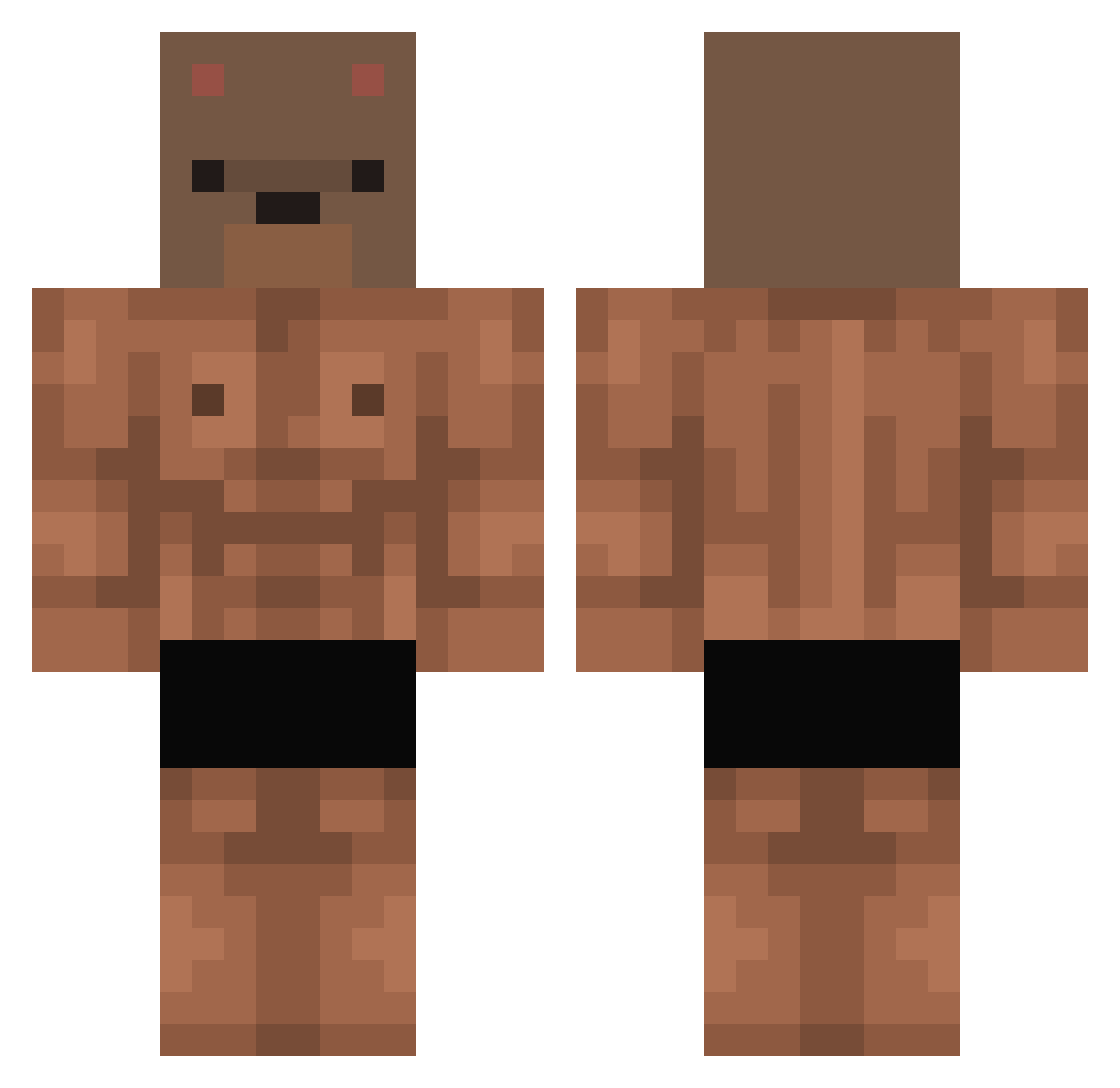
Current Minecraft skin of the player XIOS35P, loaded from the official Mojang API. Rotate the 3D model with your mouse or finger, then download the skin as a PNG file and use it in Minecraft: Bedrock Edition or Java Edition for free. When XIOS35P changes their skin, this page updates automatically and the old skin stays in the history below.
Other players with this skin (411)
XIOS35P was the 62nd player we have seen with this skin, first spotted on 10.08.2026. The same skin was seen on these players. Open a nickname to see their current skin and skin history.
 jinu8459 Branstian TENELIA888 Nikodem8742 Khaychurro eseLeoMN Dangerous46 2RNIUSSS wakasoo Hunson_ Hentz71 CilekliSut8 Teddorius ScottieSwindles _absolution Gabitop45 Dadelx Diozi KIngerxz ckscjr Temaryy lamthai Lazy_ugh wlodziu2115 misiuw0w GustavoCelestino VoRTeXoSvK Ethwop yeogyoyoko rafacrbll bopiti Bjyd94 Anthy_420 Lyagush Noahmm Ozyerco XRipper117 SteeZ020 N0l30DY_ _M_E_R_T_ WoonHo98 SUNSUN250 CLXIX itspozito quackinduck chen004 ynvyy therealskyrex hyang005 0luja Marushchenko Roxyte Japerinho ichpachmak Gameforst Yur4a1 ImDavidGP Sxmdeity heejung5959 Maxxadrian
More Bear Mask Minecraft skins
How to install the XIOS35P skin
- Press the Download button above to save the skin as a PNG file.
- Minecraft: Bedrock Edition (PE): open the Dressing Room from the main menu (or tap your character → Edit Character), go to Classic Skins → Owned, press the + (new skin) button, choose the downloaded PNG and pick the Classic (Steve) model. Works on PC and mobile; consoles cannot import custom skins.
- Minecraft: Java Edition: open the Minecraft Launcher, go to the Skins tab, click New Skin, load the PNG, pick the Classic (Steve) model and press Save & Use. You can also upload it at minecraft.net → Profile → Change Skin.
The skin does not show up after import - what should I do?
Restart Minecraft and open the Dressing Room again - imported skins sometimes appear only after a restart. Also make sure you selected the imported skin and picked the Classic (Steve) model.
Which model should I choose, Classic or Slim?
This skin is designed for the Classic (Steve) model. If you pick the wrong model, the arms of the skin will look stretched or squeezed.
Is the skin of XIOS35P free to download?
Yes. Press Download, save the PNG file and use it in Minecraft: Bedrock Edition or Java Edition - no payment or registration needed. The skin also works on multiplayer servers and Realms.
More skins
Looking for more? Go back to all Minecraft skins and check the top skins of the week, month and all time, or find any player's skin by nickname.