
XDarThVaderX_ - Minecraft Skins & Skin History
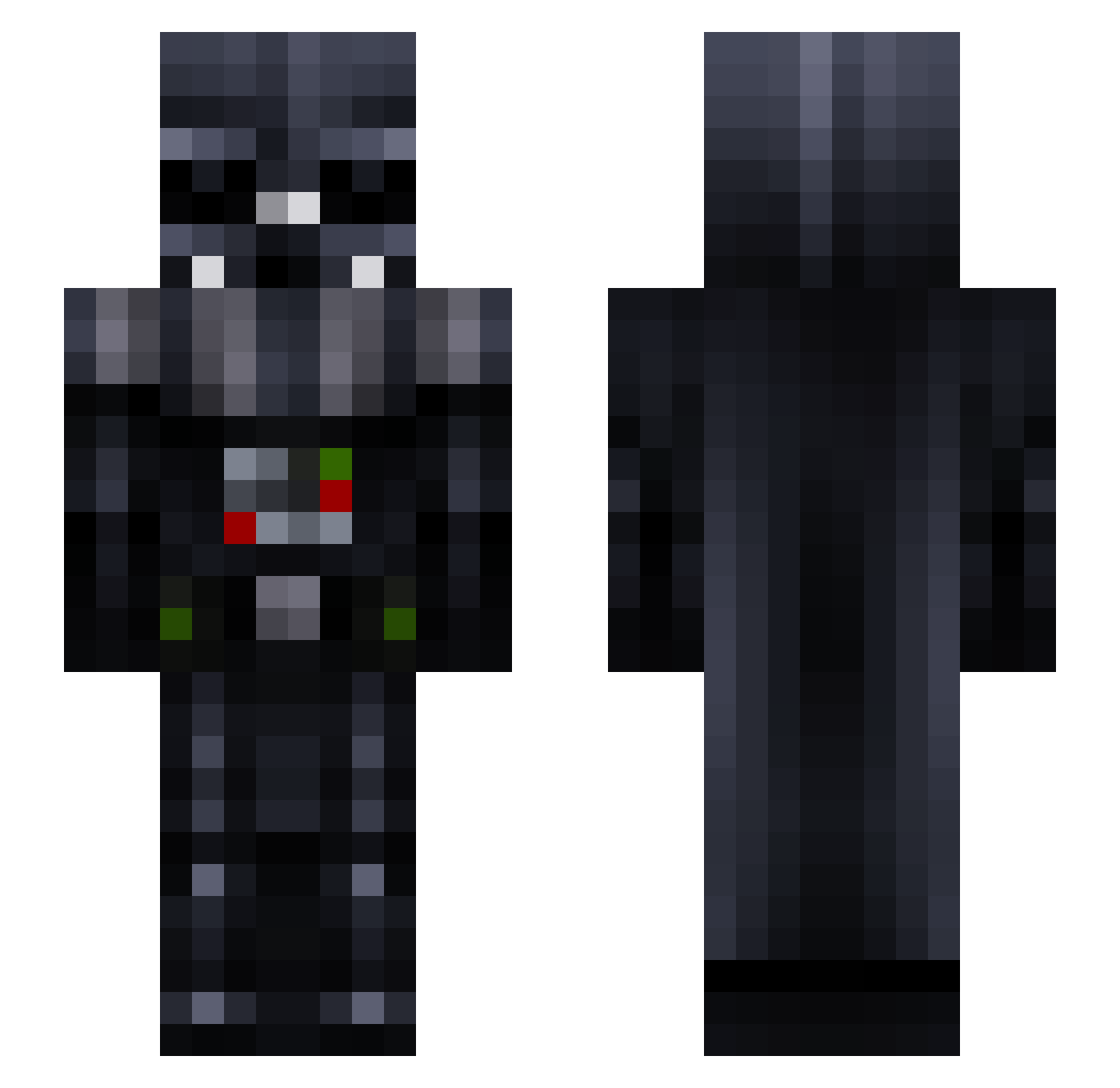
Current Minecraft skin of the player XDarThVaderX_, loaded from the official Mojang API. Rotate the 3D model with your mouse or finger, then download the skin as a PNG file and use it in Minecraft: Bedrock Edition or Java Edition for free. When XDarThVaderX_ changes their skin, this page updates automatically and the old skin stays in the history below.
Other players with this skin (146)
XDarThVaderX_ was the 134th player we have seen with this skin, first spotted on 11.11.2026. The same skin was seen on these players. Open a nickname to see their current skin and skin history.
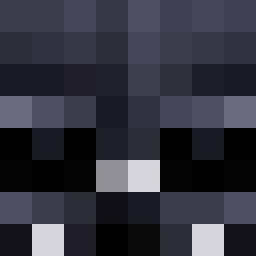 ArG0N3274 CaptRayn Legate_Lanius_N VaderSwn _Lucky_89_ Olukun puuullliii seascope Re_Theoden the_Kudu ColosAlex Kr4sny Kevinkillswitch jackhere7 burnoutlife Sensouho Drewski9099 Notvito figgydiff bamasam123 Xxgowie99erxX mihai_gen Dawang Instinct0193 __Snips_ PainCactus Newtonisangry Jereninja rafaello18 Colostomybag05 Seezer Sum_Ting_Wright PetePixel DrDu GuigaGamer Lambda23uy paulguin PHYT8N Hans_123 deku323 HoodDKT T0sTbr0d mmmmwre rywars Ilikechips44 lklxd JericSZN Glacifict GeorgeK_99 Rebelynnn Mithious13 och2663 rzelazkowsteczne boudninou G9TZE TheFrappuccino Jmortazza lessimsmedi huuugeman Traker03
More Darth Vader Minecraft skins
How to install the XDarThVaderX_ skin
- Press the Download button above to save the skin as a PNG file.
- Minecraft: Bedrock Edition (PE): open the Dressing Room from the main menu (or tap your character → Edit Character), go to Classic Skins → Owned, press the + (new skin) button, choose the downloaded PNG and pick the Slim (Alex) model. Works on PC and mobile; consoles cannot import custom skins.
- Minecraft: Java Edition: open the Minecraft Launcher, go to the Skins tab, click New Skin, load the PNG, pick the Slim (Alex) model and press Save & Use. You can also upload it at minecraft.net → Profile → Change Skin.
The skin does not show up after import - what should I do?
Restart Minecraft and open the Dressing Room again - imported skins sometimes appear only after a restart. Also make sure you selected the imported skin and picked the Slim (Alex) model.
Which model should I choose, Classic or Slim?
This skin is designed for the Slim (Alex) model. If you pick the wrong model, the arms of the skin will look stretched or squeezed.
Is the skin of XDarThVaderX_ free to download?
Yes. Press Download, save the PNG file and use it in Minecraft: Bedrock Edition or Java Edition - no payment or registration needed. The skin also works on multiplayer servers and Realms.
More skins
Looking for more? Go back to all Minecraft skins and check the top skins of the week, month and all time, or find any player's skin by nickname.