
WorldPlayerXL - Minecraft Skins & Skin History
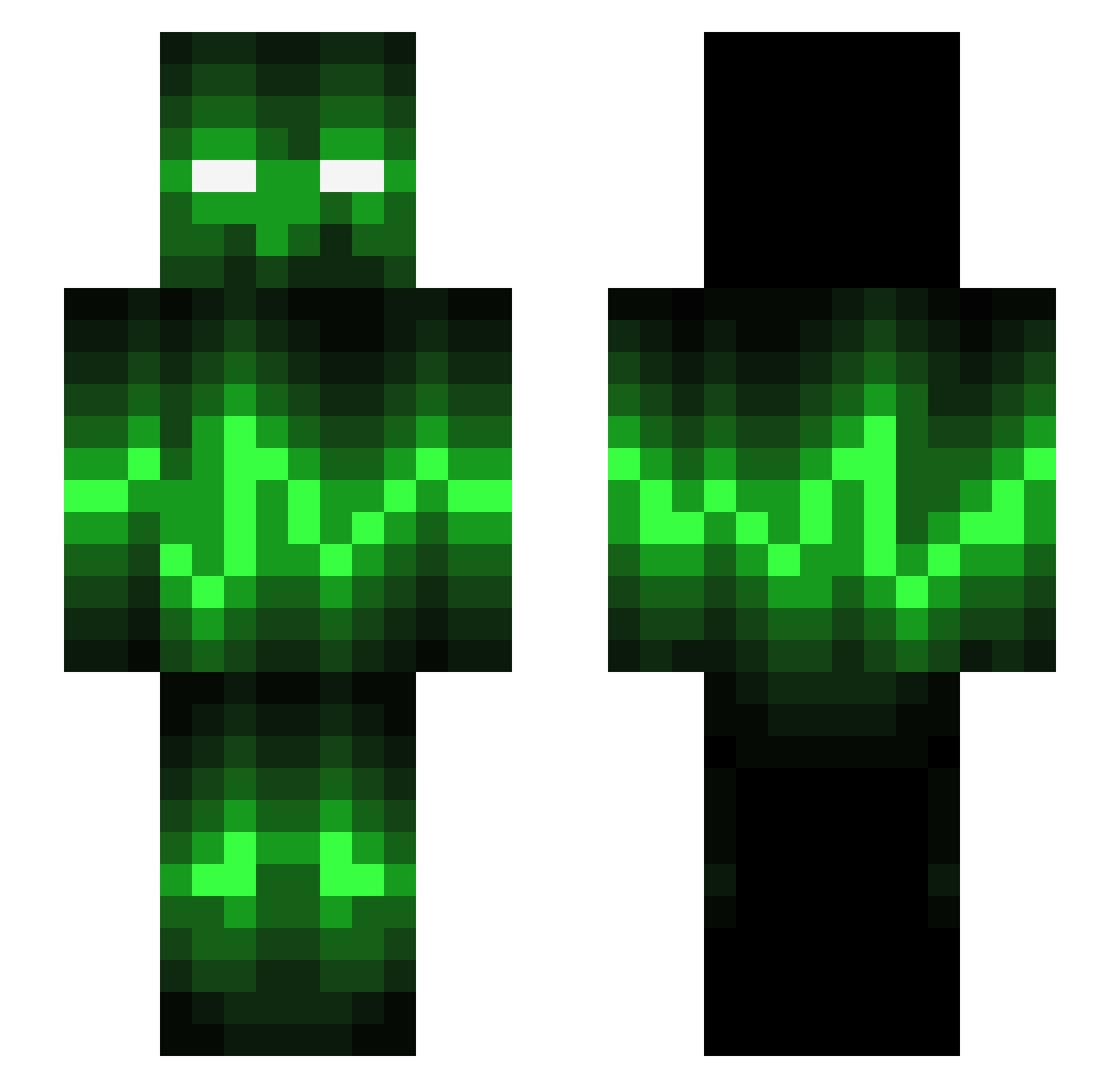
Current Minecraft skin of the player WorldPlayerXL, loaded from the official Mojang API. Rotate the 3D model with your mouse or finger, then download the skin as a PNG file and use it in Minecraft: Bedrock Edition or Java Edition for free. When WorldPlayerXL changes their skin, this page updates automatically and the old skin stays in the history below.
Other players with this skin (542)
WorldPlayerXL was the 469th player we have seen with this skin, first spotted on 12.10.2026. The same skin was seen on these players. Open a nickname to see their current skin and skin history.
 Cicin89 Pestiferious PvP_Runner2002 ThommyJA9 brandaan5656 JEA3 Limapez blaizeplayzMC namenloserdani Cococootje clemsi0502 dragonstation Fabiocool1 venexgaming swiftcarrot Exma4Life BlueLava2911 TomTiny KGH_MGH TheKombatant K3NT_EASTWOOD Strider1990 fnaticpro cristina863 JKPreme wesuk2003 Hakkie26 BigBlue14 LoegKongen3970 BushWookie_ TJB_28 sk8masterx1 _dmireylees_ CalebEX Supertaco22 JuuJuuJuu12 Royal_Crash 9els1 BmanAUS FabiLeeFL Slaush1337 AngmarKnight _99Problems_ Entropy_Factor xINSANITYxRA SeunaCB jords3828 eXpLoSiV RoboRooter FunkyFlamingo _RickyBoy909_ FunkyVenom Calirision6 KeysPlayer331 _RagingLemon_ MellonFarmer6969 lukecash17 _Astraa_ macro_T Screamingman420
More Audio Wave Minecraft skins
How to install the WorldPlayerXL skin
- Press the Download button above to save the skin as a PNG file.
- Minecraft: Bedrock Edition (PE): open the Dressing Room from the main menu (or tap your character → Edit Character), go to Classic Skins → Owned, press the + (new skin) button, choose the downloaded PNG and pick the Slim (Alex) model. Works on PC and mobile; consoles cannot import custom skins.
- Minecraft: Java Edition: open the Minecraft Launcher, go to the Skins tab, click New Skin, load the PNG, pick the Slim (Alex) model and press Save & Use. You can also upload it at minecraft.net → Profile → Change Skin.
The skin does not show up after import - what should I do?
Restart Minecraft and open the Dressing Room again - imported skins sometimes appear only after a restart. Also make sure you selected the imported skin and picked the Slim (Alex) model.
Which model should I choose, Classic or Slim?
This skin is designed for the Slim (Alex) model. If you pick the wrong model, the arms of the skin will look stretched or squeezed.
Is the skin of WorldPlayerXL free to download?
Yes. Press Download, save the PNG file and use it in Minecraft: Bedrock Edition or Java Edition - no payment or registration needed. The skin also works on multiplayer servers and Realms.
More skins
Looking for more? Go back to all Minecraft skins and check the top skins of the week, month and all time, or find any player's skin by nickname.