
Woofmex - Minecraft Skins & Skin History
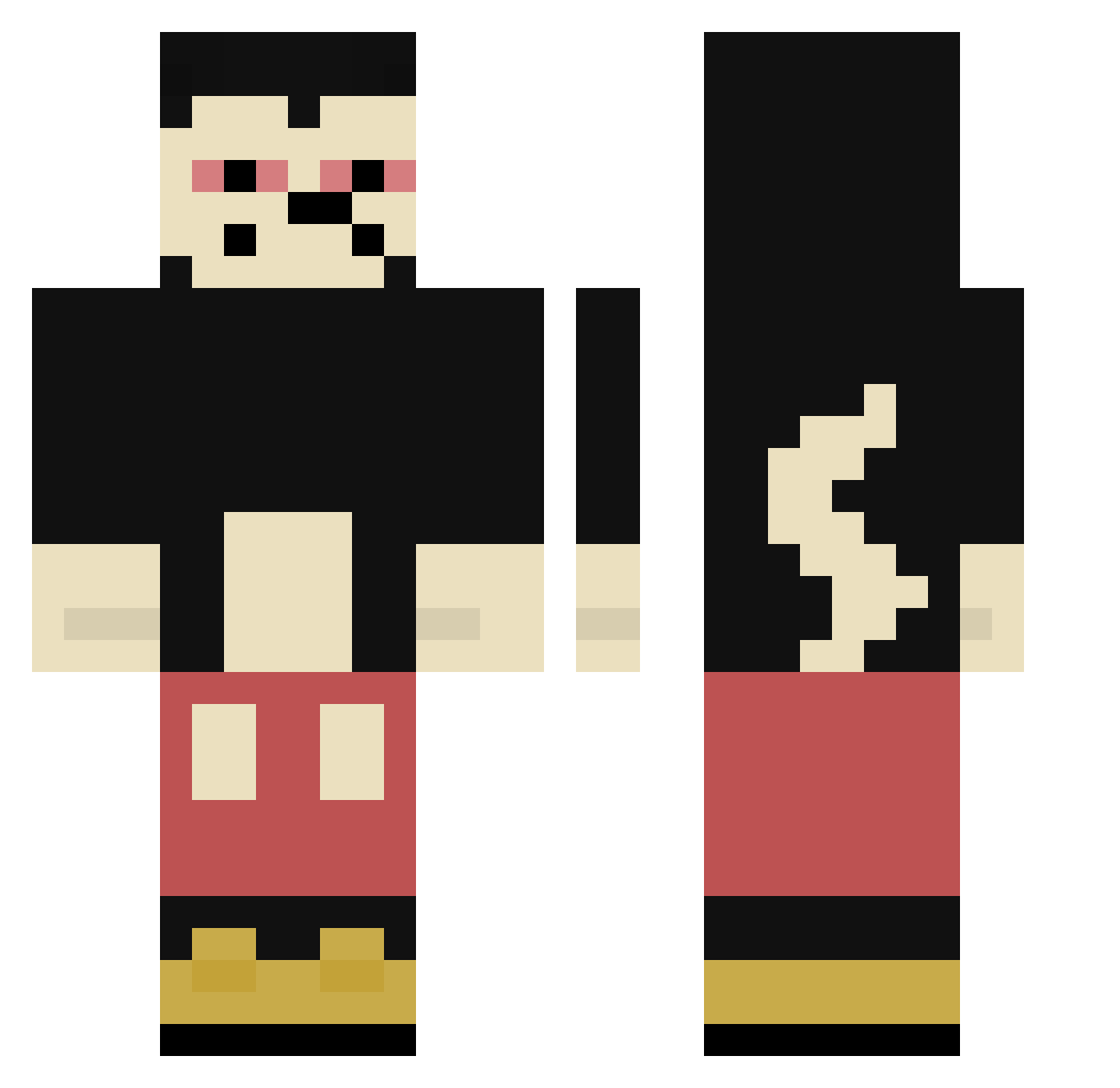
Current Minecraft skin of the player Woofmex, loaded from the official Mojang API. Rotate the 3D model with your mouse or finger, then download the skin as a PNG file and use it in Minecraft: Bedrock Edition or Java Edition for free. When Woofmex changes their skin, this page updates automatically and the old skin stays in the history below.
Other players with this skin (304)
Woofmex was the 259th player we have seen with this skin, first spotted on 10.10.2026. The same skin was seen on these players. Open a nickname to see their current skin and skin history.
 rodroroo Cremaria 2avacc2 PepePHD Oneii kyzekk_ Kacprzak wiji0021 GLG_Bennyboy Maxxpro07 BeNueng MAHMAD1212 BetH_rH pin_ashash Xou_Xou IndigenaDEMRD RTL_Lulu Carsick914 Sneakycameleon onfireomg360 Montrack0374 pequenogui Giggert MaickyMouse LentejaLicuada ninjas920tv HudsonHornett allet_rosig Aboboio nomorsy wshax mxinsg Matildekille Zikong8161 YODIEgangGRIM Karfffff Barillet xjimmyxlol Lvatto KingBarth Bongzo Mattio97 rcogollor420 SaIzIgerd yabrail Bubaner187 brecx k0bp geckowl 5erReachImCW Bocamion biggie323 NCR_Minty l2cargarage clem272607 sisuebal Ewan695821 Crackmire_ Leodlb H4Z4RD
More Mickey Mouse Minecraft skins
See all 146 Mickey Mouse skins
How to install the Woofmex skin
- Press the Download button above to save the skin as a PNG file.
- Minecraft: Bedrock Edition (PE): open the Dressing Room from the main menu (or tap your character → Edit Character), go to Classic Skins → Owned, press the + (new skin) button, choose the downloaded PNG and pick the Classic (Steve) model. Works on PC and mobile; consoles cannot import custom skins.
- Minecraft: Java Edition: open the Minecraft Launcher, go to the Skins tab, click New Skin, load the PNG, pick the Classic (Steve) model and press Save & Use. You can also upload it at minecraft.net → Profile → Change Skin.
The skin does not show up after import - what should I do?
Restart Minecraft and open the Dressing Room again - imported skins sometimes appear only after a restart. Also make sure you selected the imported skin and picked the Classic (Steve) model.
Which model should I choose, Classic or Slim?
This skin is designed for the Classic (Steve) model. If you pick the wrong model, the arms of the skin will look stretched or squeezed.
Is the skin of Woofmex free to download?
Yes. Press Download, save the PNG file and use it in Minecraft: Bedrock Edition or Java Edition - no payment or registration needed. The skin also works on multiplayer servers and Realms.
More skins
Looking for more? Go back to all Minecraft skins and check the top skins of the week, month and all time, or find any player's skin by nickname.