
Wolf_Pack_17 - Minecraft Skins & Skin History
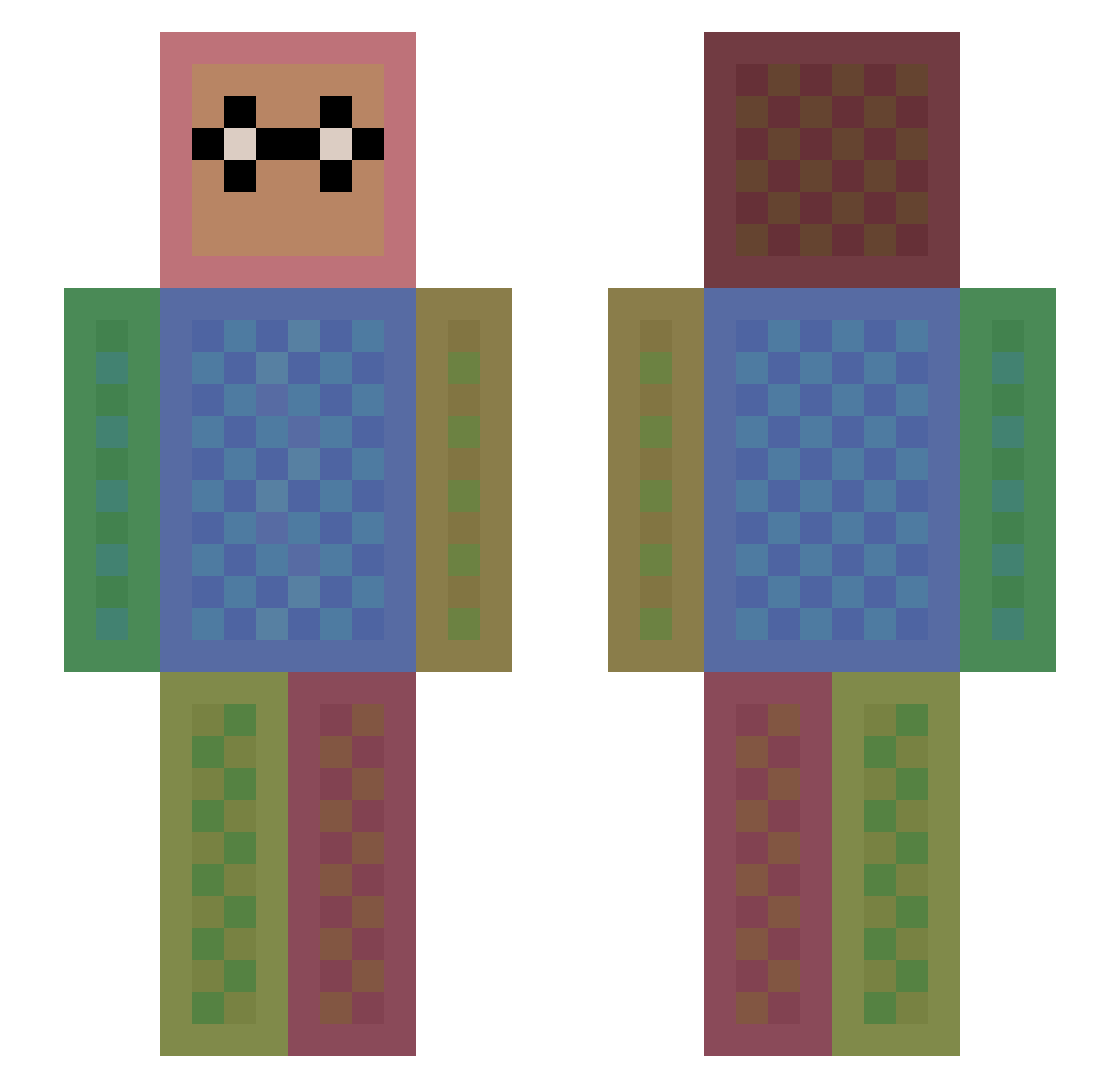
Current Minecraft skin of the player Wolf_Pack_17, loaded from the official Mojang API. Rotate the 3D model with your mouse or finger, then download the skin as a PNG file and use it in Minecraft: Bedrock Edition or Java Edition for free. When Wolf_Pack_17 changes their skin, this page updates automatically and the old skin stays in the history below.
Other players with this skin (1474)
Wolf_Pack_17 was the 1408th player we have seen with this skin, first spotted on 05.11.2026. The same skin was seen on these players. Open a nickname to see their current skin and skin history.
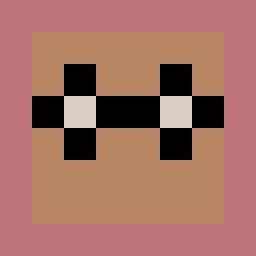 darth__sauron RemiSaya nobody14641 delicious_ozone T0ni_s 2Eazy lilyahty theboxcreative Darkmoona topsyturvey03 DaDa146 gamehenkie kasparkoch gamingfriends Thimx_ RIKYDONA mor_bid80 Ronaldofan97 Kobi0815 vilu2000 SofflesPro_342 Weston4k lzphillips Coolrobine humpday487 lumpi06484 jazzerj Marculler special_IGUCHI PriceLD FrostyDawn elTockoLocko LiskOo10 NOTE78 KillerMCPVP LDawg364 rubyredfort1 Massimino04 CuteLikeAPanda DreadyD Lioye VanXan Bolneze inch00 Goatamasterr KenGor_610 screamingcheese2 PiconP Masterjeong Zalo5 EthanL85 bunnylover101 Thew05 Akkenru CzySun nandok13 ghtekkie alanzhu0214 Grozorzor TR1Xem
How to install the Wolf_Pack_17 skin
- Press the Download button above to save the skin as a PNG file.
- Minecraft: Bedrock Edition (PE): open the Dressing Room from the main menu (or tap your character → Edit Character), go to Classic Skins → Owned, press the + (new skin) button, choose the downloaded PNG and pick the Slim (Alex) model. Works on PC and mobile; consoles cannot import custom skins.
- Minecraft: Java Edition: open the Minecraft Launcher, go to the Skins tab, click New Skin, load the PNG, pick the Slim (Alex) model and press Save & Use. You can also upload it at minecraft.net → Profile → Change Skin.
The skin does not show up after import - what should I do?
Restart Minecraft and open the Dressing Room again - imported skins sometimes appear only after a restart. Also make sure you selected the imported skin and picked the Slim (Alex) model.
Which model should I choose, Classic or Slim?
This skin is designed for the Slim (Alex) model. If you pick the wrong model, the arms of the skin will look stretched or squeezed.
Is the skin of Wolf_Pack_17 free to download?
Yes. Press Download, save the PNG file and use it in Minecraft: Bedrock Edition or Java Edition - no payment or registration needed. The skin also works on multiplayer servers and Realms.
More skins
Looking for more? Go back to all Minecraft skins and check the top skins of the week, month and all time, or find any player's skin by nickname.