
Wimpykid188 - Minecraft Skins & Skin History
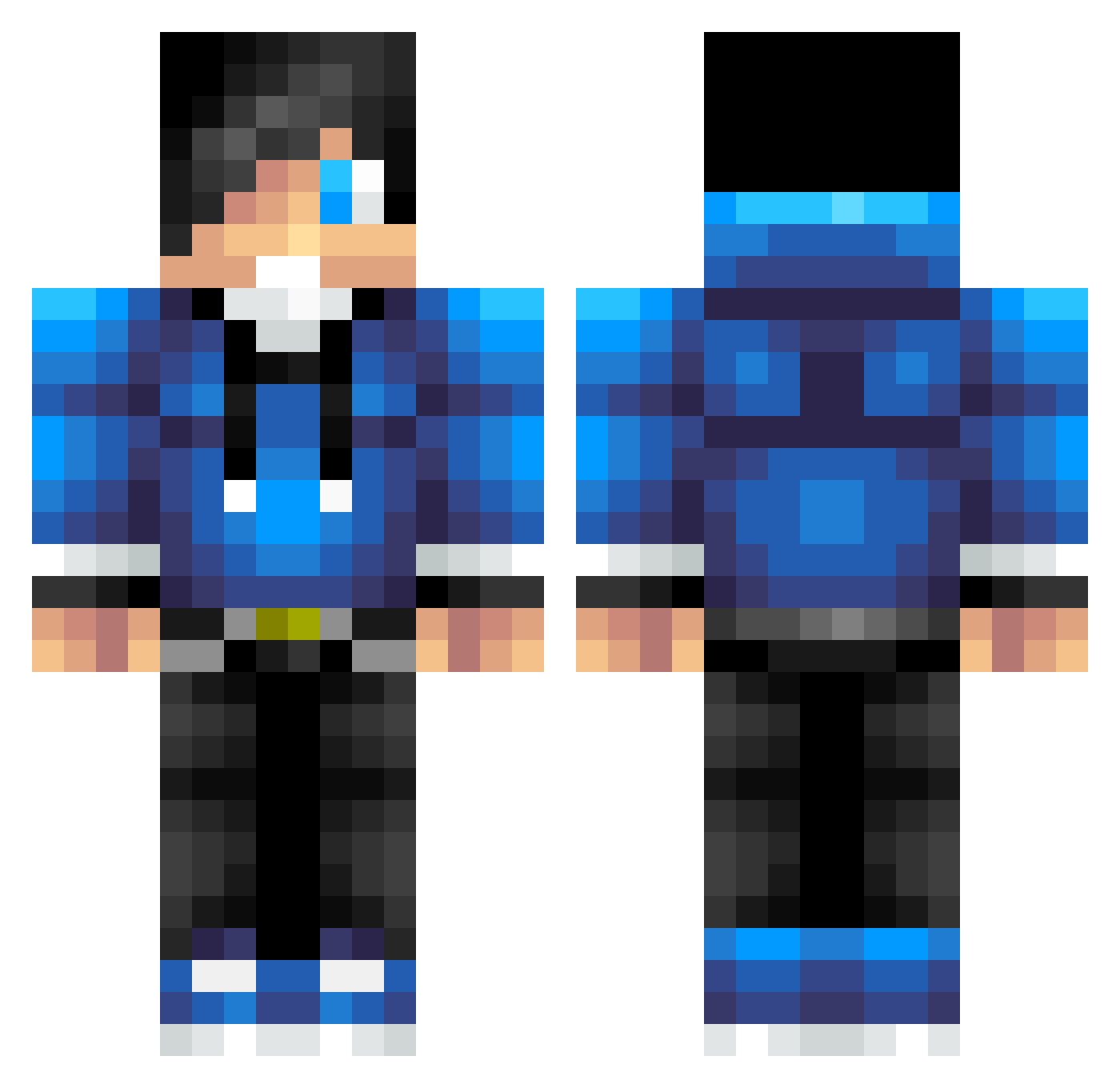
Current Minecraft skin of the player Wimpykid188, loaded from the official Mojang API. Rotate the 3D model with your mouse or finger, then download the skin as a PNG file and use it in Minecraft: Bedrock Edition or Java Edition for free. When Wimpykid188 changes their skin, this page updates automatically and the old skin stays in the history below.
Other players with this skin (793)
Wimpykid188 was the 685th player we have seen with this skin, first spotted on 31.10.2026. The same skin was seen on these players. Open a nickname to see their current skin and skin history.
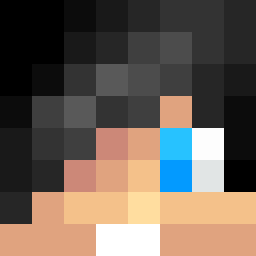 SuperPacey lorinzerhopes diamondigger321 whf111 MichaelJSweeney KAREZ1121 payochie Valavus White_Airborne Luckylock5942 TheFlavster Horner_Boys Deadzombieguy BUMCODY SeEtHDaWg2211 MR_MIKEY_MOO Snowman5102 Tough_Luck123 hardrock05 TCY0502 ChKai farmingdaddy SEB6520 Chef_Steph EastAndUnder Axtique sebbi777 JohnnyBoy_7 Swag_man911 slidskyolive OlofThe123 Apple_Pi_314 outwalker taylorschmideder ItzDomba980 jfalcocam FN_Poori1 DolfijnAap MattBlueBoy Jake_MC charkana Jewishlewis GrimSlayerz lord_devil bricksNtits idontmoney littlelarks xDoni AntonML05 legomandude101 Ronnie_Rocket_06 Ozbon cjs0441 Gabriel082003 obu12345 Senpia1243 RenameRuben Diamondbro52 GreenFluid fyyfan
How to install the Wimpykid188 skin
- Press the Download button above to save the skin as a PNG file.
- Minecraft: Bedrock Edition (PE): open the Dressing Room from the main menu (or tap your character → Edit Character), go to Classic Skins → Owned, press the + (new skin) button, choose the downloaded PNG and pick the Classic (Steve) model. Works on PC and mobile; consoles cannot import custom skins.
- Minecraft: Java Edition: open the Minecraft Launcher, go to the Skins tab, click New Skin, load the PNG, pick the Classic (Steve) model and press Save & Use. You can also upload it at minecraft.net → Profile → Change Skin.
The skin does not show up after import - what should I do?
Restart Minecraft and open the Dressing Room again - imported skins sometimes appear only after a restart. Also make sure you selected the imported skin and picked the Classic (Steve) model.
Which model should I choose, Classic or Slim?
This skin is designed for the Classic (Steve) model. If you pick the wrong model, the arms of the skin will look stretched or squeezed.
Is the skin of Wimpykid188 free to download?
Yes. Press Download, save the PNG file and use it in Minecraft: Bedrock Edition or Java Edition - no payment or registration needed. The skin also works on multiplayer servers and Realms.
More skins
Looking for more? Go back to all Minecraft skins and check the top skins of the week, month and all time, or find any player's skin by nickname.