
Whitecrisp - Minecraft Skins & Skin History
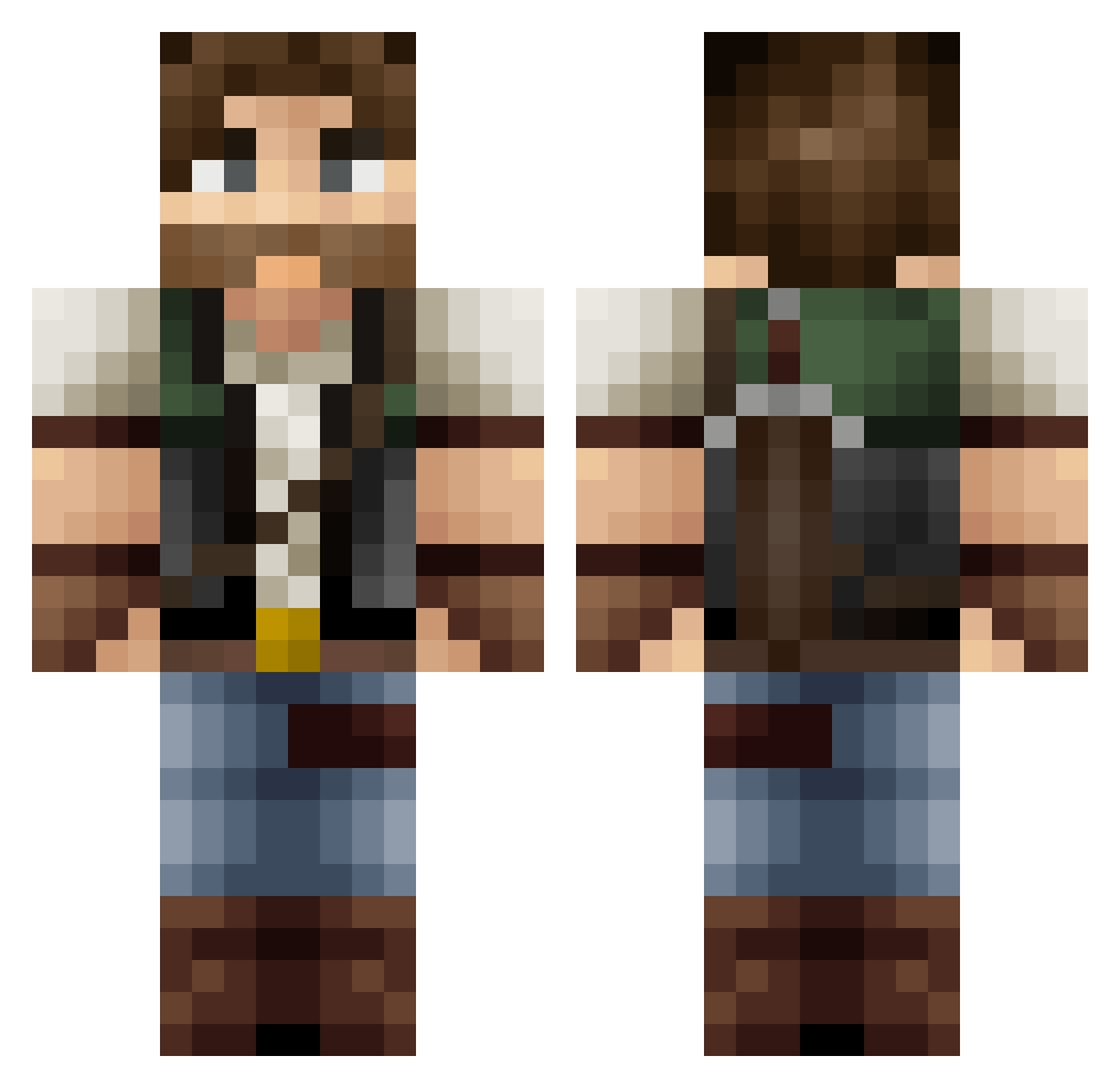
Current Minecraft skin of the player Whitecrisp, loaded from the official Mojang API. Rotate the 3D model with your mouse or finger, then download the skin as a PNG file and use it in Minecraft: Bedrock Edition or Java Edition for free. When Whitecrisp changes their skin, this page updates automatically and the old skin stays in the history below.
Other players with this skin (370)
Whitecrisp was the 218th player we have seen with this skin, first spotted on 26.09.2026. The same skin was seen on these players. Open a nickname to see their current skin and skin history.
 MRCANDY123 MrOsvinak hanpen623 lify Recifdecorail Roxagezz Baxtek Zedus_CU Ell6383 PariahPrime xMrUltimate Rin_90 Shimizaki OneLastMidnight BoubouTV Verrick1 Spiike88 Andres220200 Ryneld Aindor MrEad Tyrael09 Sunset_Hyrixx Vladislav5946 Giografie IronicUserName99 arren_maoxianzhe AndyV1122 Bopi1234 Takoo91 Lactione Tuk_0 Zazas12 Kawaii_Divinity CPTDooM Jybax Osbrow GrimVirtue Tyson404 JohnGains Phenazel07 The_Mr_King Pongo0205 ShadowDragon2003 Adrazeth JMSDias Brezi TartAlfa WandererSeven BitBajt Gobbler24 _Tvick_ Gysbergfiv_0_sev R_N0 Zy4nk4li Driim kayiza davefett mrtgymn Seerav
More Hunter Minecraft skins
How to install the Whitecrisp skin
- Press the Download button above to save the skin as a PNG file.
- Minecraft: Bedrock Edition (PE): open the Dressing Room from the main menu (or tap your character → Edit Character), go to Classic Skins → Owned, press the + (new skin) button, choose the downloaded PNG and pick the Classic (Steve) model. Works on PC and mobile; consoles cannot import custom skins.
- Minecraft: Java Edition: open the Minecraft Launcher, go to the Skins tab, click New Skin, load the PNG, pick the Classic (Steve) model and press Save & Use. You can also upload it at minecraft.net → Profile → Change Skin.
The skin does not show up after import - what should I do?
Restart Minecraft and open the Dressing Room again - imported skins sometimes appear only after a restart. Also make sure you selected the imported skin and picked the Classic (Steve) model.
Which model should I choose, Classic or Slim?
This skin is designed for the Classic (Steve) model. If you pick the wrong model, the arms of the skin will look stretched or squeezed.
Is the skin of Whitecrisp free to download?
Yes. Press Download, save the PNG file and use it in Minecraft: Bedrock Edition or Java Edition - no payment or registration needed. The skin also works on multiplayer servers and Realms.
More skins
Looking for more? Go back to all Minecraft skins and check the top skins of the week, month and all time, or find any player's skin by nickname.