
Wetir_ilBarbuto - Minecraft Skins & Skin History
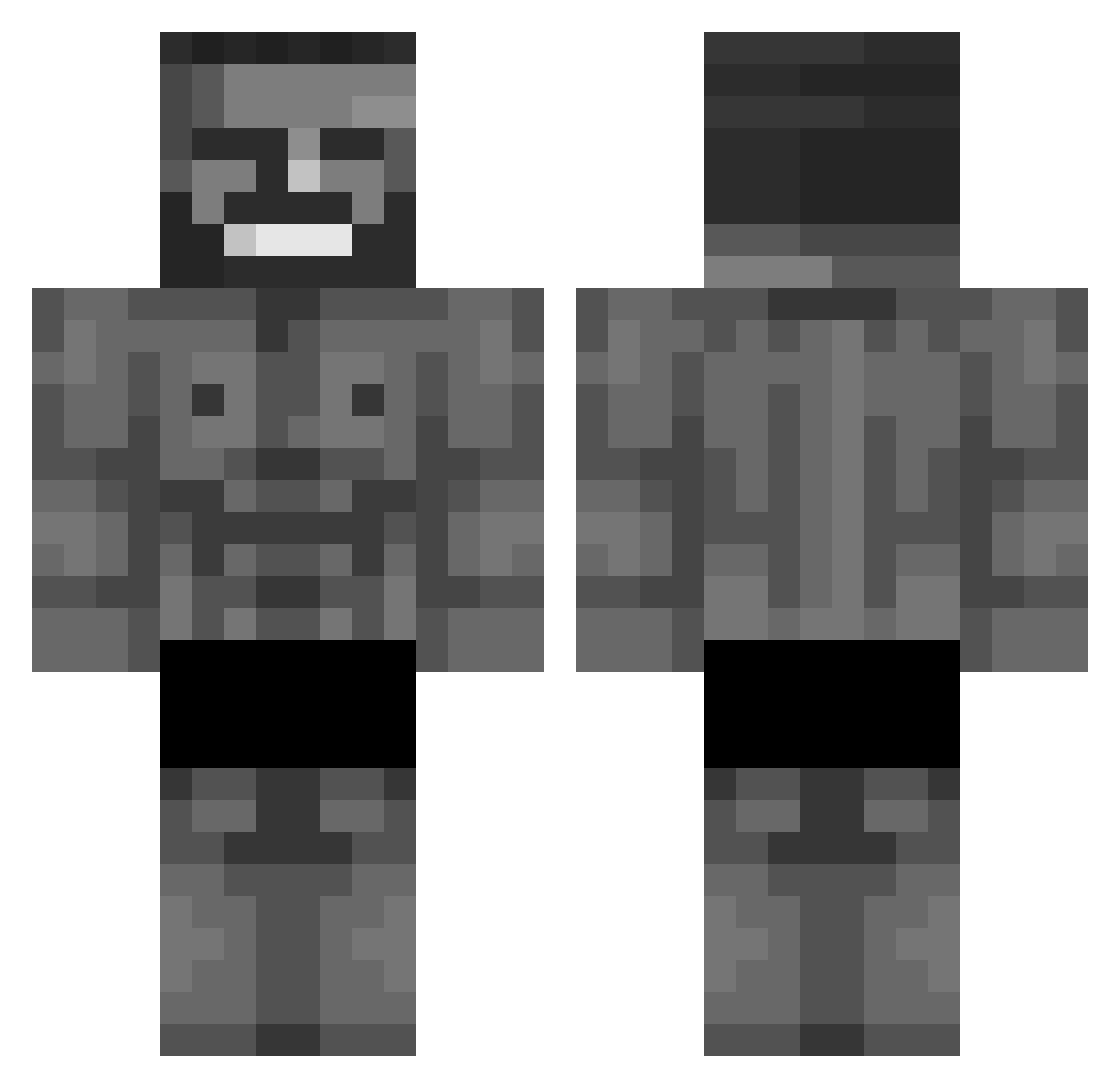
Current Minecraft skin of the player Wetir_ilBarbuto, loaded from the official Mojang API. Rotate the 3D model with your mouse or finger, then download the skin as a PNG file and use it in Minecraft: Bedrock Edition or Java Edition for free. When Wetir_ilBarbuto changes their skin, this page updates automatically and the old skin stays in the history below.
Other players with this skin (333)
Wetir_ilBarbuto was the 106th player we have seen with this skin, first spotted on 20.08.2026. The same skin was seen on these players. Open a nickname to see their current skin and skin history.
 Tn3lxz anzn__ Trash_boi_ Michael9175 redhoodies_03 EagerHawk736416 ThisFrenchDude dogballowo Sonicolas1234 Lankaka_ esruvx 16mert16 GGabril Hop3__ Coeqhe
 DZF1505 Cubalacon9999 otexxx Reaper1844 Mark_L25 whacky_pizza_man fantomas1k Sweatlio ZanderBach boomkait Mexicanboiiiiii ApexPredator200 Fokens jakpeper ZiomoPL _RAFA_09 GhostNin Trippt_ Uyasanhs cacatexploziv23 _5enw Arkadii haibara12 valera2008 BerkeSs alemela Jhew667 D3mon68 Gusso770 Frex7 ILSampu Dewdow Fylipek GebissreinigerHD LUCKYUISH The_Glizzard tanman1267 Ostwil texasigengster PapaLxrd longlialia_gtb Fusselow ModernEv zayyyezazdd Fearlexss
More Gigachad Minecraft skins
How to install the Wetir_ilBarbuto skin
- Press the Download button above to save the skin as a PNG file.
- Minecraft: Bedrock Edition (PE): open the Dressing Room from the main menu (or tap your character → Edit Character), go to Classic Skins → Owned, press the + (new skin) button, choose the downloaded PNG and pick the Classic (Steve) model. Works on PC and mobile; consoles cannot import custom skins.
- Minecraft: Java Edition: open the Minecraft Launcher, go to the Skins tab, click New Skin, load the PNG, pick the Classic (Steve) model and press Save & Use. You can also upload it at minecraft.net → Profile → Change Skin.
The skin does not show up after import - what should I do?
Restart Minecraft and open the Dressing Room again - imported skins sometimes appear only after a restart. Also make sure you selected the imported skin and picked the Classic (Steve) model.
Which model should I choose, Classic or Slim?
This skin is designed for the Classic (Steve) model. If you pick the wrong model, the arms of the skin will look stretched or squeezed.
Is the skin of Wetir_ilBarbuto free to download?
Yes. Press Download, save the PNG file and use it in Minecraft: Bedrock Edition or Java Edition - no payment or registration needed. The skin also works on multiplayer servers and Realms.
More skins
Looking for more? Go back to all Minecraft skins and check the top skins of the week, month and all time, or find any player's skin by nickname.