
WenGaming - Minecraft Skins & Skin History
Current Minecraft skin of the player WenGaming, loaded from the official Mojang API. Rotate the 3D model with your mouse or finger, then download the skin as a PNG file and use it in Minecraft: Bedrock Edition or Java Edition for free. When WenGaming changes their skin, this page updates automatically and the old skin stays in the history below.
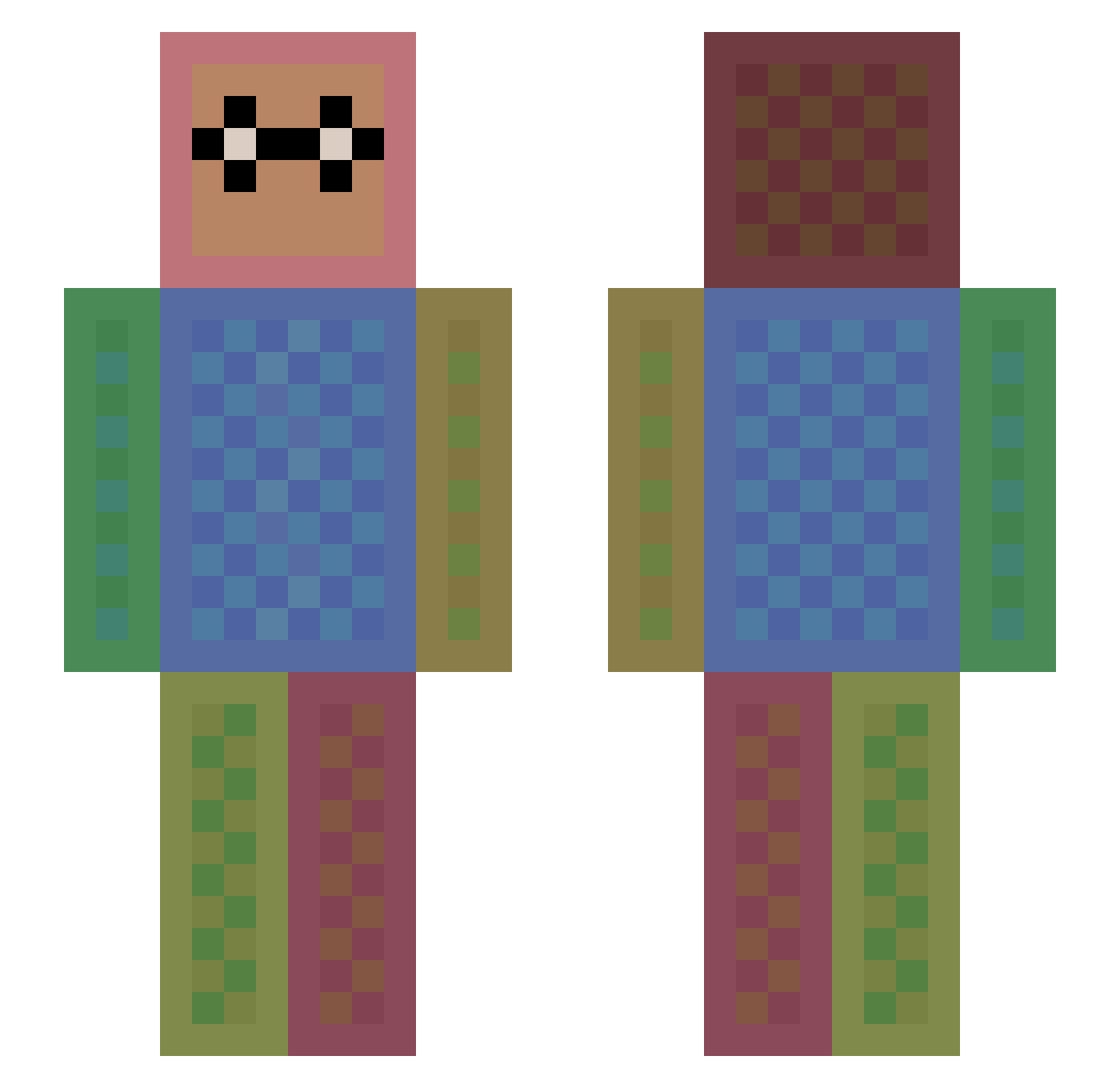
Other players with this skin (1113)
WenGaming was the 891st player we have seen with this skin, first spotted on 03.10.2026. The same skin was seen on these players. Open a nickname to see their current skin and skin history.
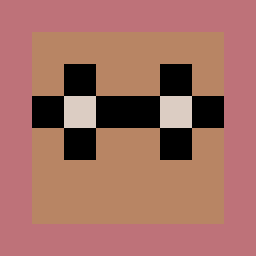 Hadleybug ShooterShoot PinkZing KzHh someRandomJew27 DiamondBlocks1 gizzybilly SchwarzeWelle Giuliopazzo Djinwin kakao211 JeanCarlos06 Harryp1 Capt_TwinkleToes SparkleZombie aidanpaul Losk_12 Lucas3031 Mira3k bbue212 crablegg Ruthmyrup nickgartmann HipityHopity3 joeunjeong Lxgo ban35 Hafutsuri captainhook12345 Lyxno Diversi11 Ender_soda PhyscoBananna ImYourDaddy136 playermacho weirdstickman is955 jappie002 Schlumpfi91 Kribbelwasser Emeraldgirl09 opcom12 xkiillwq BrodoBaggins7 Infamouspatato kalpan Wiktoria_W thaBOOM Lol_girl_ SUPERSQUID20000 whiplash0164 Elemental164 halaystarter ______L0nd______ marauderhald Cutekitty143 Melvinp reon_11037 nagqre FileLinx
How to install the WenGaming skin
- Press the Download button above to save the skin as a PNG file.
- Minecraft: Bedrock Edition (PE): open the Dressing Room from the main menu (or tap your character → Edit Character), go to Classic Skins → Owned, press the + (new skin) button, choose the downloaded PNG and pick the Slim (Alex) model. Works on PC and mobile; consoles cannot import custom skins.
- Minecraft: Java Edition: open the Minecraft Launcher, go to the Skins tab, click New Skin, load the PNG, pick the Slim (Alex) model and press Save & Use. You can also upload it at minecraft.net → Profile → Change Skin.
The skin does not show up after import - what should I do?
Restart Minecraft and open the Dressing Room again - imported skins sometimes appear only after a restart. Also make sure you selected the imported skin and picked the Slim (Alex) model.
Which model should I choose, Classic or Slim?
This skin is designed for the Slim (Alex) model. If you pick the wrong model, the arms of the skin will look stretched or squeezed.
Is the skin of WenGaming free to download?
Yes. Press Download, save the PNG file and use it in Minecraft: Bedrock Edition or Java Edition - no payment or registration needed. The skin also works on multiplayer servers and Realms.
More skins
Looking for more? Go back to all Minecraft skins and check the top skins of the week, month and all time, or find any player's skin by nickname.