
WeeGeeX - Minecraft Skins & Skin History
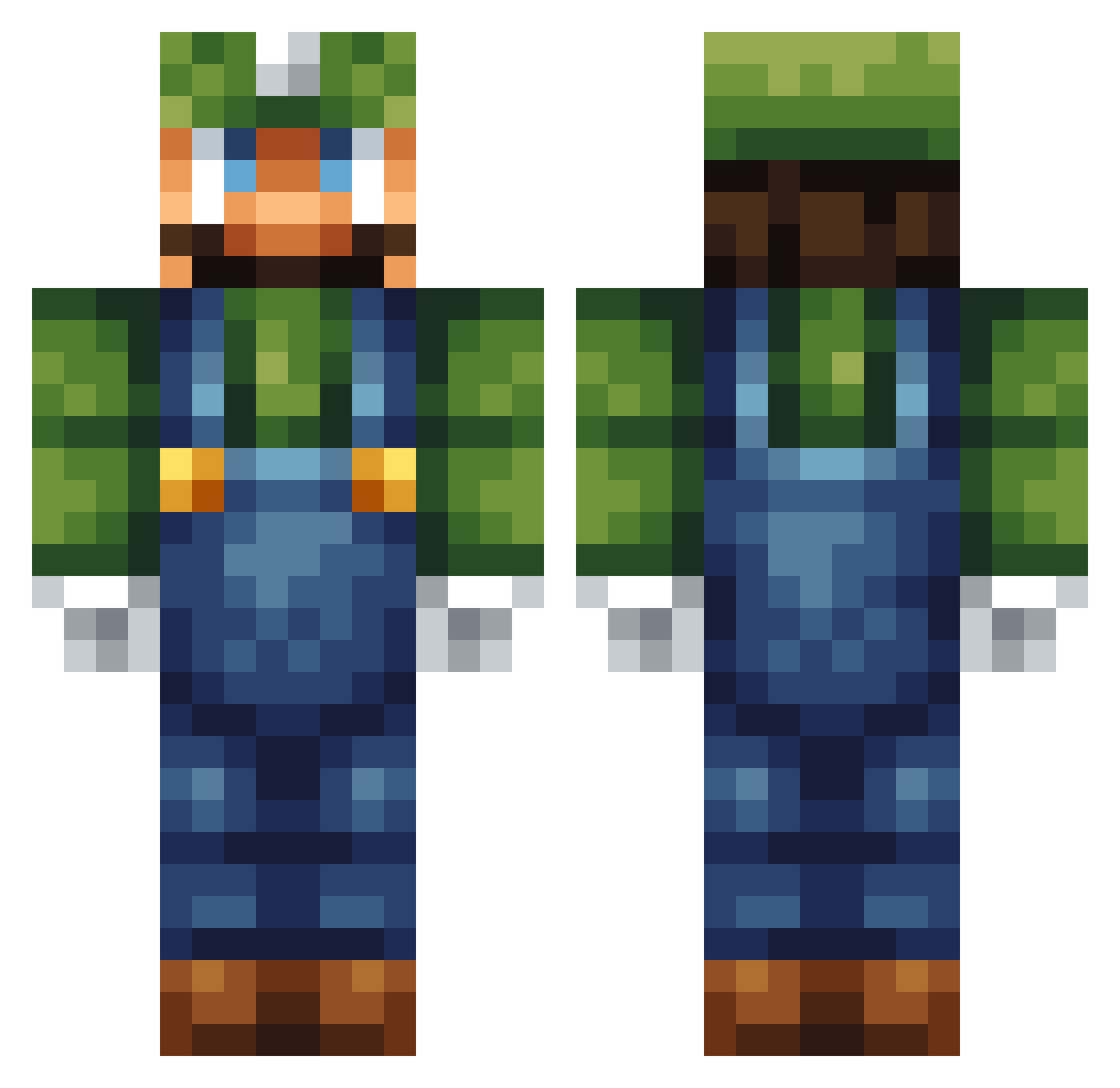
Current Minecraft skin of the player WeeGeeX, loaded from the official Mojang API. Rotate the 3D model with your mouse or finger, then download the skin as a PNG file and use it in Minecraft: Bedrock Edition or Java Edition for free. When WeeGeeX changes their skin, this page updates automatically and the old skin stays in the history below.
Other players with this skin (256)
WeeGeeX was the 215th player we have seen with this skin, first spotted on 17.10.2026. The same skin was seen on these players. Open a nickname to see their current skin and skin history.
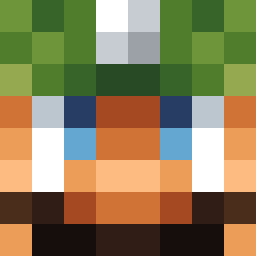 drburke SupahWeegee AquaCore00 BigD__K Kubalibra mines194 MinecraftSonic_1 itsslars themitchells granty13 jjlion Linan1123 MrLuigi987 skysercher5 kc018743 iiSleePY YGizzo Dragonswordtb mirel89 Dabs4Luigi Sasori214 Bobblgun michameijer ChonBoh Mackit0 BigZaxagon Iconosis Alyks tastytaco84 Pooley_97 ciweuw Uhnknown666 wilbur033 Logan0426 dasher34 LJW123 Xx_iceblast_xX kieransmith14 RedKite2020 wyatttb ss_serpent15 MaissiSKILLA carla2123 jackstr360 Ned12 HOWITZER001 Luigi_Guy c0RNx4 Philbin54 LocrianMode RasscallyCarrot DestinedDaniel donlo yosshi0505 quinn7297 Nizzemando gamesync14 tag_01 DaddyJ25 DM_rui
More Luigi Minecraft skins
How to install the WeeGeeX skin
- Press the Download button above to save the skin as a PNG file.
- Minecraft: Bedrock Edition (PE): open the Dressing Room from the main menu (or tap your character → Edit Character), go to Classic Skins → Owned, press the + (new skin) button, choose the downloaded PNG and pick the Classic (Steve) model. Works on PC and mobile; consoles cannot import custom skins.
- Minecraft: Java Edition: open the Minecraft Launcher, go to the Skins tab, click New Skin, load the PNG, pick the Classic (Steve) model and press Save & Use. You can also upload it at minecraft.net → Profile → Change Skin.
The skin does not show up after import - what should I do?
Restart Minecraft and open the Dressing Room again - imported skins sometimes appear only after a restart. Also make sure you selected the imported skin and picked the Classic (Steve) model.
Which model should I choose, Classic or Slim?
This skin is designed for the Classic (Steve) model. If you pick the wrong model, the arms of the skin will look stretched or squeezed.
Is the skin of WeeGeeX free to download?
Yes. Press Download, save the PNG file and use it in Minecraft: Bedrock Edition or Java Edition - no payment or registration needed. The skin also works on multiplayer servers and Realms.
More skins
Looking for more? Go back to all Minecraft skins and check the top skins of the week, month and all time, or find any player's skin by nickname.