
Wazzerkocher - Minecraft Skins & Skin History
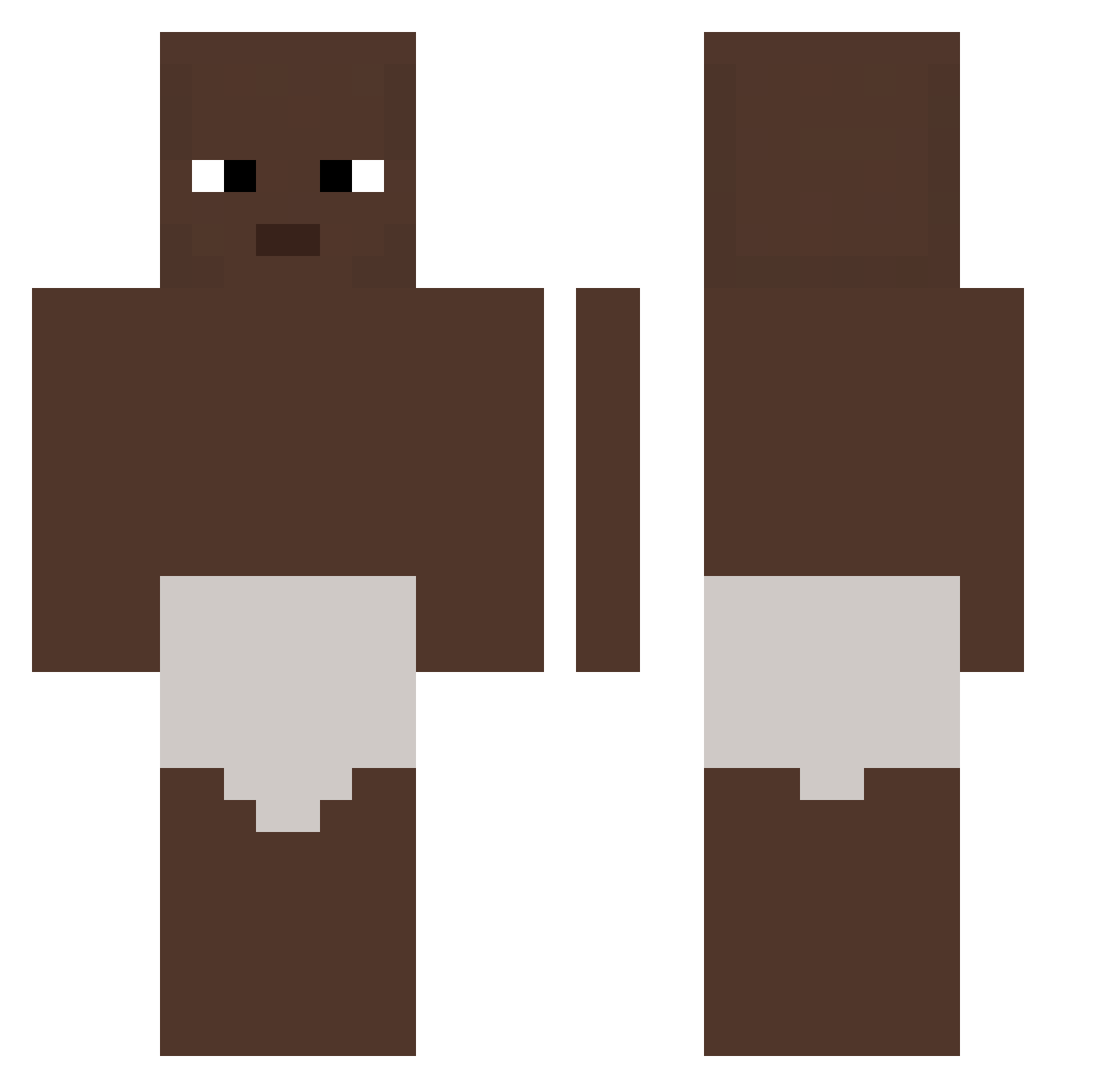
Current Minecraft skin of the player Wazzerkocher, loaded from the official Mojang API. Rotate the 3D model with your mouse or finger, then download the skin as a PNG file and use it in Minecraft: Bedrock Edition or Java Edition for free. When Wazzerkocher changes their skin, this page updates automatically and the old skin stays in the history below.
Other players with this skin (326)
Wazzerkocher was the 141st player we have seen with this skin, first spotted on 10.09.2026. The same skin was seen on these players. Open a nickname to see their current skin and skin history.
 Bigboyfrog46 iRobi0101 wassabiie H4DAS Itsthefire czeczenhanysek MiixiZz linnywsggg Wna1herd LAG0_ gumin123 robertchen1030 lx7q0 ilijah_ coolervoltex GrayFruit69 kisoc salt_yy NASAconfirmed negrinho2 ZeckyG AsianDoops DSNFR RaydPro D95s Oltriz pilnyJOZEF ddalseong Kirya_03 Pineapplepenapp ragingcornfest25 choda_0709 pys2724 Vacalechera000 MarkeaceThe1 SeekNDestroy166 Mqnd0 tnstnqq mejij seokhwang CartFeign rectafore el_racho_maquen VespaBuriram _Akabane_ Logoan12 synnflow gvzqs b1ackpeop1e T6rcs1 zZ7_7 Guty63 Poopcorn11 pieasd wm_klight Crinitee _k0fii innocentpigking comaisdone Siliqua
More Baby Minecraft skins
How to install the Wazzerkocher skin
- Press the Download button above to save the skin as a PNG file.
- Minecraft: Bedrock Edition (PE): open the Dressing Room from the main menu (or tap your character → Edit Character), go to Classic Skins → Owned, press the + (new skin) button, choose the downloaded PNG and pick the Classic (Steve) model. Works on PC and mobile; consoles cannot import custom skins.
- Minecraft: Java Edition: open the Minecraft Launcher, go to the Skins tab, click New Skin, load the PNG, pick the Classic (Steve) model and press Save & Use. You can also upload it at minecraft.net → Profile → Change Skin.
The skin does not show up after import - what should I do?
Restart Minecraft and open the Dressing Room again - imported skins sometimes appear only after a restart. Also make sure you selected the imported skin and picked the Classic (Steve) model.
Which model should I choose, Classic or Slim?
This skin is designed for the Classic (Steve) model. If you pick the wrong model, the arms of the skin will look stretched or squeezed.
Is the skin of Wazzerkocher free to download?
Yes. Press Download, save the PNG file and use it in Minecraft: Bedrock Edition or Java Edition - no payment or registration needed. The skin also works on multiplayer servers and Realms.
More skins
Looking for more? Go back to all Minecraft skins and check the top skins of the week, month and all time, or find any player's skin by nickname.