
W1tamin - Minecraft Skins & Skin History
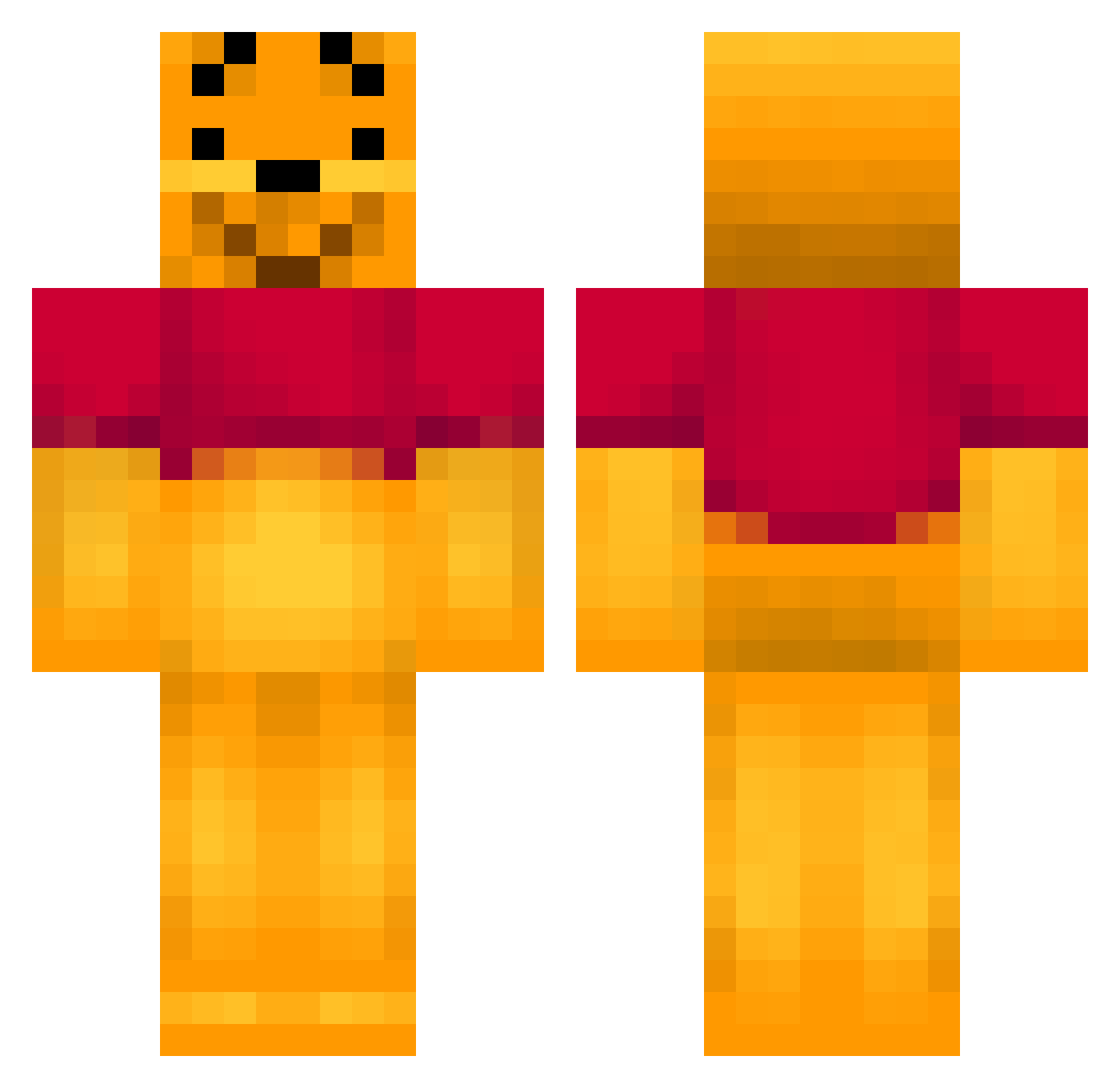
Current Minecraft skin of the player W1tamin, loaded from the official Mojang API. Rotate the 3D model with your mouse or finger, then download the skin as a PNG file and use it in Minecraft: Bedrock Edition or Java Edition for free. When W1tamin changes their skin, this page updates automatically and the old skin stays in the history below.
Other players with this skin (403)
W1tamin was the 303rd player we have seen with this skin, first spotted on 13.10.2026. The same skin was seen on these players. Open a nickname to see their current skin and skin history.
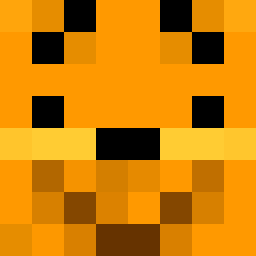 Sn0o0op Poohbear218 mightygerbil mint229 IAMAIMEE Dreabear GulleRM11 Rucxy_ iLuvWineeh winta64 Green_Gekko MienKreft AdelaXD joeb1524 swor1 Jamie_Millward98 Wi_nnie CaptainBoon Nallepuhi ddosoon loijas billyyyy12 PaDdY07 chesca12 Gnuh_Gnuh Ponkeponk Voegelchen amartinez0607 winkleman1238910 tomenluuk1234 iSperm Charlaw85 Karosine stan_claus UliBR Kasanovazi BrunoBranaz djblancos Oce_PR freshNeasy itsRemzy m0ntreal painkiller647 evil_pear Dazidog SebbeLiteen SnazzyPotatoes norwegiannn Crafty_Craftster dragonsfireae86 victoriatejadaa zekegertz BRG1 JINROHx Carnitrin misterdanger doop11 Jeanilein beatrixpotter OceanMonster
More Winnie The Pooh Minecraft skins
See all 342 Winnie The Pooh skins
How to install the W1tamin skin
- Press the Download button above to save the skin as a PNG file.
- Minecraft: Bedrock Edition (PE): open the Dressing Room from the main menu (or tap your character → Edit Character), go to Classic Skins → Owned, press the + (new skin) button, choose the downloaded PNG and pick the Classic (Steve) model. Works on PC and mobile; consoles cannot import custom skins.
- Minecraft: Java Edition: open the Minecraft Launcher, go to the Skins tab, click New Skin, load the PNG, pick the Classic (Steve) model and press Save & Use. You can also upload it at minecraft.net → Profile → Change Skin.
The skin does not show up after import - what should I do?
Restart Minecraft and open the Dressing Room again - imported skins sometimes appear only after a restart. Also make sure you selected the imported skin and picked the Classic (Steve) model.
Which model should I choose, Classic or Slim?
This skin is designed for the Classic (Steve) model. If you pick the wrong model, the arms of the skin will look stretched or squeezed.
Is the skin of W1tamin free to download?
Yes. Press Download, save the PNG file and use it in Minecraft: Bedrock Edition or Java Edition - no payment or registration needed. The skin also works on multiplayer servers and Realms.
More skins
Looking for more? Go back to all Minecraft skins and check the top skins of the week, month and all time, or find any player's skin by nickname.