
Vyndrosatin - Minecraft Skins & Skin History
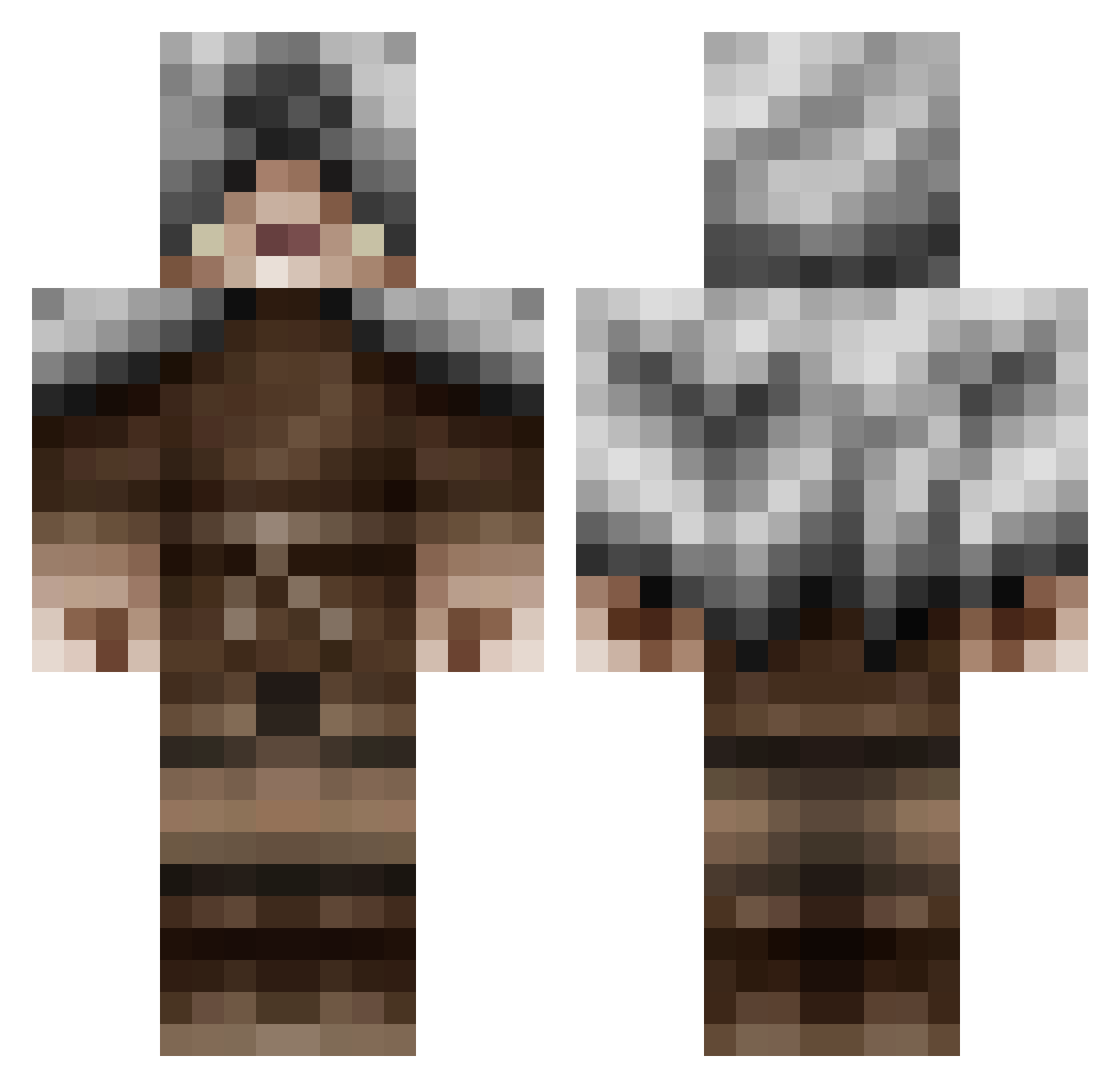
Current Minecraft skin of the player Vyndrosatin, loaded from the official Mojang API. Rotate the 3D model with your mouse or finger, then download the skin as a PNG file and use it in Minecraft: Bedrock Edition or Java Edition for free. When Vyndrosatin changes their skin, this page updates automatically and the old skin stays in the history below.
Other players with this skin (170)
Vyndrosatin was the 132nd player we have seen with this skin, first spotted on 29.10.2026. The same skin was seen on these players. Open a nickname to see their current skin and skin history.
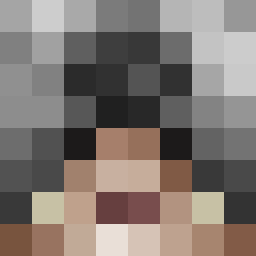 levalloispaul Jace_Beau OMGitsTobay Brixius96 GreenJadeHyena Ragnaa001 ollwik CBrown2 wolftooth666 Thraxinus alima Ayazeus OUTMUSCLED SolVW2 Bhowe99 Rikto dusthunter11 Azkire Brandaux suldierboy marco1244 MohawkPenguin TenkoPhoenix ColdCoffee sirbarnibus Ethereal_0725 Antt1k Jer455 zzsrtzz scotty_poo CitrusWhisper Zap_ador_67 rowinggendry krillahzilla_ NuppE02 norill Kjaeru Verioon Haetticus GlmrK Loki102 soccerboi1353 Base_KlefR DissidentWretch_ SoulzBlood sirmemealot esteroids38 Holdyir TitomiguelitoX GhostNyt Bad_Architect caruloskex Wurschtbixn SzinTwo Chris_pyy Moments41 PvtPencil Xrio VinteRGuY REDSPARTAN78
More Hooded Assassin Minecraft skins
See all 214 Hooded Assassin skins
How to install the Vyndrosatin skin
- Press the Download button above to save the skin as a PNG file.
- Minecraft: Bedrock Edition (PE): open the Dressing Room from the main menu (or tap your character → Edit Character), go to Classic Skins → Owned, press the + (new skin) button, choose the downloaded PNG and pick the Classic (Steve) model. Works on PC and mobile; consoles cannot import custom skins.
- Minecraft: Java Edition: open the Minecraft Launcher, go to the Skins tab, click New Skin, load the PNG, pick the Classic (Steve) model and press Save & Use. You can also upload it at minecraft.net → Profile → Change Skin.
The skin does not show up after import - what should I do?
Restart Minecraft and open the Dressing Room again - imported skins sometimes appear only after a restart. Also make sure you selected the imported skin and picked the Classic (Steve) model.
Which model should I choose, Classic or Slim?
This skin is designed for the Classic (Steve) model. If you pick the wrong model, the arms of the skin will look stretched or squeezed.
Is the skin of Vyndrosatin free to download?
Yes. Press Download, save the PNG file and use it in Minecraft: Bedrock Edition or Java Edition - no payment or registration needed. The skin also works on multiplayer servers and Realms.
More skins
Looking for more? Go back to all Minecraft skins and check the top skins of the week, month and all time, or find any player's skin by nickname.