
Vuko_Dlak - Minecraft Skins & Skin History
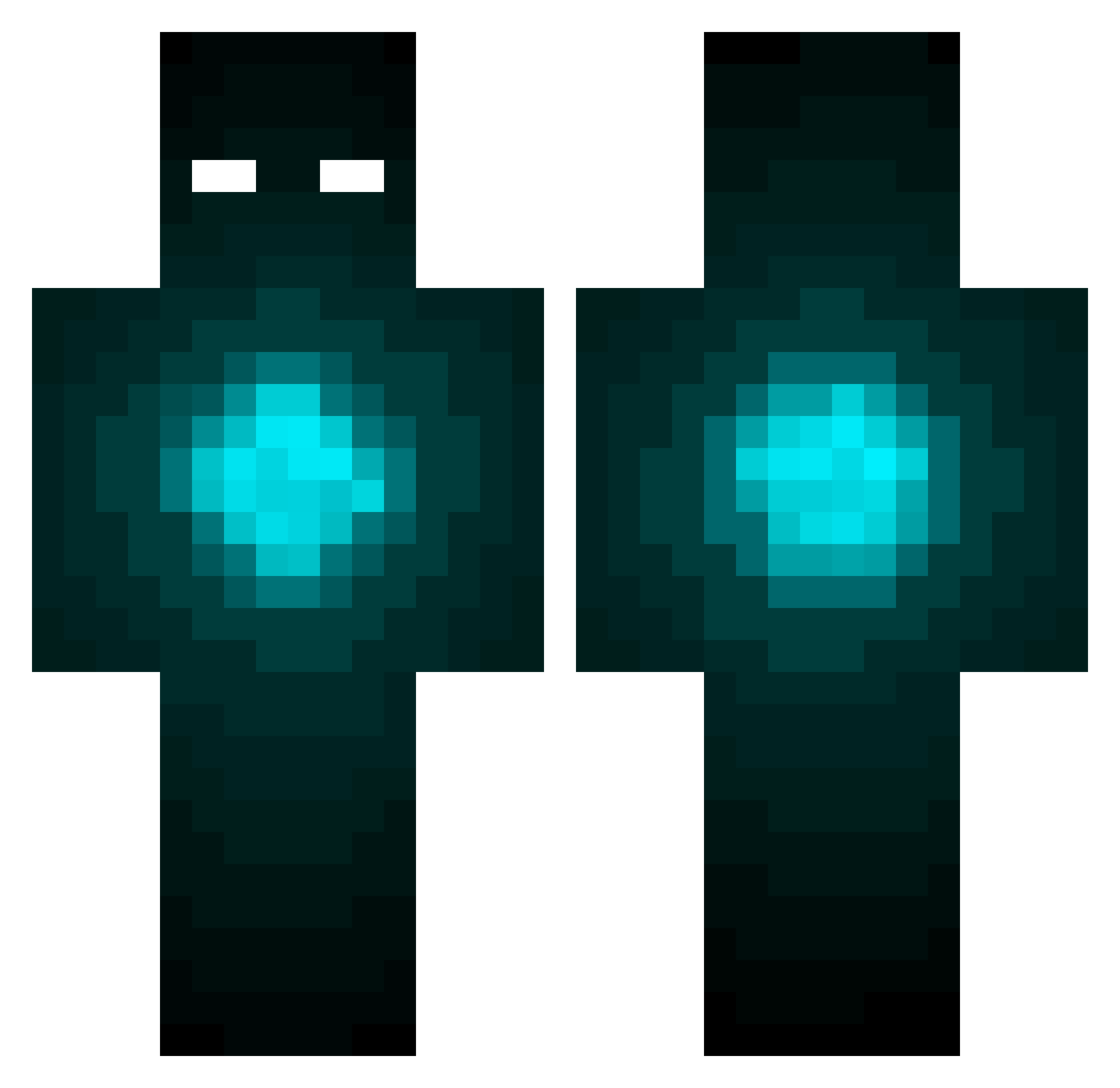
Current Minecraft skin of the player Vuko_Dlak, loaded from the official Mojang API. Rotate the 3D model with your mouse or finger, then download the skin as a PNG file and use it in Minecraft: Bedrock Edition or Java Edition for free. When Vuko_Dlak changes their skin, this page updates automatically and the old skin stays in the history below.
Other players with this skin (169)
Vuko_Dlak was the 126th player we have seen with this skin, first spotted on 07.10.2026. The same skin was seen on these players. Open a nickname to see their current skin and skin history.
 medallaX TheGMan1776 OMEGALEX17 Papptibor MonkeySeb7 Dawrl1 bochi9494 KDubbs6993 117YMY117 GB26 Figlus PPPigeon PimpSt4r Kairimo Abysssssss TheWiseOne1800 TheSlayor13 PandasOnRoids MaXiLm shpuki _Cafi watson0903 atheist4life ToastyWriter Fuzen0 EMadrid 99567 leftgle9 SIASAZZ of_memories XelaCapone Orzeszek342 SDanielG jnkettenring MADROSSELL Falco10032 dBaezab P4UL_1998 On9ANDOn99 power_houze blankblk motatopotato ILoveShahmbie TheRetroPeanut pr3dator_f50 Burttsyburtt ProMiniFire Samuel2333 18MAKO18 TTBridge father857 ADGayMilk Anying_0501 Chen_Chuan PossEnd RealHazard9 oli_pvp_pro2011 Arysseus7 kasa26253 franargentina
More Eyes Minecraft skins
How to install the Vuko_Dlak skin
- Press the Download button above to save the skin as a PNG file.
- Minecraft: Bedrock Edition (PE): open the Dressing Room from the main menu (or tap your character → Edit Character), go to Classic Skins → Owned, press the + (new skin) button, choose the downloaded PNG and pick the Classic (Steve) model. Works on PC and mobile; consoles cannot import custom skins.
- Minecraft: Java Edition: open the Minecraft Launcher, go to the Skins tab, click New Skin, load the PNG, pick the Classic (Steve) model and press Save & Use. You can also upload it at minecraft.net → Profile → Change Skin.
The skin does not show up after import - what should I do?
Restart Minecraft and open the Dressing Room again - imported skins sometimes appear only after a restart. Also make sure you selected the imported skin and picked the Classic (Steve) model.
Which model should I choose, Classic or Slim?
This skin is designed for the Classic (Steve) model. If you pick the wrong model, the arms of the skin will look stretched or squeezed.
Is the skin of Vuko_Dlak free to download?
Yes. Press Download, save the PNG file and use it in Minecraft: Bedrock Edition or Java Edition - no payment or registration needed. The skin also works on multiplayer servers and Realms.
More skins
Looking for more? Go back to all Minecraft skins and check the top skins of the week, month and all time, or find any player's skin by nickname.