
VirtuePC - Minecraft Skins & Skin History
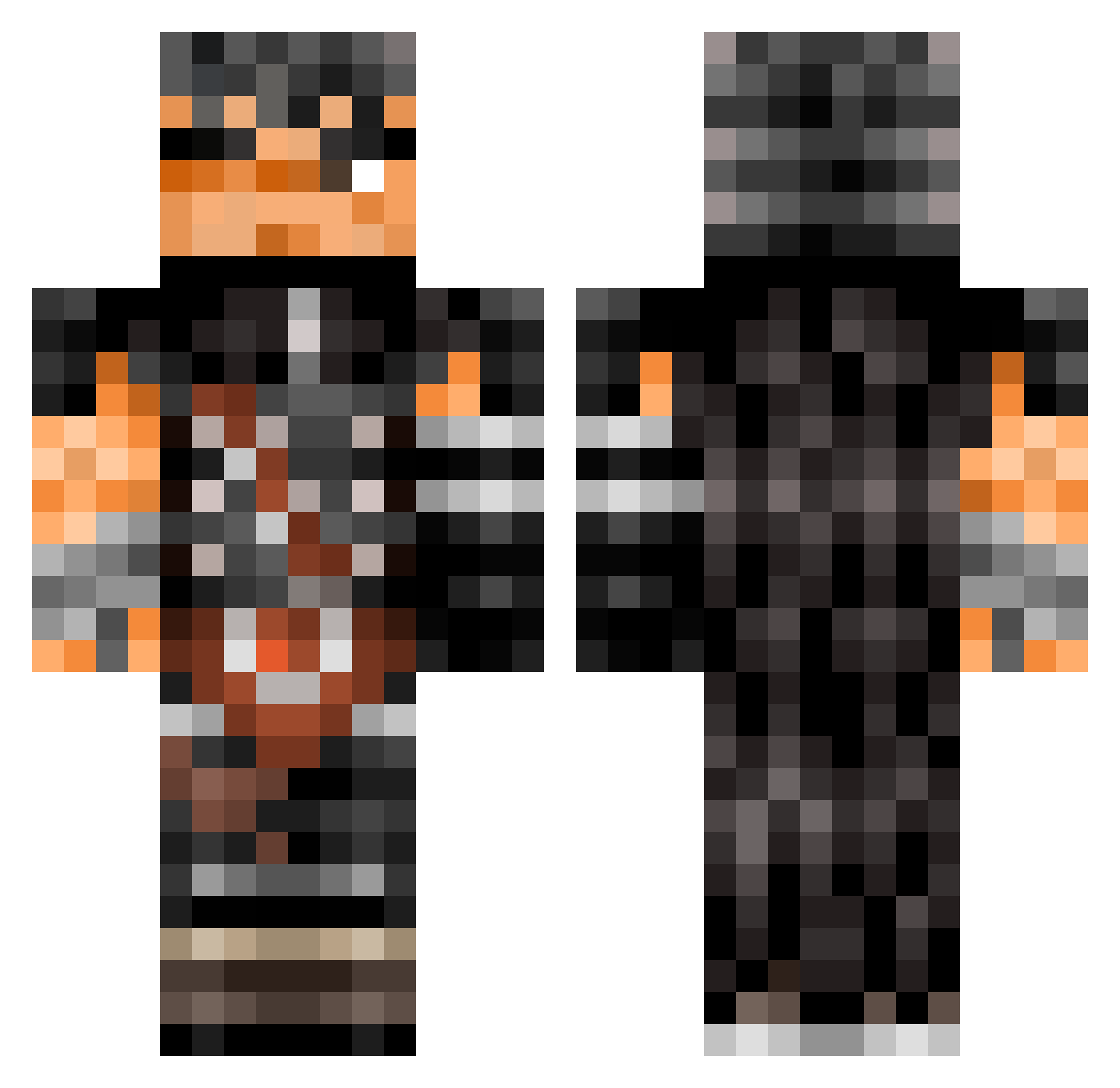
Current Minecraft skin of the player VirtuePC, loaded from the official Mojang API. Rotate the 3D model with your mouse or finger, then download the skin as a PNG file and use it in Minecraft: Bedrock Edition or Java Edition for free. When VirtuePC changes their skin, this page updates automatically and the old skin stays in the history below.
Other players with this skin (504)
VirtuePC was the 109th player we have seen with this skin, first spotted on 16.08.2026. The same skin was seen on these players. Open a nickname to see their current skin and skin history.
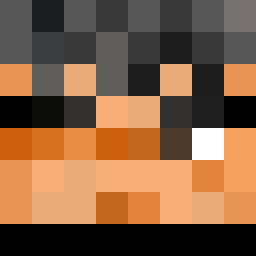 misinput_mp4 Toriyomi soylaparca Squirrelthulu Dustblade_ PankDussy Alidipollo07 BruhBallHead blainose nultrasol MultiMidaa Cheralgel nathan_1on MAURICEEEEEEEE Sir_Strapon edumanri Sam232 Da_Goat_Ignacy dinorado juliancub sommersangill Thermally Taka82 Kasmilos jabowins2 Fermond AngellZzz Saated KidGuts Zhai222 _Gattsu_ claytos44 gangstarlife hannah_49 JoKr1 Anogyear Shawn1299 OCoringa25 osama1720 NotFroggies Coopzzyy claythetitan Smonoo soizaki ronezyzome Naikyum Lontalius01 PaiNK0 novaleeee ItzShu fishnanchips EJC0827 MonkeyOfMexico yagoybp NeroAngeIo_ TheOvermind k0schiri OliveOil04 AspectDeadly BigDaddyHog
More Guts Minecraft skins
How to install the VirtuePC skin
- Press the Download button above to save the skin as a PNG file.
- Minecraft: Bedrock Edition (PE): open the Dressing Room from the main menu (or tap your character → Edit Character), go to Classic Skins → Owned, press the + (new skin) button, choose the downloaded PNG and pick the Classic (Steve) model. Works on PC and mobile; consoles cannot import custom skins.
- Minecraft: Java Edition: open the Minecraft Launcher, go to the Skins tab, click New Skin, load the PNG, pick the Classic (Steve) model and press Save & Use. You can also upload it at minecraft.net → Profile → Change Skin.
The skin does not show up after import - what should I do?
Restart Minecraft and open the Dressing Room again - imported skins sometimes appear only after a restart. Also make sure you selected the imported skin and picked the Classic (Steve) model.
Which model should I choose, Classic or Slim?
This skin is designed for the Classic (Steve) model. If you pick the wrong model, the arms of the skin will look stretched or squeezed.
Is the skin of VirtuePC free to download?
Yes. Press Download, save the PNG file and use it in Minecraft: Bedrock Edition or Java Edition - no payment or registration needed. The skin also works on multiplayer servers and Realms.
More skins
Looking for more? Go back to all Minecraft skins and check the top skins of the week, month and all time, or find any player's skin by nickname.