
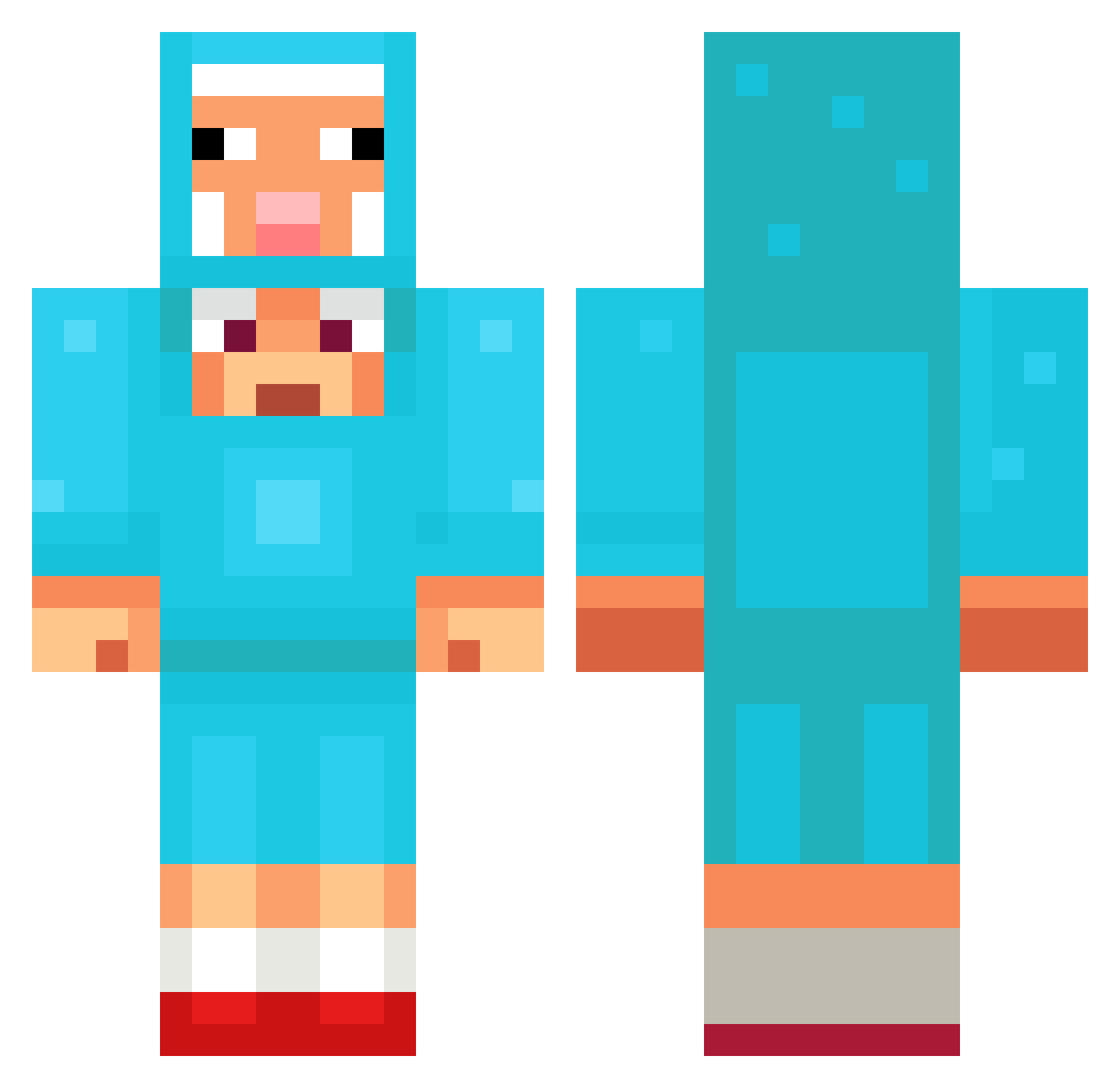
Current Minecraft skin of the player Vemoda, loaded from the official Mojang API. Rotate the 3D model with your mouse or finger, then download the skin as a PNG file and use it in Minecraft: Bedrock Edition or Java Edition for free. When Vemoda changes their skin, this page updates automatically and the old skin stays in the history below.
Other players with this skin (1029)
Vemoda was the 177th player we have seen with this skin, first spotted on 08.08.2026. The same skin was seen on these players. Open a nickname to see their current skin and skin history.
 SIM_SAN jogurtslav Adobo108 vasol1
 YT_Schaap CLONE78956 webpedrerokkj titilewistiti Juhhbez sutjae123 Aussie815
 SkyplexALLTHEWAY grooovy3256 1soysoy1 ChickenMan7727 xZifr0x ElAlfon TylerD007 HaniaStworka niprohokiv Itz_RealPan ThunderzVibe zeilamazwonsiken Senbon1 filzhut77 FaZeBrray Krembovan lanache HildingVilding06 CHEESEBALL1203 SigmaBoy3007 DraculaWasGood Musicality2472 finlaybell8 KosOski poonpompo1 elpepexddd Jumbaaaa rodnototomas _Microtime_ Fluxcore__ xXcAnXx16 SpicyMantis189 BlueCow96 Mo3OH EnderEmpire12 ede5162 cookieandcheese procyrus1031 grs420 dugudugu13 elevenfiftyfour NINACH22 oguzhan44 CHIKEN1122 becky4545 seum777 TheFrizzler superjas44 MChazbot
More Sheep Minecraft skins
How to install the Vemoda skin
- Press the Download button above to save the skin as a PNG file.
- Minecraft: Bedrock Edition (PE): open the Dressing Room from the main menu (or tap your character → Edit Character), go to Classic Skins → Owned, press the + (new skin) button, choose the downloaded PNG and pick the Classic (Steve) model. Works on PC and mobile; consoles cannot import custom skins.
- Minecraft: Java Edition: open the Minecraft Launcher, go to the Skins tab, click New Skin, load the PNG, pick the Classic (Steve) model and press Save & Use. You can also upload it at minecraft.net → Profile → Change Skin.
The skin does not show up after import - what should I do?
Restart Minecraft and open the Dressing Room again - imported skins sometimes appear only after a restart. Also make sure you selected the imported skin and picked the Classic (Steve) model.
Which model should I choose, Classic or Slim?
This skin is designed for the Classic (Steve) model. If you pick the wrong model, the arms of the skin will look stretched or squeezed.
Is the skin of Vemoda free to download?
Yes. Press Download, save the PNG file and use it in Minecraft: Bedrock Edition or Java Edition - no payment or registration needed. The skin also works on multiplayer servers and Realms.
More skins
Looking for more? Go back to all Minecraft skins and check the top skins of the week, month and all time, or find any player's skin by nickname.