
VaySens - Minecraft Skins & Skin History
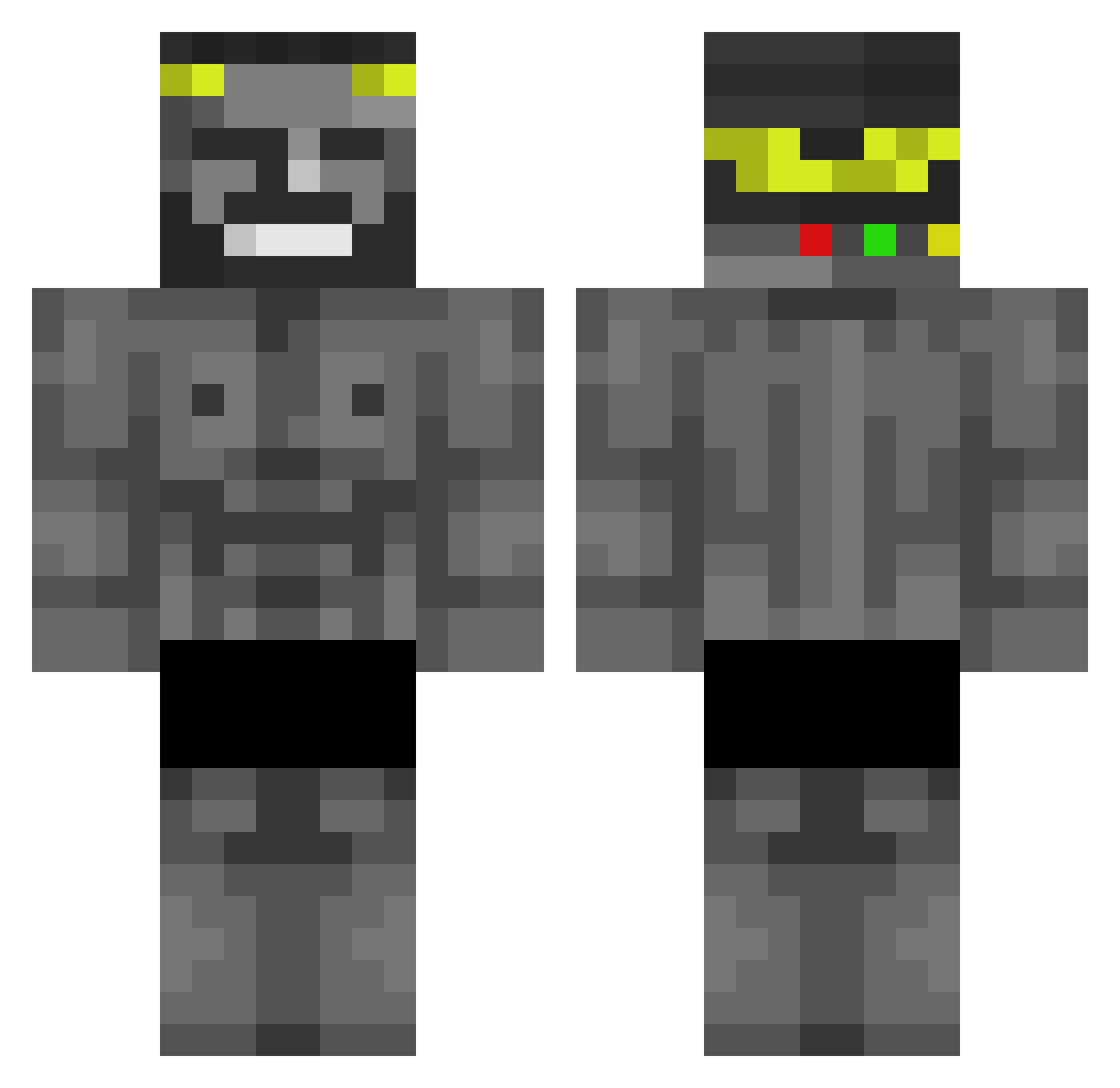
Current Minecraft skin of the player VaySens, loaded from the official Mojang API. Rotate the 3D model with your mouse or finger, then download the skin as a PNG file and use it in Minecraft: Bedrock Edition or Java Edition for free. When VaySens changes their skin, this page updates automatically and the old skin stays in the history below.
Other players with this skin (440)
VaySens was the 303rd player we have seen with this skin, first spotted on 05.10.2026. The same skin was seen on these players. Open a nickname to see their current skin and skin history.
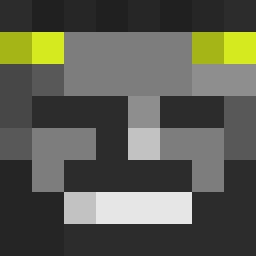 jerryjem Elchiquito20 SrSebastianGamer TheRockObunga BarmyCargo JakePeraltaa KiingzzZ howerpower 4minwmb CM0SS18 TaintPaintus Landlord1402 DrGuvenAksu Asteriqz kayman_67 Brandoski16 Dovahakiin07 mati_16500 ioLuiz creeper2591 Kantonir tupixxd xD4rkN1ght Swatking424 DUST1N_YA Slyisded Sleekbabybird CHAILLE_212 ChapColors Slappy0 xxxGodxxx broyeahhh Dovydazsd stayco ChangeZF gamer_de_memes nitra35 Spiff_Frick ManoelPerico AgentLee007 Marten_1 KXNDRAD DashG0D NotEkho_ _Skinny_Legend dxego_king AmHIV PCP1ayer124 geniousmine DOFU123 ElShigma KrimZCh Speedurko000 GetTrashedKid Vinsen287 Polettao Italian6 rncl DimYogg01 Zondyl
More Gigachad Minecraft skins
How to install the VaySens skin
- Press the Download button above to save the skin as a PNG file.
- Minecraft: Bedrock Edition (PE): open the Dressing Room from the main menu (or tap your character → Edit Character), go to Classic Skins → Owned, press the + (new skin) button, choose the downloaded PNG and pick the Classic (Steve) model. Works on PC and mobile; consoles cannot import custom skins.
- Minecraft: Java Edition: open the Minecraft Launcher, go to the Skins tab, click New Skin, load the PNG, pick the Classic (Steve) model and press Save & Use. You can also upload it at minecraft.net → Profile → Change Skin.
The skin does not show up after import - what should I do?
Restart Minecraft and open the Dressing Room again - imported skins sometimes appear only after a restart. Also make sure you selected the imported skin and picked the Classic (Steve) model.
Which model should I choose, Classic or Slim?
This skin is designed for the Classic (Steve) model. If you pick the wrong model, the arms of the skin will look stretched or squeezed.
Is the skin of VaySens free to download?
Yes. Press Download, save the PNG file and use it in Minecraft: Bedrock Edition or Java Edition - no payment or registration needed. The skin also works on multiplayer servers and Realms.
More skins
Looking for more? Go back to all Minecraft skins and check the top skins of the week, month and all time, or find any player's skin by nickname.