
Varshketis - Minecraft Skins & Skin History
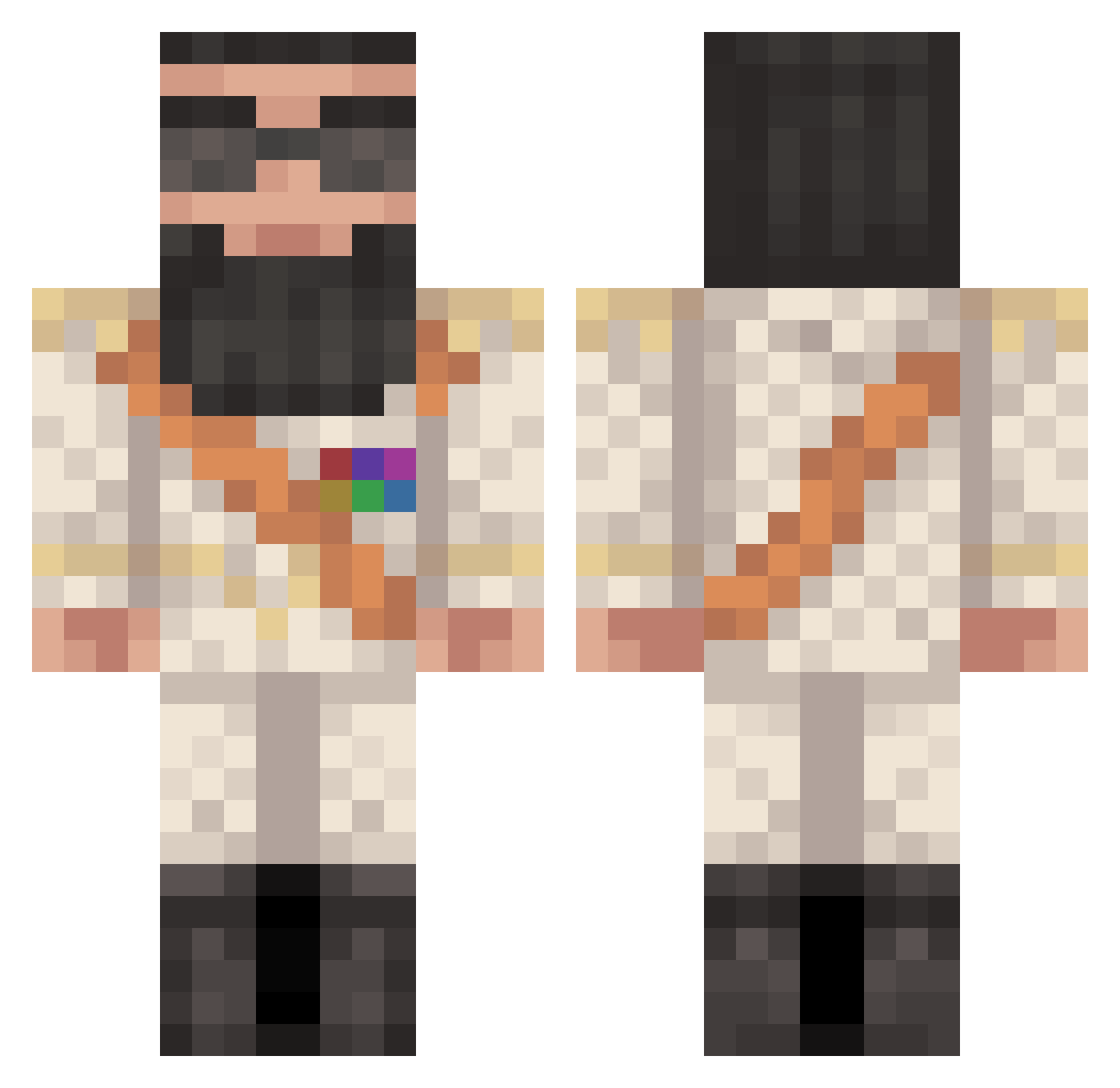
Current Minecraft skin of the player Varshketis, loaded from the official Mojang API. Rotate the 3D model with your mouse or finger, then download the skin as a PNG file and use it in Minecraft: Bedrock Edition or Java Edition for free. When Varshketis changes their skin, this page updates automatically and the old skin stays in the history below.
Other players with this skin (144)
Varshketis was the 109th player we have seen with this skin, first spotted on 27.10.2026. The same skin was seen on these players. Open a nickname to see their current skin and skin history.
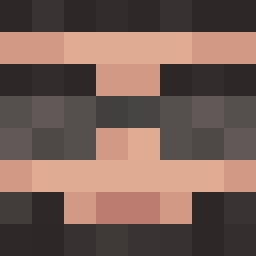 John_Locke Jiyuuka TJ_321 DortHit_fUdiJ9yU NimbleApollo519 BAAF6 Apocalypse0127 Prometheus9001 calvacito shleepydeepy Develin_9 VV_Wesco Mulju Juaqeem SaladMaster788 PayzTheSithGamer turbolada squishypantsman Caph Babatumbe Nacholitt0 DerSnooP Boulib killlmefam RedBerr GenusBaryonyx killer_Bean03 Dust_vor Dar_cuzo TrEbUsZz ExtraEcho R3cc4 Julian_Tim lenaic27 Lucyius coolsacha11 Kanye_is_prophet Aleks___________ wangzh sven_sir Colinversch MickMoel21 Simply_santi 3Mamero xqnax420 Shlomethius Skideli WeePhillup eliasjorgensen Friedrich_Merz TheDiamondCross0 Oreo0303 Darkwee2 Boduzar1907 smokietheboss DawsonTurner Danybroni MrMan148 JuicyPunch Arce_12
More Saddam Hussein Minecraft skins
See all 11 Saddam Hussein skins
How to install the Varshketis skin
- Press the Download button above to save the skin as a PNG file.
- Minecraft: Bedrock Edition (PE): open the Dressing Room from the main menu (or tap your character → Edit Character), go to Classic Skins → Owned, press the + (new skin) button, choose the downloaded PNG and pick the Classic (Steve) model. Works on PC and mobile; consoles cannot import custom skins.
- Minecraft: Java Edition: open the Minecraft Launcher, go to the Skins tab, click New Skin, load the PNG, pick the Classic (Steve) model and press Save & Use. You can also upload it at minecraft.net → Profile → Change Skin.
The skin does not show up after import - what should I do?
Restart Minecraft and open the Dressing Room again - imported skins sometimes appear only after a restart. Also make sure you selected the imported skin and picked the Classic (Steve) model.
Which model should I choose, Classic or Slim?
This skin is designed for the Classic (Steve) model. If you pick the wrong model, the arms of the skin will look stretched or squeezed.
Is the skin of Varshketis free to download?
Yes. Press Download, save the PNG file and use it in Minecraft: Bedrock Edition or Java Edition - no payment or registration needed. The skin also works on multiplayer servers and Realms.
More skins
Looking for more? Go back to all Minecraft skins and check the top skins of the week, month and all time, or find any player's skin by nickname.