
Vampforlife - Minecraft Skins & Skin History
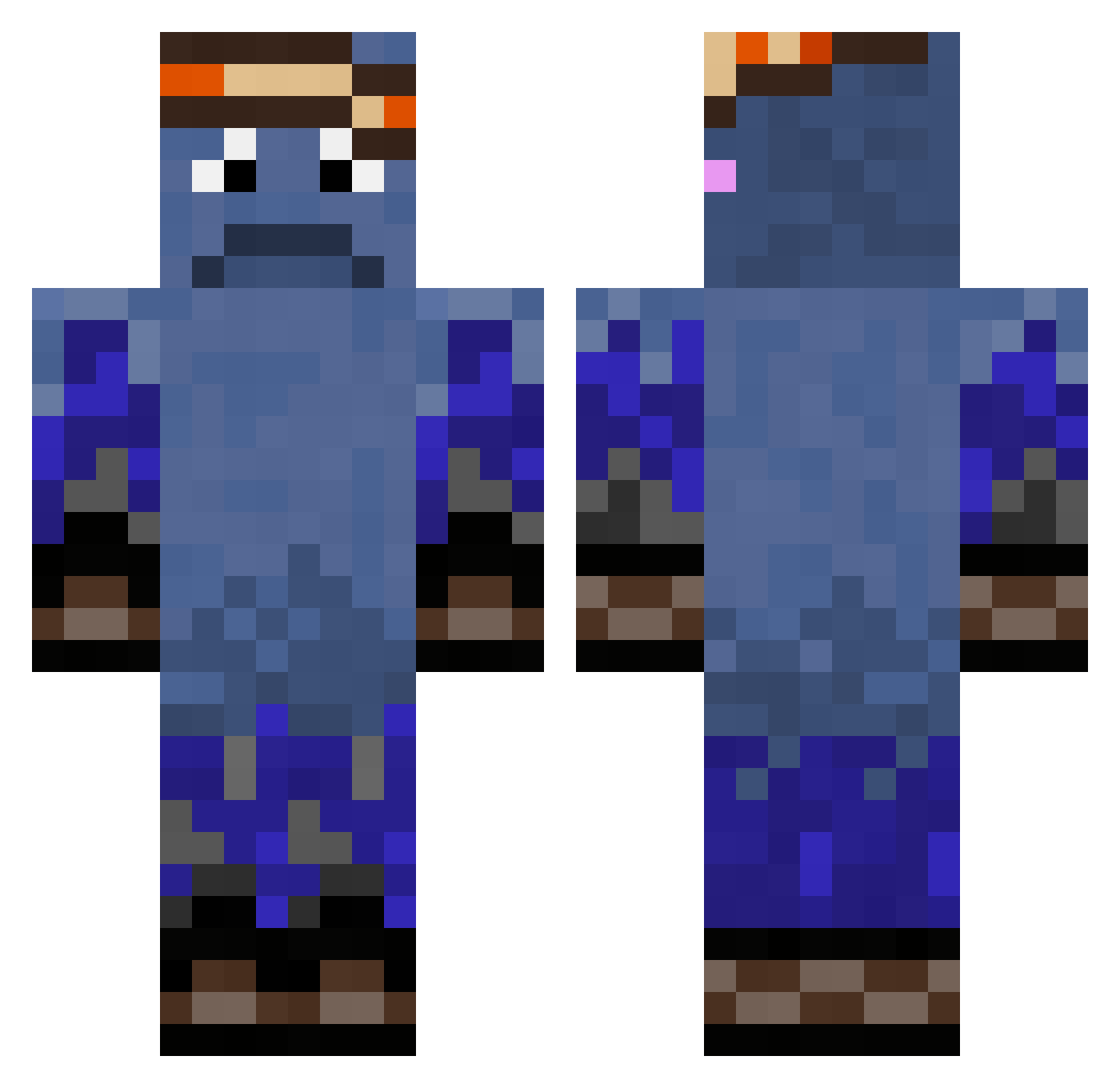
Current Minecraft skin of the player Vampforlife, loaded from the official Mojang API. Rotate the 3D model with your mouse or finger, then download the skin as a PNG file and use it in Minecraft: Bedrock Edition or Java Edition for free. When Vampforlife changes their skin, this page updates automatically and the old skin stays in the history below.
Other players with this skin (324)
Vampforlife was the 282nd player we have seen with this skin, first spotted on 22.10.2026. The same skin was seen on these players. Open a nickname to see their current skin and skin history.
 EMIROB11 MaXXi13 kissstar slidge777 Reallf2 Kokardos Izzraite DxSnaz NotFloxx skid77 Login_M Pikachuzi Zafirxb halawala gerrald25 Themaster100048 Fly1ng_Dutchman0 Patroick neropotato SilverDSilent Nefeeeee CantBeCursed jhchan zul_stasio RypzuMOOS tr5l GamerAGRESOR birkMN0 DaZwars 2kake3 thing12334 mushmallow OGMonsey AlexImperial MommyAttractor67 Edvindan Fadez_is_Sleepy eljozef Nicky1720 TytonOverlord12 __MakeAWishKid__ HarryJurtz gamemaciej utkukuru KJCOOLYES ImcrazyBroke Rixlr 826ms SUBLVL0 Broomans slattsmc wtoppas ihaveanicefamily sqx1dyfishy Pika_Mika NikitaHu Ede10001 SHOXMEISTER s0meone12345 goblin_eater65
How to install the Vampforlife skin
- Press the Download button above to save the skin as a PNG file.
- Minecraft: Bedrock Edition (PE): open the Dressing Room from the main menu (or tap your character → Edit Character), go to Classic Skins → Owned, press the + (new skin) button, choose the downloaded PNG and pick the Classic (Steve) model. Works on PC and mobile; consoles cannot import custom skins.
- Minecraft: Java Edition: open the Minecraft Launcher, go to the Skins tab, click New Skin, load the PNG, pick the Classic (Steve) model and press Save & Use. You can also upload it at minecraft.net → Profile → Change Skin.
The skin does not show up after import - what should I do?
Restart Minecraft and open the Dressing Room again - imported skins sometimes appear only after a restart. Also make sure you selected the imported skin and picked the Classic (Steve) model.
Which model should I choose, Classic or Slim?
This skin is designed for the Classic (Steve) model. If you pick the wrong model, the arms of the skin will look stretched or squeezed.
Is the skin of Vampforlife free to download?
Yes. Press Download, save the PNG file and use it in Minecraft: Bedrock Edition or Java Edition - no payment or registration needed. The skin also works on multiplayer servers and Realms.
More skins
Looking for more? Go back to all Minecraft skins and check the top skins of the week, month and all time, or find any player's skin by nickname.