
Valken46 - Minecraft Skins & Skin History
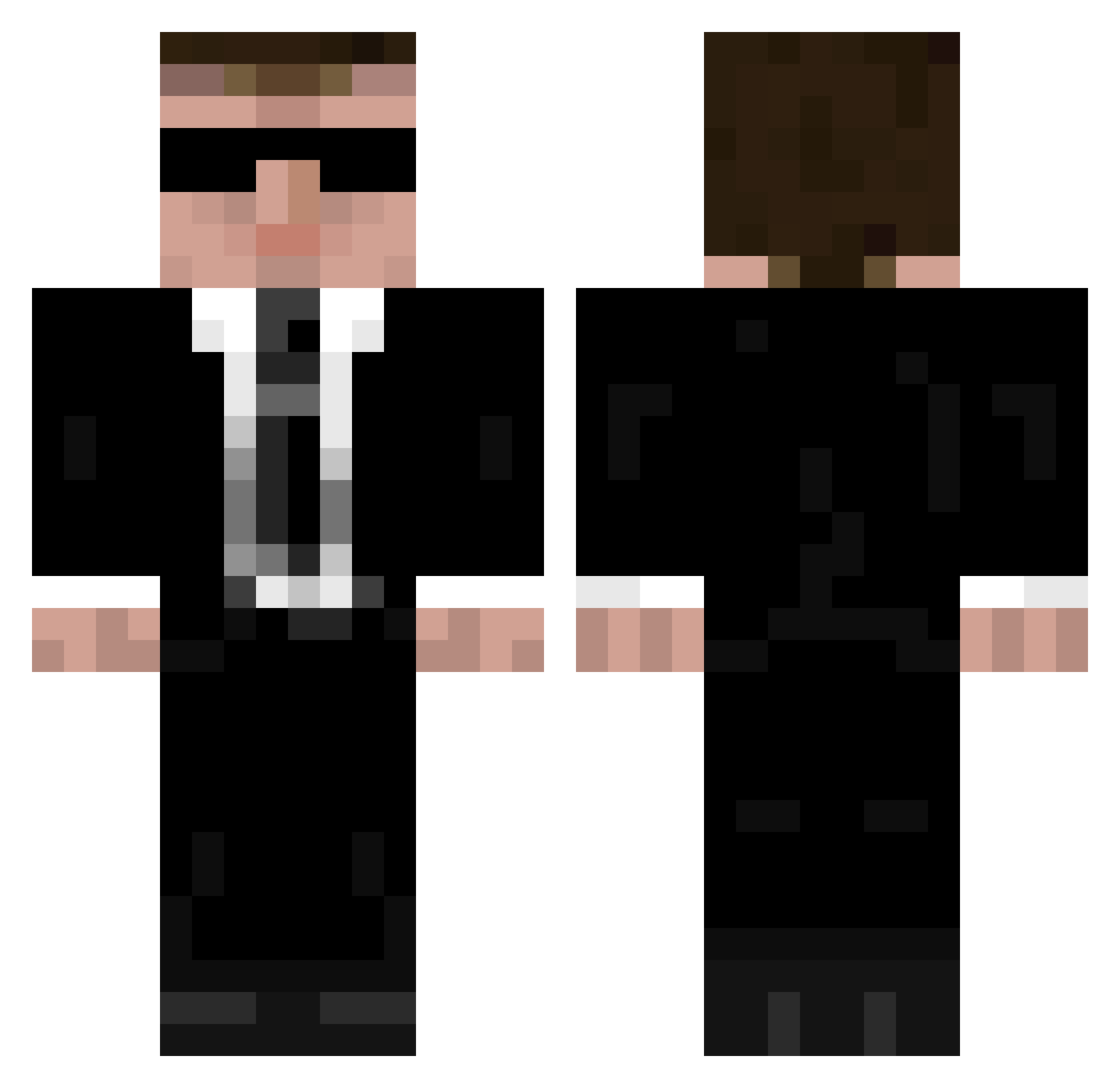
Current Minecraft skin of the player Valken46, loaded from the official Mojang API. Rotate the 3D model with your mouse or finger, then download the skin as a PNG file and use it in Minecraft: Bedrock Edition or Java Edition for free. When Valken46 changes their skin, this page updates automatically and the old skin stays in the history below.
Other players with this skin (946)
Valken46 was the 79th player we have seen with this skin, first spotted on 01.08.2026. The same skin was seen on these players. Open a nickname to see their current skin and skin history.
 HABAJIHbiU2018 Bastages chunkycheeks YoBeeH maxzozz coolness12344321 Eskao Schortizzle Reduxable SuperMario3012 akugai m41l3 Jerzy_Kiler B0bTh3Build3r dimiultra JefferyArcher dirtflies DadFar CheesyBurd NinjaPixel27 S1lentchaos Spooner_b Rubenator02 Quick2Faint Azetjj africola1 petwar joker156 dl75 HiddenBullet _spleen_ El_Pecador Epicminer1010 TrustInGod Lionomit Digital209th casper_rules_13 NL_stefan D00msorcerer G0ldRushHD Event_Horizon5 Sergioam903 ryanpat1115 Tomilano DeanSavies Teddog markusjohnston dwigmore howjuicy Mr_Oinkers mnero111 KasperleFevre proversus KingCocaine wiiman12222 J09 tob0072 dutchie01 Black_Build gtaTvirus
More Agent 47 Minecraft skins
How to install the Valken46 skin
- Press the Download button above to save the skin as a PNG file.
- Minecraft: Bedrock Edition (PE): open the Dressing Room from the main menu (or tap your character → Edit Character), go to Classic Skins → Owned, press the + (new skin) button, choose the downloaded PNG and pick the Classic (Steve) model. Works on PC and mobile; consoles cannot import custom skins.
- Minecraft: Java Edition: open the Minecraft Launcher, go to the Skins tab, click New Skin, load the PNG, pick the Classic (Steve) model and press Save & Use. You can also upload it at minecraft.net → Profile → Change Skin.
The skin does not show up after import - what should I do?
Restart Minecraft and open the Dressing Room again - imported skins sometimes appear only after a restart. Also make sure you selected the imported skin and picked the Classic (Steve) model.
Which model should I choose, Classic or Slim?
This skin is designed for the Classic (Steve) model. If you pick the wrong model, the arms of the skin will look stretched or squeezed.
Is the skin of Valken46 free to download?
Yes. Press Download, save the PNG file and use it in Minecraft: Bedrock Edition or Java Edition - no payment or registration needed. The skin also works on multiplayer servers and Realms.
More skins
Looking for more? Go back to all Minecraft skins and check the top skins of the week, month and all time, or find any player's skin by nickname.