
VSEC666 - Minecraft Skins & Skin History
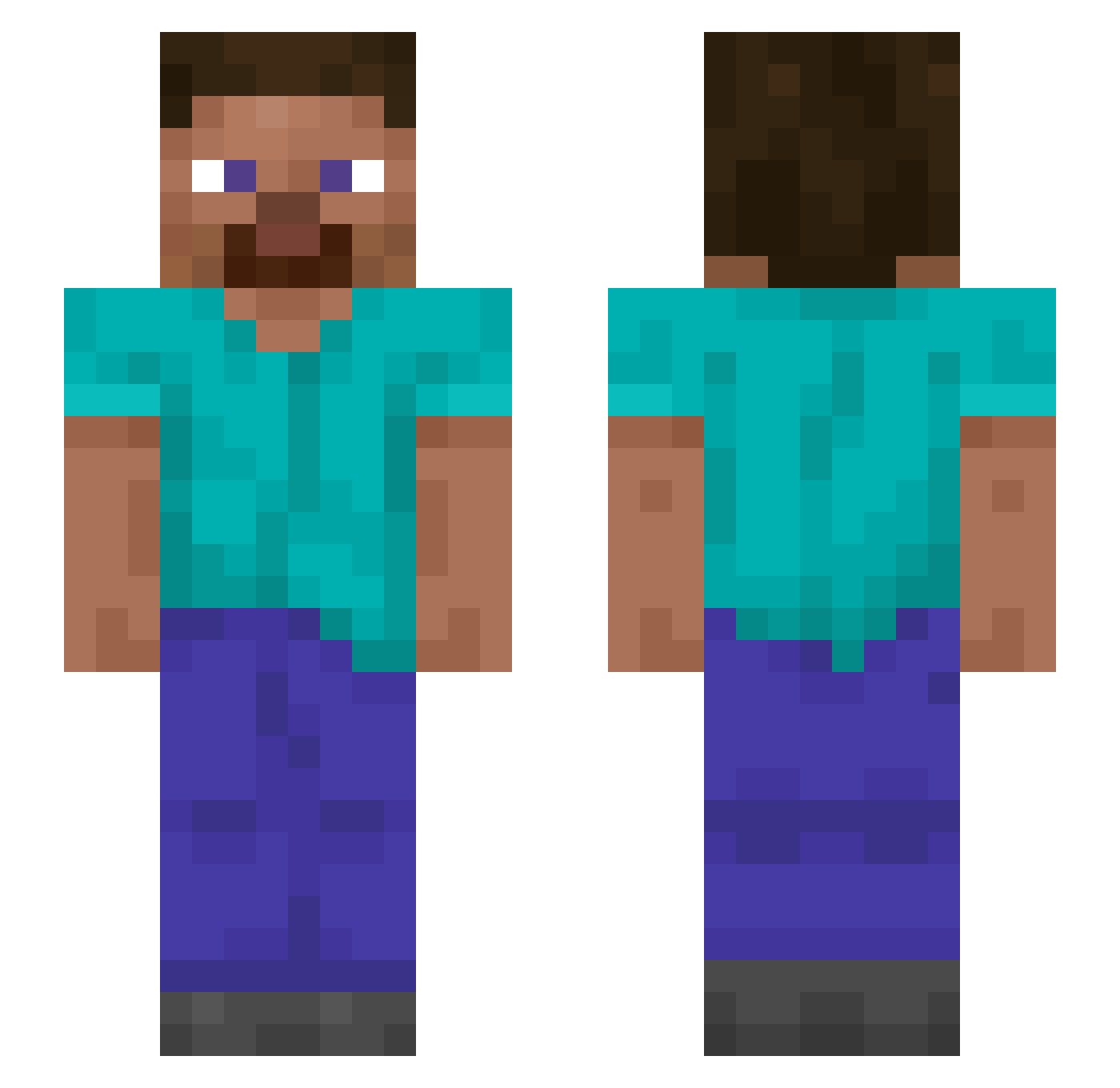
Current Minecraft skin of the player VSEC666, loaded from the official Mojang API. Rotate the 3D model with your mouse or finger, then download the skin as a PNG file and use it in Minecraft: Bedrock Edition or Java Edition for free. When VSEC666 changes their skin, this page updates automatically and the old skin stays in the history below.
Other players with this skin (1090)
VSEC666 was the 977th player we have seen with this skin, first spotted on 13.10.2026. The same skin was seen on these players. Open a nickname to see their current skin and skin history.
 Ari122riz unary stoneaxe44 ScakRR TallowMan basification Spana_1 cosmist Mosshorn Harmost Jurata Schoenvetertje EpicEvan32 SirTubs Vophsix COOKY0901 Falsism pourer TyTox Tracheotomy Afgeleert z3LAn Elbaalazo Timocratic unhedged pi0c Magmy Pinpillow MrMcSav serviettes eiry VeganSigma choonsik lameman23 ProSkillz94 VENOM37908 RustedWater H00lock Racliz Bumfei resting GaryCao knacks gwagum cabezadepija vilify MrRobbe95 Homarine imperturbability Chaffman dokyoung2242 CHCRO Maxorek__ Biedermeier Evolvulus Caff522 deavle App1ePi2 Lipoprotein XJ220
How to install the VSEC666 skin
- Press the Download button above to save the skin as a PNG file.
- Minecraft: Bedrock Edition (PE): open the Dressing Room from the main menu (or tap your character → Edit Character), go to Classic Skins → Owned, press the + (new skin) button, choose the downloaded PNG and pick the Slim (Alex) model. Works on PC and mobile; consoles cannot import custom skins.
- Minecraft: Java Edition: open the Minecraft Launcher, go to the Skins tab, click New Skin, load the PNG, pick the Slim (Alex) model and press Save & Use. You can also upload it at minecraft.net → Profile → Change Skin.
The skin does not show up after import - what should I do?
Restart Minecraft and open the Dressing Room again - imported skins sometimes appear only after a restart. Also make sure you selected the imported skin and picked the Slim (Alex) model.
Which model should I choose, Classic or Slim?
This skin is designed for the Slim (Alex) model. If you pick the wrong model, the arms of the skin will look stretched or squeezed.
Is the skin of VSEC666 free to download?
Yes. Press Download, save the PNG file and use it in Minecraft: Bedrock Edition or Java Edition - no payment or registration needed. The skin also works on multiplayer servers and Realms.
More skins
Looking for more? Go back to all Minecraft skins and check the top skins of the week, month and all time, or find any player's skin by nickname.