
VISAVAYI - Minecraft Skins & Skin History
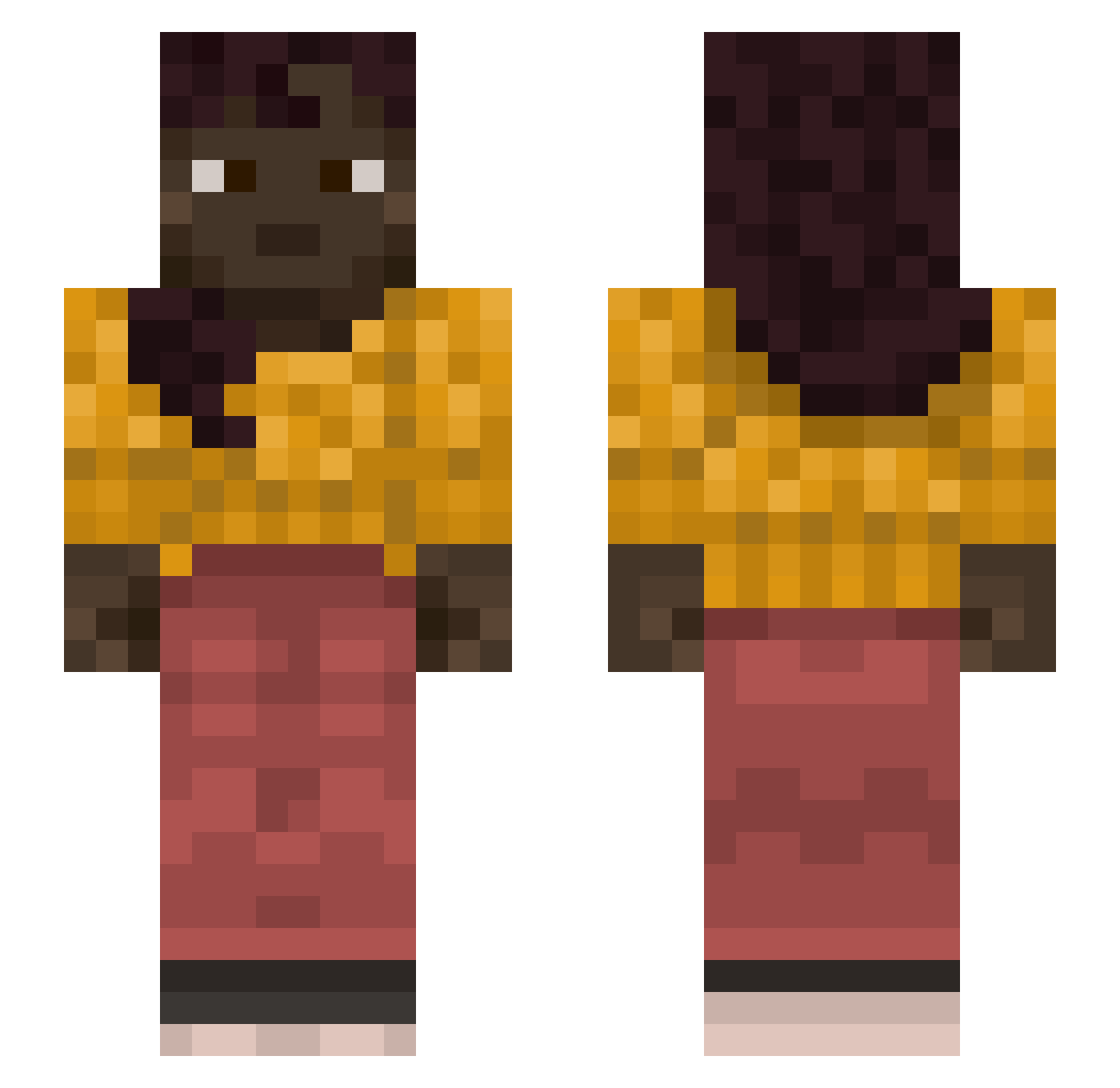
Current Minecraft skin of the player VISAVAYI, loaded from the official Mojang API. Rotate the 3D model with your mouse or finger, then download the skin as a PNG file and use it in Minecraft: Bedrock Edition or Java Edition for free. When VISAVAYI changes their skin, this page updates automatically and the old skin stays in the history below.
Other players with this skin (1368)
VISAVAYI was the 1262nd player we have seen with this skin, first spotted on 12.11.2026. The same skin was seen on these players. Open a nickname to see their current skin and skin history.
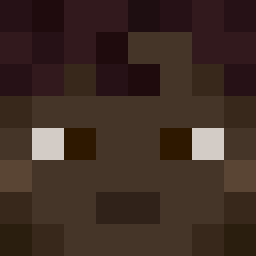 grubworms WolfKage Bodega1811 PROBAL Videophone EGOVIK10 PatternNoticer KuzuBuzu002 calappa FoulBlood Mouwaac carbinol MO1CH0 sStini xqqw OmaEierschecke Dialing Embryal octant wadsss evoking Waggers Trashed Pilty mr_Anonymus ASarota Swiftfoot Noxthe Condoler keefs Jimcorbs14 DANIBANI1245 Seraw NRD0_ cycycy09 ShieldAlpha MINI1205 Oside NBG babyyyyboss goldenboy2012pl baggytrueys AntiSavage 67670 GuanWei_ downby Weslleyisaias14 Brizzley boozer ChanterTim DybalaIch_ Soubrette xtennex dj323 Juerou Workable Marchese Magda n4n000 aspergill
More Braid Minecraft skins
How to install the VISAVAYI skin
- Press the Download button above to save the skin as a PNG file.
- Minecraft: Bedrock Edition (PE): open the Dressing Room from the main menu (or tap your character → Edit Character), go to Classic Skins → Owned, press the + (new skin) button, choose the downloaded PNG and pick the Slim (Alex) model. Works on PC and mobile; consoles cannot import custom skins.
- Minecraft: Java Edition: open the Minecraft Launcher, go to the Skins tab, click New Skin, load the PNG, pick the Slim (Alex) model and press Save & Use. You can also upload it at minecraft.net → Profile → Change Skin.
The skin does not show up after import - what should I do?
Restart Minecraft and open the Dressing Room again - imported skins sometimes appear only after a restart. Also make sure you selected the imported skin and picked the Slim (Alex) model.
Which model should I choose, Classic or Slim?
This skin is designed for the Slim (Alex) model. If you pick the wrong model, the arms of the skin will look stretched or squeezed.
Is the skin of VISAVAYI free to download?
Yes. Press Download, save the PNG file and use it in Minecraft: Bedrock Edition or Java Edition - no payment or registration needed. The skin also works on multiplayer servers and Realms.
More skins
Looking for more? Go back to all Minecraft skins and check the top skins of the week, month and all time, or find any player's skin by nickname.