
V2_klub_11 - Minecraft Skins & Skin History
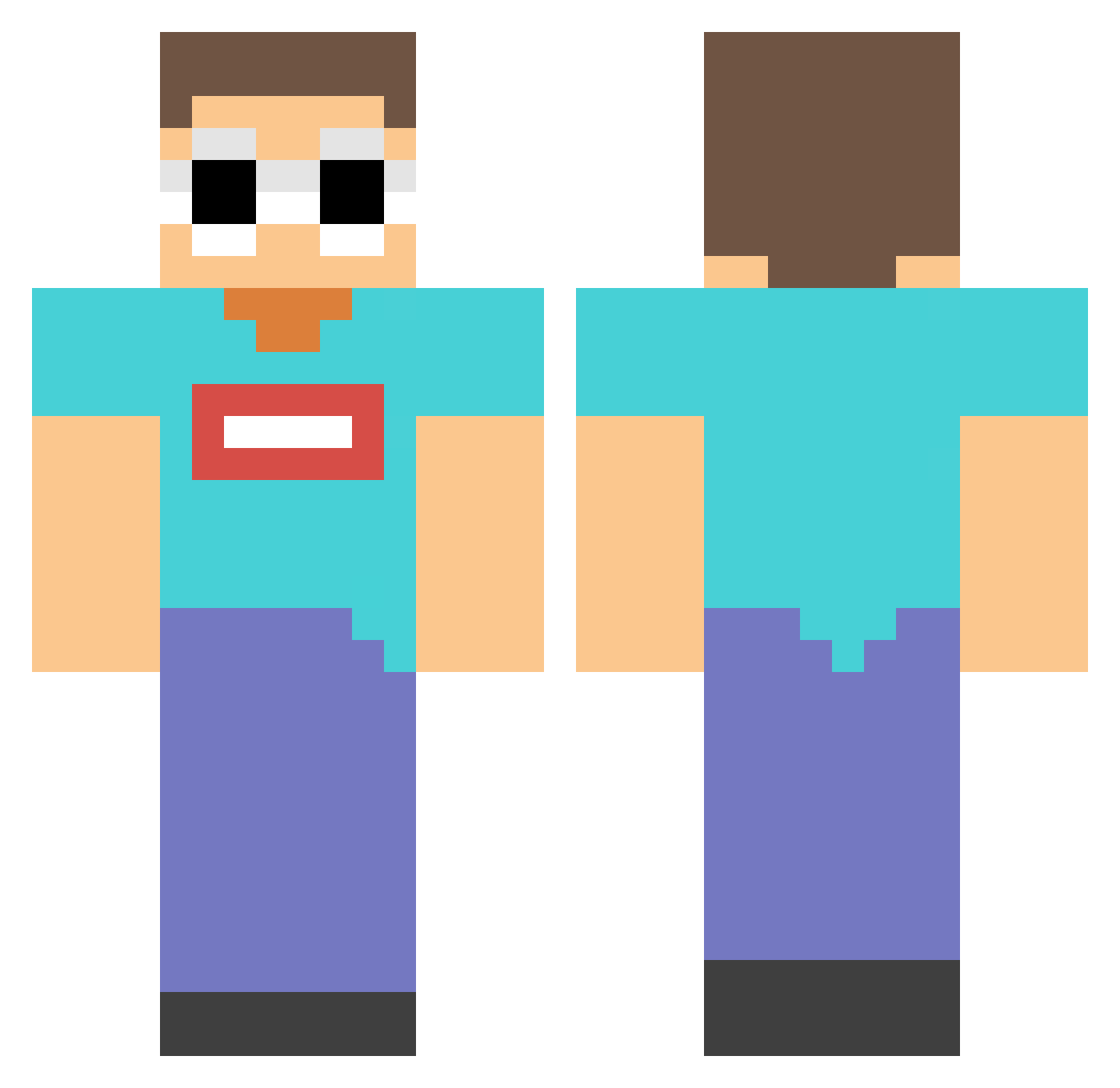
Current Minecraft skin of the player V2_klub_11, loaded from the official Mojang API. Rotate the 3D model with your mouse or finger, then download the skin as a PNG file and use it in Minecraft: Bedrock Edition or Java Edition for free. When V2_klub_11 changes their skin, this page updates automatically and the old skin stays in the history below.
Other players with this skin (88)
V2_klub_11 was the 81st player we have seen with this skin, first spotted on 22.10.2026. The same skin was seen on these players. Open a nickname to see their current skin and skin history.
 HyPrRay126 Foopz Java_noob Hinck baesie101 VisualSneeze302 antos128 Prorichard35 robloxmastertem deadvane2 CyberScythe7 LilFrosty1 Ninjaboychri Astad_Sidhwa XBrownieTV sebbemaravilhoso DenisDaily5524 RONANSSSS GeorgeNotFoundl PxndaQT Boggers_ BobbyBoisen NotBeezo OXY000 Alpha_hanne KarlCZ ttvBeluga Yron YesItsFunneh Happydragon253 Johnnyboi MotorsportsFan88 Moooolann ShayRoe panda125xx lkwl AdolfoSoto07 Aqua_Lulu ballisticsprintr RIEJU_MRT50 FunStinkyFart Hudthehulk LukasKoeki AlexKD Alinoooo NotKJ_ jenjenleesuh Vincz BlameTheLag6988 ergebryson Arturtly TTeamDDream Splash7k lukkykitty coolgamer6942 Cxsperxoxo PowerSven888 Hugh_89 EwanOnMC Beebers
More Georgenotfound Minecraft skins
See all 539 Georgenotfound skins
How to install the V2_klub_11 skin
- Press the Download button above to save the skin as a PNG file.
- Minecraft: Bedrock Edition (PE): open the Dressing Room from the main menu (or tap your character → Edit Character), go to Classic Skins → Owned, press the + (new skin) button, choose the downloaded PNG and pick the Classic (Steve) model. Works on PC and mobile; consoles cannot import custom skins.
- Minecraft: Java Edition: open the Minecraft Launcher, go to the Skins tab, click New Skin, load the PNG, pick the Classic (Steve) model and press Save & Use. You can also upload it at minecraft.net → Profile → Change Skin.
The skin does not show up after import - what should I do?
Restart Minecraft and open the Dressing Room again - imported skins sometimes appear only after a restart. Also make sure you selected the imported skin and picked the Classic (Steve) model.
Which model should I choose, Classic or Slim?
This skin is designed for the Classic (Steve) model. If you pick the wrong model, the arms of the skin will look stretched or squeezed.
Is the skin of V2_klub_11 free to download?
Yes. Press Download, save the PNG file and use it in Minecraft: Bedrock Edition or Java Edition - no payment or registration needed. The skin also works on multiplayer servers and Realms.
More skins
Looking for more? Go back to all Minecraft skins and check the top skins of the week, month and all time, or find any player's skin by nickname.