
Uszu - Minecraft Skins & Skin History
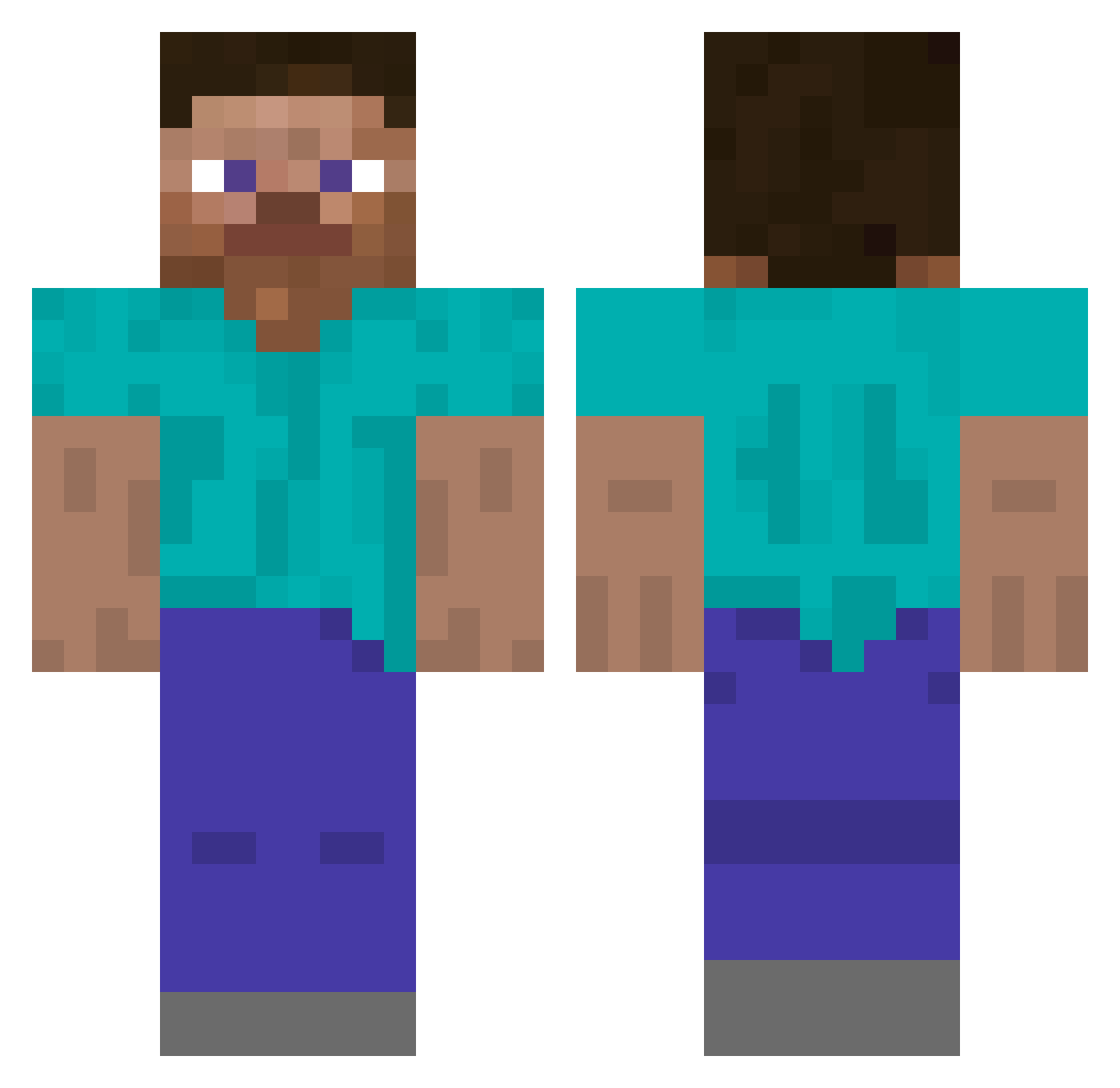
Current Minecraft skin of the player Uszu, loaded from the official Mojang API. Rotate the 3D model with your mouse or finger, then download the skin as a PNG file and use it in Minecraft: Bedrock Edition or Java Edition for free. When Uszu changes their skin, this page updates automatically and the old skin stays in the history below.
Other players with this skin (277)
Uszu was the 255th player we have seen with this skin, first spotted on 23.10.2026. The same skin was seen on these players. Open a nickname to see their current skin and skin history.
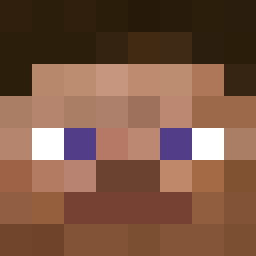 WorstCC Collapsing Michael1570 Skeppy_Dark_Blue welly04 VicTheVip Yaael17 KREJZ2137 jina1234 ditli TryHardSaltyGuy Abdullah_536 Diamondsense ZaesDavi855927 Cafinus CarlosT8020 spiderplay123 ViniciusMelise blackat03 hanyomann tomasekkk_ juanchi66 bigmoo324 WispWalker2619 MAX991119 fabalcu97 wxYOU ciyuanqioutian Beyond_5D Zapka109 Corvay Sirathox happy_life85 bobiswhite323 Aa_Taufiq eziaxd Judy1302 StefanoLambelet sou821 skdjfue WaddleGAME XavTheToast kakobe_ KO7SU1 Mrthings tbav Fibroton aquaraptor86400 BolbolMan gamingNAnything vita007 L0udvig danihaddad rkozyak Dr_Gigabyte SmellyOldMan ImarleyOMG KurtovMS isaezx Leoman2010
How to install the Uszu skin
- Press the Download button above to save the skin as a PNG file.
- Minecraft: Bedrock Edition (PE): open the Dressing Room from the main menu (or tap your character → Edit Character), go to Classic Skins → Owned, press the + (new skin) button, choose the downloaded PNG and pick the Classic (Steve) model. Works on PC and mobile; consoles cannot import custom skins.
- Minecraft: Java Edition: open the Minecraft Launcher, go to the Skins tab, click New Skin, load the PNG, pick the Classic (Steve) model and press Save & Use. You can also upload it at minecraft.net → Profile → Change Skin.
The skin does not show up after import - what should I do?
Restart Minecraft and open the Dressing Room again - imported skins sometimes appear only after a restart. Also make sure you selected the imported skin and picked the Classic (Steve) model.
Which model should I choose, Classic or Slim?
This skin is designed for the Classic (Steve) model. If you pick the wrong model, the arms of the skin will look stretched or squeezed.
Is the skin of Uszu free to download?
Yes. Press Download, save the PNG file and use it in Minecraft: Bedrock Edition or Java Edition - no payment or registration needed. The skin also works on multiplayer servers and Realms.
More skins
Looking for more? Go back to all Minecraft skins and check the top skins of the week, month and all time, or find any player's skin by nickname.