
Uncle_Yogi_ - Minecraft Skins & Skin History
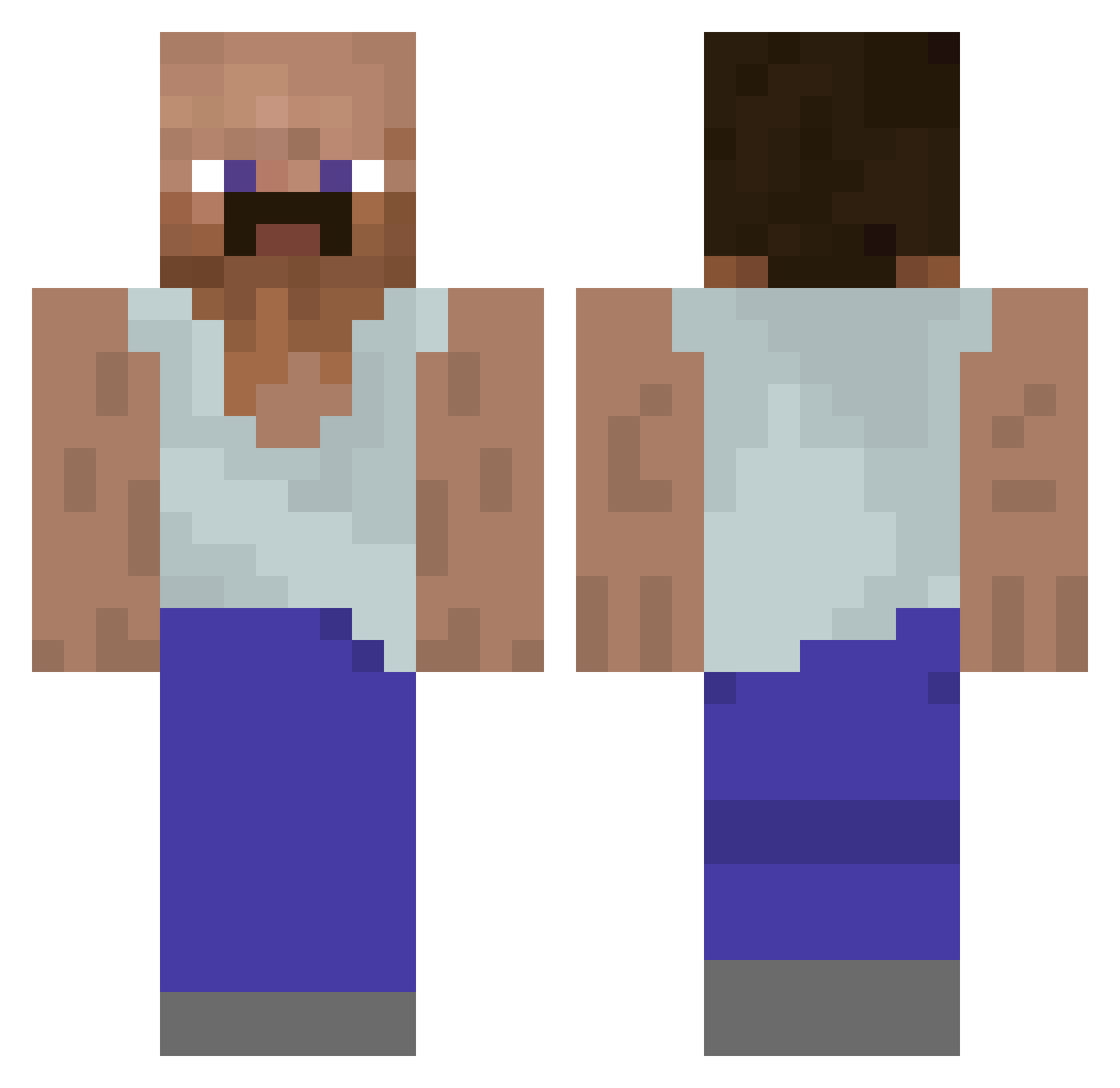
Current Minecraft skin of the player Uncle_Yogi_, loaded from the official Mojang API. Rotate the 3D model with your mouse or finger, then download the skin as a PNG file and use it in Minecraft: Bedrock Edition or Java Edition for free. When Uncle_Yogi_ changes their skin, this page updates automatically and the old skin stays in the history below.
Other players with this skin (929)
Uncle_Yogi_ was the 244th player we have seen with this skin, first spotted on 20.08.2026. The same skin was seen on these players. Open a nickname to see their current skin and skin history.
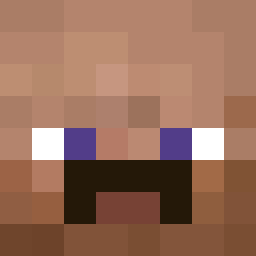 KUBIKMETERR Solidcake66 DaRealDiddy allgonnamakeit Under_over_drun PivotGang tombirante Butterb19 Tyr3xDLTA Gustavodn Op7S4 whathedoin Fr0stttt_ EhrenloserJunge T2im11 Boten103 8bit4eva TurdBurgalar LQSwept MeowWorldos picklekitten rx3hy_notreal Hurica Jupiterisskibidi
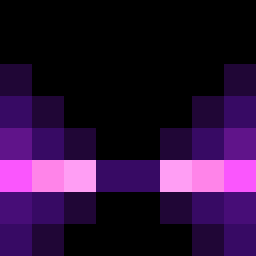 mCPoPo12
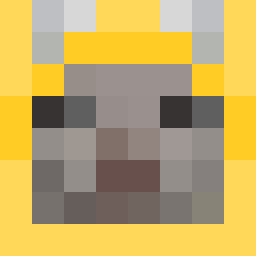 goonerbuga hagetorisan Banditous AfriColaOhneZuck bdr_1 ZAXQ9 hannahloley Buteta Oignons svzk_ cyberme2345 GALA_GROSSA Juannicomedes Kaffe__ kykylefout leohsieh0713 Big_Criminal
 JustTristanB Nymphicus Allu1010 L1tt1eD
 Splix10k daniuxx bomnocraft metano1c Mazorama420
 ISniffButts AsuaTR minusquid sword_reach Amarus_ Nibeaver unicornluvr0701 synzl Redhydra803
More Mustache Minecraft skins
How to install the Uncle_Yogi_ skin
- Press the Download button above to save the skin as a PNG file.
- Minecraft: Bedrock Edition (PE): open the Dressing Room from the main menu (or tap your character → Edit Character), go to Classic Skins → Owned, press the + (new skin) button, choose the downloaded PNG and pick the Classic (Steve) model. Works on PC and mobile; consoles cannot import custom skins.
- Minecraft: Java Edition: open the Minecraft Launcher, go to the Skins tab, click New Skin, load the PNG, pick the Classic (Steve) model and press Save & Use. You can also upload it at minecraft.net → Profile → Change Skin.
The skin does not show up after import - what should I do?
Restart Minecraft and open the Dressing Room again - imported skins sometimes appear only after a restart. Also make sure you selected the imported skin and picked the Classic (Steve) model.
Which model should I choose, Classic or Slim?
This skin is designed for the Classic (Steve) model. If you pick the wrong model, the arms of the skin will look stretched or squeezed.
Is the skin of Uncle_Yogi_ free to download?
Yes. Press Download, save the PNG file and use it in Minecraft: Bedrock Edition or Java Edition - no payment or registration needed. The skin also works on multiplayer servers and Realms.
More skins
Looking for more? Go back to all Minecraft skins and check the top skins of the week, month and all time, or find any player's skin by nickname.