
Typanny - Minecraft Skins & Skin History
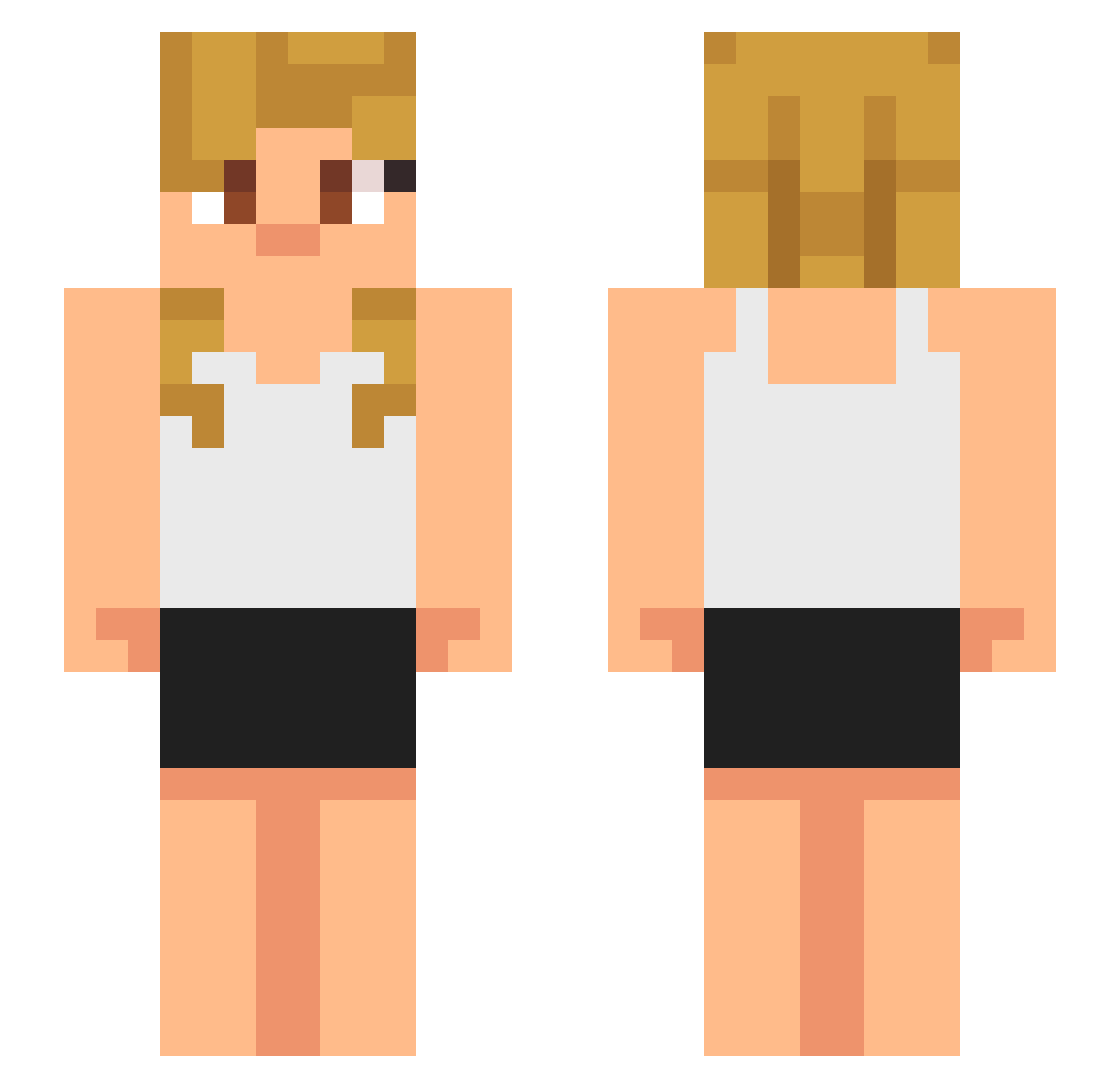
Current Minecraft skin of the player Typanny, loaded from the official Mojang API. Rotate the 3D model with your mouse or finger, then download the skin as a PNG file and use it in Minecraft: Bedrock Edition or Java Edition for free. When Typanny changes their skin, this page updates automatically and the old skin stays in the history below.
Other players with this skin (633)
Typanny was the 494th player we have seen with this skin, first spotted on 18.10.2026. The same skin was seen on these players. Open a nickname to see their current skin and skin history.
 RUSTERPRINCE Wewowewo YouNoTakeCandle BennySlayz OssyT Zenti0 mythischeryouyou Doyouknowme212 Sozo1 pupgoo Kusursuz31 jingzhe4 zubbub soiar9125 aceandL CaddosOma Zsiraf_ Galaxy2123swq VoidedToast13 sockwaterlobster Daxter2880 MickeyMouse6942 Cobblestone245 Cholleseff MetroExo AegisQuartz CurrySniff TheRose242 FrostyOwl7 MissFortunee26 enteral44 19hhh Ford55555 TxcB0t 2klol Madams5 ej2ez Stantheslav sid0524 AmJad121 Tonic38 Platayoshipon JIMBOBJIMMYBOBBY drew1037 TAVEN0427 mm2m2m yrvinlugor cf486 Nosferatu69X SEANTHEJUGGEEYUH TtaeTaee Dr_Murphy_ Triump413 XPotatoBreadXx sizueFPS Adi0610 Peachee32 watashiba11 karan_chauhan BlandQAQ
More Girl Minecraft skins
How to install the Typanny skin
- Press the Download button above to save the skin as a PNG file.
- Minecraft: Bedrock Edition (PE): open the Dressing Room from the main menu (or tap your character → Edit Character), go to Classic Skins → Owned, press the + (new skin) button, choose the downloaded PNG and pick the Slim (Alex) model. Works on PC and mobile; consoles cannot import custom skins.
- Minecraft: Java Edition: open the Minecraft Launcher, go to the Skins tab, click New Skin, load the PNG, pick the Slim (Alex) model and press Save & Use. You can also upload it at minecraft.net → Profile → Change Skin.
The skin does not show up after import - what should I do?
Restart Minecraft and open the Dressing Room again - imported skins sometimes appear only after a restart. Also make sure you selected the imported skin and picked the Slim (Alex) model.
Which model should I choose, Classic or Slim?
This skin is designed for the Slim (Alex) model. If you pick the wrong model, the arms of the skin will look stretched or squeezed.
Is the skin of Typanny free to download?
Yes. Press Download, save the PNG file and use it in Minecraft: Bedrock Edition or Java Edition - no payment or registration needed. The skin also works on multiplayer servers and Realms.
More skins
Looking for more? Go back to all Minecraft skins and check the top skins of the week, month and all time, or find any player's skin by nickname.