
Tyler_Kuhlenbeck - Minecraft Skins & Skin History
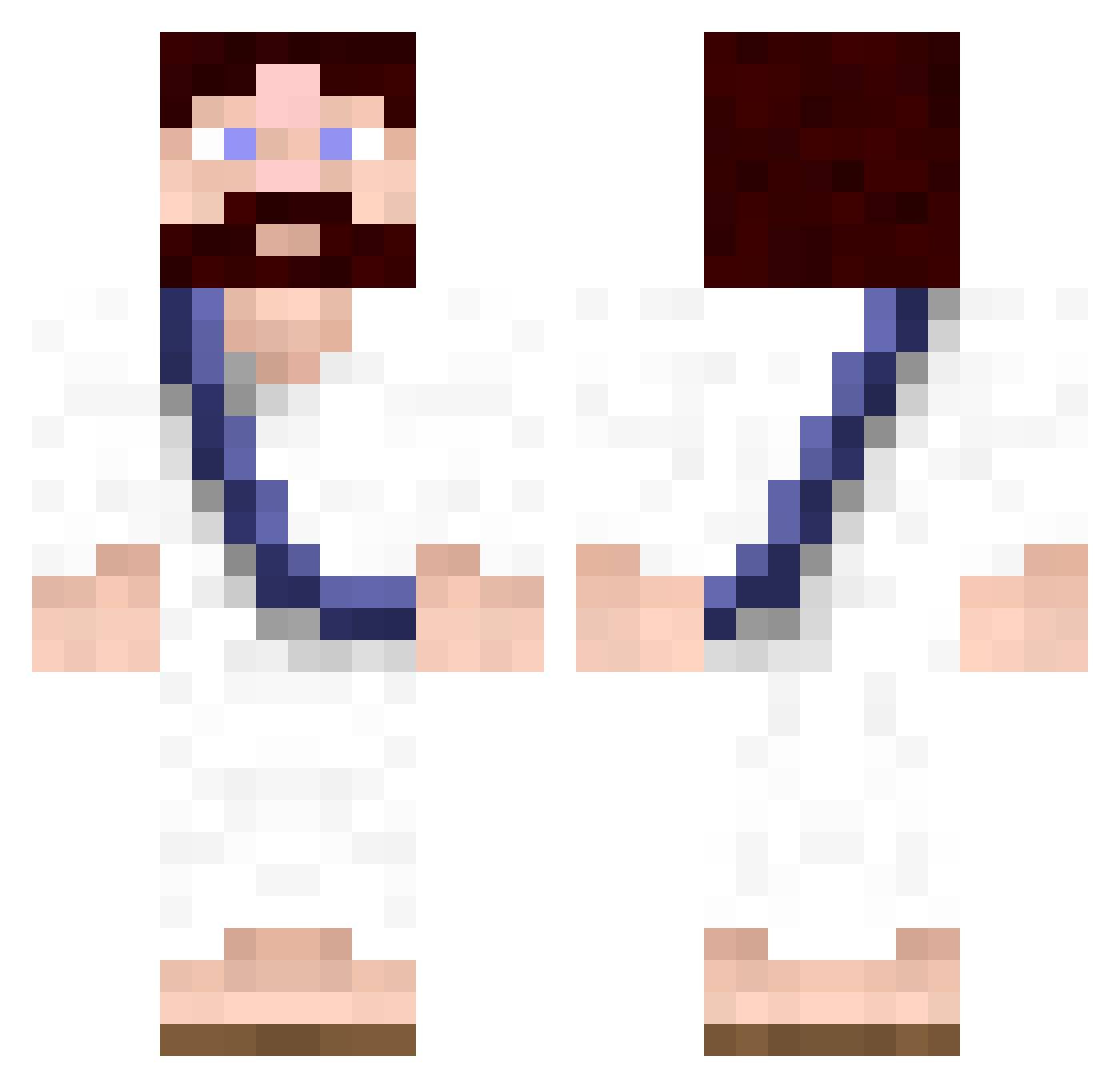
Current Minecraft skin of the player Tyler_Kuhlenbeck, loaded from the official Mojang API. Rotate the 3D model with your mouse or finger, then download the skin as a PNG file and use it in Minecraft: Bedrock Edition or Java Edition for free. When Tyler_Kuhlenbeck changes their skin, this page updates automatically and the old skin stays in the history below.
Other players with this skin (622)
Tyler_Kuhlenbeck was the 286th player we have seen with this skin, first spotted on 13.09.2026. The same skin was seen on these players. Open a nickname to see their current skin and skin history.
 ragnrok101 me_gusta_guy_7 jcrase53 Sandman97 Realrib deserteagle5 Hello_Austin Yobro90835 swimslayer12 jimb0pz GrauIus shawnzz Burgondeking JesusFreim Dinh_Dinh _ANK_ giavridis Sidadji vincent_pasquier TeaKungTV Quacy10 nhoffa25 kysiad Lucas_Sipos Nycthemeral gar2k12 ThatzJeezus i_r_clouD Toby_kun L_U_T_H_E_R dzhigurda Hagrid2k6 Prodagii Seatoff fantaandi Opakia ghostfiles13 Gladi8tor4 Wispper Nissen3477 reclipse CaptainKellogs mrTI80 KhudonElite The_Fucking_Pope DrGrizzle Sinsor applestasty Mike_46 Schabby89 Waipa ImStllAJ Hoffofdk Lord_Aries Biene94 schrumer14 paddy13andro cerval2206 iameclipso scorpio40
More Bible Minecraft skins
How to install the Tyler_Kuhlenbeck skin
- Press the Download button above to save the skin as a PNG file.
- Minecraft: Bedrock Edition (PE): open the Dressing Room from the main menu (or tap your character → Edit Character), go to Classic Skins → Owned, press the + (new skin) button, choose the downloaded PNG and pick the Classic (Steve) model. Works on PC and mobile; consoles cannot import custom skins.
- Minecraft: Java Edition: open the Minecraft Launcher, go to the Skins tab, click New Skin, load the PNG, pick the Classic (Steve) model and press Save & Use. You can also upload it at minecraft.net → Profile → Change Skin.
The skin does not show up after import - what should I do?
Restart Minecraft and open the Dressing Room again - imported skins sometimes appear only after a restart. Also make sure you selected the imported skin and picked the Classic (Steve) model.
Which model should I choose, Classic or Slim?
This skin is designed for the Classic (Steve) model. If you pick the wrong model, the arms of the skin will look stretched or squeezed.
Is the skin of Tyler_Kuhlenbeck free to download?
Yes. Press Download, save the PNG file and use it in Minecraft: Bedrock Edition or Java Edition - no payment or registration needed. The skin also works on multiplayer servers and Realms.
More skins
Looking for more? Go back to all Minecraft skins and check the top skins of the week, month and all time, or find any player's skin by nickname.