
Twinclaws - Minecraft Skins & Skin History
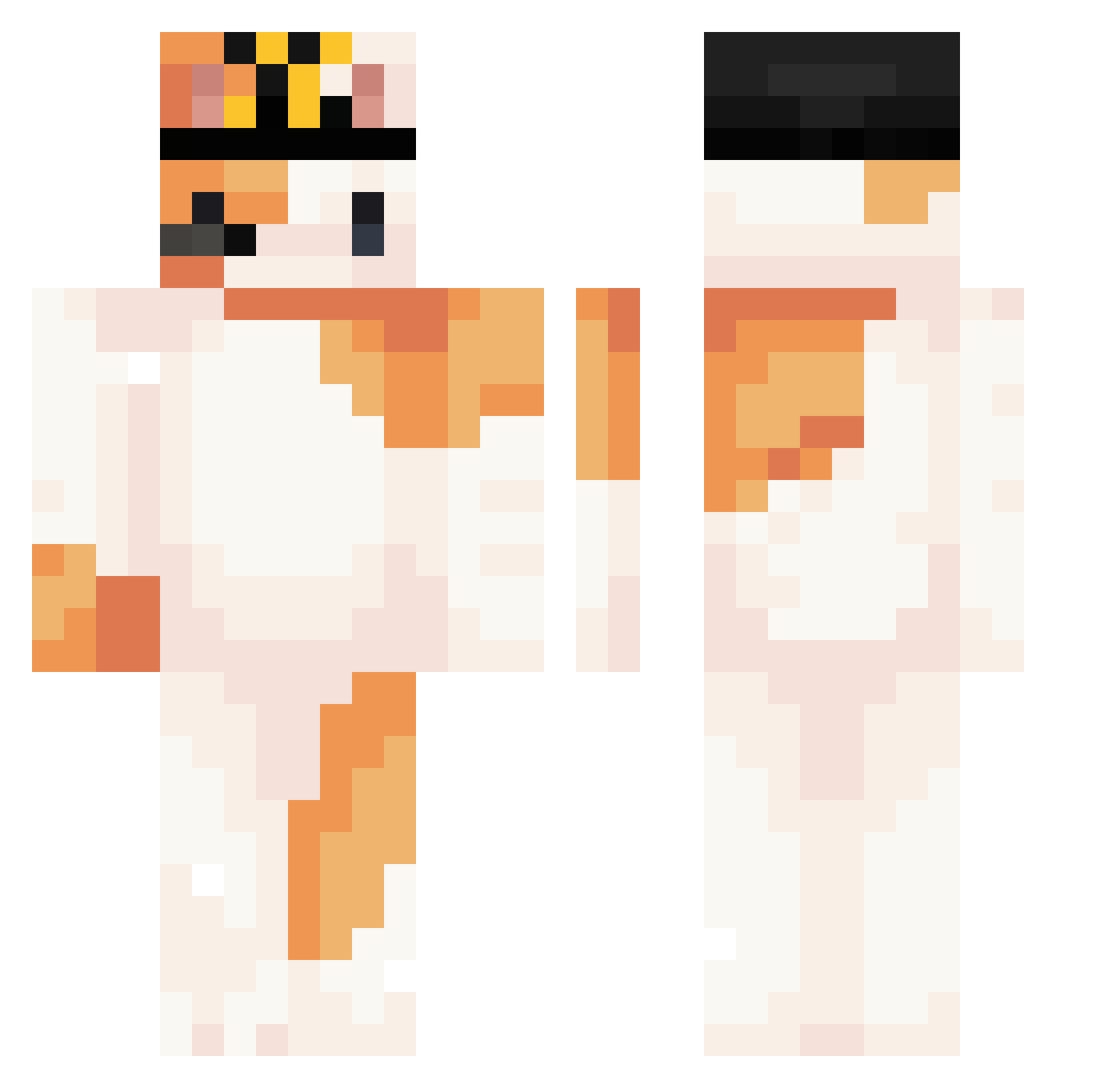
Current Minecraft skin of the player Twinclaws, loaded from the official Mojang API. Rotate the 3D model with your mouse or finger, then download the skin as a PNG file and use it in Minecraft: Bedrock Edition or Java Edition for free. When Twinclaws changes their skin, this page updates automatically and the old skin stays in the history below.
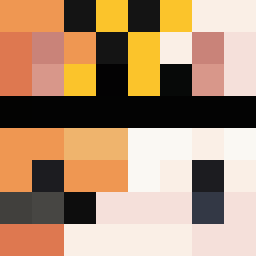
Other players with this skin (299)
Twinclaws was the 222nd player we have seen with this skin, first spotted on 10.10.2026. The same skin was seen on these players. Open a nickname to see their current skin and skin history.
 Amolek3000Promax vickypaz meimimu Snowman2989 I_qvq Hype234 xlizzy00 Figual xSkeepys m1x9r Madi1066 tuota556 yeesiu CatDontHack Ali313S ketzo_ NOVAAA3 MARCELAO__ EJxx Abandonar Nikygv owocatt awoo27 Paradoxical08 HerbartH Master_Youko MC_11P Sadiepoopoo Evan_123456789 Mtsg _vectra Sunmx seraphiel710 eepiy AEsean emptytimess biba_i_boba_demo AiBGei SlientKitty0 puazo AetherX45 PONCU70 RawrM4rty MarvinMartian112 PalmPump _cowcow winnerstep Sowwwytt qmssl Tahrra06 Atreetrunk jacopo011 deliciousMEOW mooncake007 Foxyrra abnerho matykut A1mog alex110430 blahblahblah123a
More Calico Cat Minecraft skins
How to install the Twinclaws skin
- Press the Download button above to save the skin as a PNG file.
- Minecraft: Bedrock Edition (PE): open the Dressing Room from the main menu (or tap your character → Edit Character), go to Classic Skins → Owned, press the + (new skin) button, choose the downloaded PNG and pick the Classic (Steve) model. Works on PC and mobile; consoles cannot import custom skins.
- Minecraft: Java Edition: open the Minecraft Launcher, go to the Skins tab, click New Skin, load the PNG, pick the Classic (Steve) model and press Save & Use. You can also upload it at minecraft.net → Profile → Change Skin.
The skin does not show up after import - what should I do?
Restart Minecraft and open the Dressing Room again - imported skins sometimes appear only after a restart. Also make sure you selected the imported skin and picked the Classic (Steve) model.
Which model should I choose, Classic or Slim?
This skin is designed for the Classic (Steve) model. If you pick the wrong model, the arms of the skin will look stretched or squeezed.
Is the skin of Twinclaws free to download?
Yes. Press Download, save the PNG file and use it in Minecraft: Bedrock Edition or Java Edition - no payment or registration needed. The skin also works on multiplayer servers and Realms.
More skins
Looking for more? Go back to all Minecraft skins and check the top skins of the week, month and all time, or find any player's skin by nickname.