
Twenny_One - Minecraft Skins & Skin History
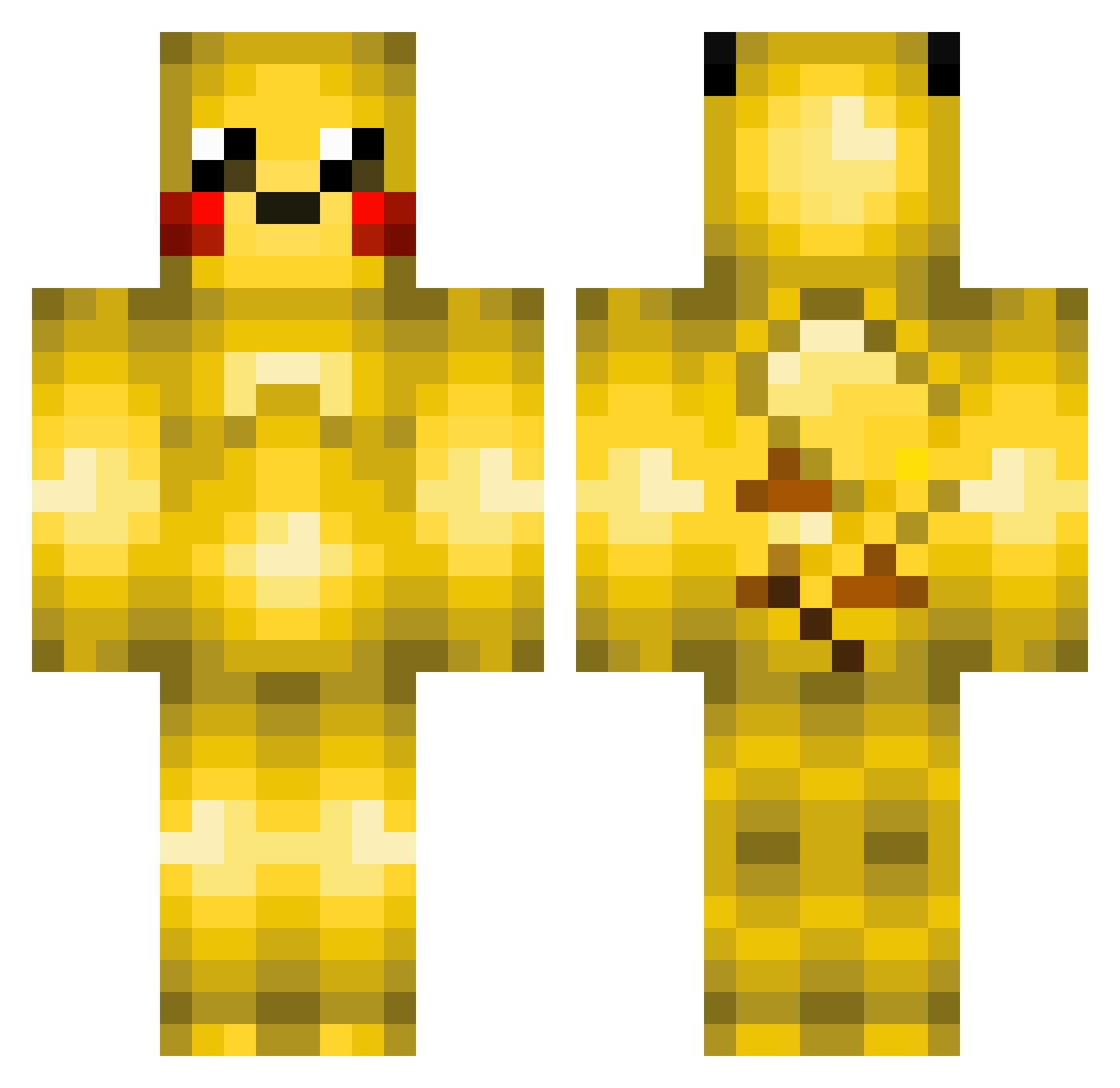
Current Minecraft skin of the player Twenny_One, loaded from the official Mojang API. Rotate the 3D model with your mouse or finger, then download the skin as a PNG file and use it in Minecraft: Bedrock Edition or Java Edition for free. When Twenny_One changes their skin, this page updates automatically and the old skin stays in the history below.
Other players with this skin (370)
Twenny_One was the 179th player we have seen with this skin, first spotted on 16.09.2026. The same skin was seen on these players. Open a nickname to see their current skin and skin history.
 MikaMika84 Iamtides Hazel_d JavaInstaller339 Jeglugteraflort Ricey_3105 banksplatford17 AtStype TURBO_4 JK_1129 DCox diippo _iTzREAPER_ osmaredwen TheCreeperBoss9 GoogleHampster x_XPikachuX_x sinax_xkillerqcx MegaEvee Kittenmaster555 MrGamer510 Cooler_master Pikachu0811 Smart345_YT Freakazoiddk83 Garutzu TheBigBAW Winged_Draven Valdemar_Jensen Coriaaa 101mikeman Kubetzko 10thom whod4m4n IMBENBEN gearooid Pikabooty baryan04 Skappi WoodLawnCHUCK SleepyMuffin nopi51 EmmaGroves Satomon HOUG2009 Nicolas_Gameplay Edwardjac AlanAAdam Eftelingfan500 sofus2002 sanderpling BenVball GlacyGlaceon Wildthang_ dennisknudsen26 Rayztwo lexiss27alisha14 RuneGustav gudwls223 rexrex88
More Pikachu Minecraft skins
How to install the Twenny_One skin
- Press the Download button above to save the skin as a PNG file.
- Minecraft: Bedrock Edition (PE): open the Dressing Room from the main menu (or tap your character → Edit Character), go to Classic Skins → Owned, press the + (new skin) button, choose the downloaded PNG and pick the Classic (Steve) model. Works on PC and mobile; consoles cannot import custom skins.
- Minecraft: Java Edition: open the Minecraft Launcher, go to the Skins tab, click New Skin, load the PNG, pick the Classic (Steve) model and press Save & Use. You can also upload it at minecraft.net → Profile → Change Skin.
The skin does not show up after import - what should I do?
Restart Minecraft and open the Dressing Room again - imported skins sometimes appear only after a restart. Also make sure you selected the imported skin and picked the Classic (Steve) model.
Which model should I choose, Classic or Slim?
This skin is designed for the Classic (Steve) model. If you pick the wrong model, the arms of the skin will look stretched or squeezed.
Is the skin of Twenny_One free to download?
Yes. Press Download, save the PNG file and use it in Minecraft: Bedrock Edition or Java Edition - no payment or registration needed. The skin also works on multiplayer servers and Realms.
More skins
Looking for more? Go back to all Minecraft skins and check the top skins of the week, month and all time, or find any player's skin by nickname.