
Turtn - Minecraft Skins & Skin History
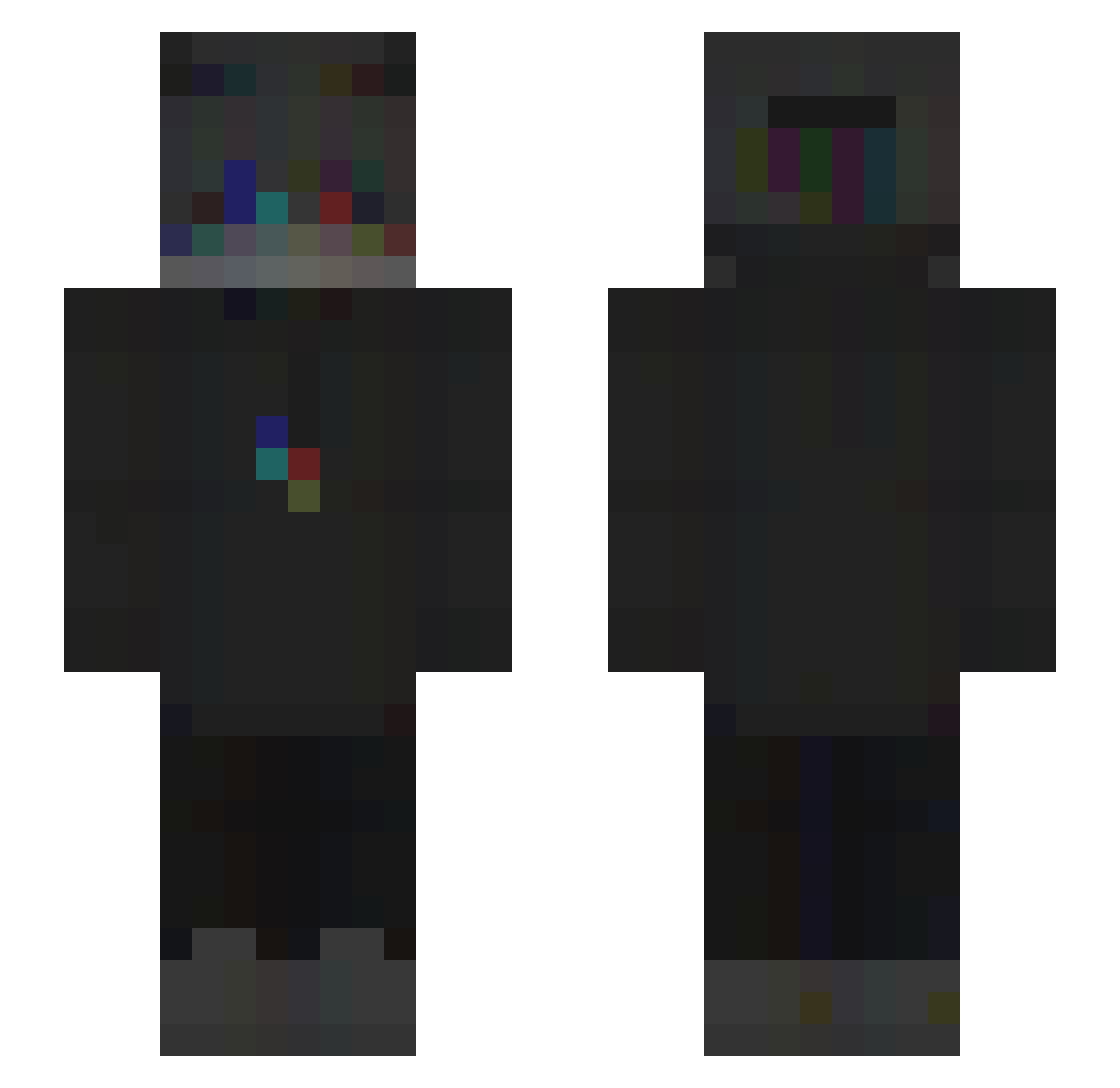
Current Minecraft skin of the player Turtn, loaded from the official Mojang API. Rotate the 3D model with your mouse or finger, then download the skin as a PNG file and use it in Minecraft: Bedrock Edition or Java Edition for free. When Turtn changes their skin, this page updates automatically and the old skin stays in the history below.
Other players with this skin (245)
Turtn was the 214th player we have seen with this skin, first spotted on 30.10.2026. The same skin was seen on these players. Open a nickname to see their current skin and skin history.
 quickburial Thonyride senwoy Ehr3x zMqssimo TheNoseMaster Vince_Itzhere Yunus_Emre_ Tund23 Squitrtle FelixistCool123 MinecraftKoen theOsi Miguel_S13 OuimaisNonLaEuh nicbu1 leiird xsyu Peitho21 Unligable Xanoff Doremimir Loseeeeeeeeeeeer DomiKserQ AllSlayer TAEKO10 pauseflow fc3skami 928ms YaboyExo cosmi1i SirShocky _Absolt hsuz Stachey_ ArthurCDP90 Diisox_4 _Wakez bouig_bouig MustafaKus Polczuk TONIO975 hasnil Rediks LouL0uw D4D4 Redspicy_TV NikasWM emely_yyy momongaxi dragon321957 yanspire P3pC _Splyx__ NOOB_Matthias Leah881 r3tryy ObelixProoo Sunpikaa nayr00z
How to install the Turtn skin
- Press the Download button above to save the skin as a PNG file.
- Minecraft: Bedrock Edition (PE): open the Dressing Room from the main menu (or tap your character → Edit Character), go to Classic Skins → Owned, press the + (new skin) button, choose the downloaded PNG and pick the Slim (Alex) model. Works on PC and mobile; consoles cannot import custom skins.
- Minecraft: Java Edition: open the Minecraft Launcher, go to the Skins tab, click New Skin, load the PNG, pick the Slim (Alex) model and press Save & Use. You can also upload it at minecraft.net → Profile → Change Skin.
The skin does not show up after import - what should I do?
Restart Minecraft and open the Dressing Room again - imported skins sometimes appear only after a restart. Also make sure you selected the imported skin and picked the Slim (Alex) model.
Which model should I choose, Classic or Slim?
This skin is designed for the Slim (Alex) model. If you pick the wrong model, the arms of the skin will look stretched or squeezed.
Is the skin of Turtn free to download?
Yes. Press Download, save the PNG file and use it in Minecraft: Bedrock Edition or Java Edition - no payment or registration needed. The skin also works on multiplayer servers and Realms.
More skins
Looking for more? Go back to all Minecraft skins and check the top skins of the week, month and all time, or find any player's skin by nickname.