
Trotarius - Minecraft Skins & Skin History
Current Minecraft skin of the player Trotarius, loaded from the official Mojang API. Rotate the 3D model with your mouse or finger, then download the skin as a PNG file and use it in Minecraft: Bedrock Edition or Java Edition for free. When Trotarius changes their skin, this page updates automatically and the old skin stays in the history below.
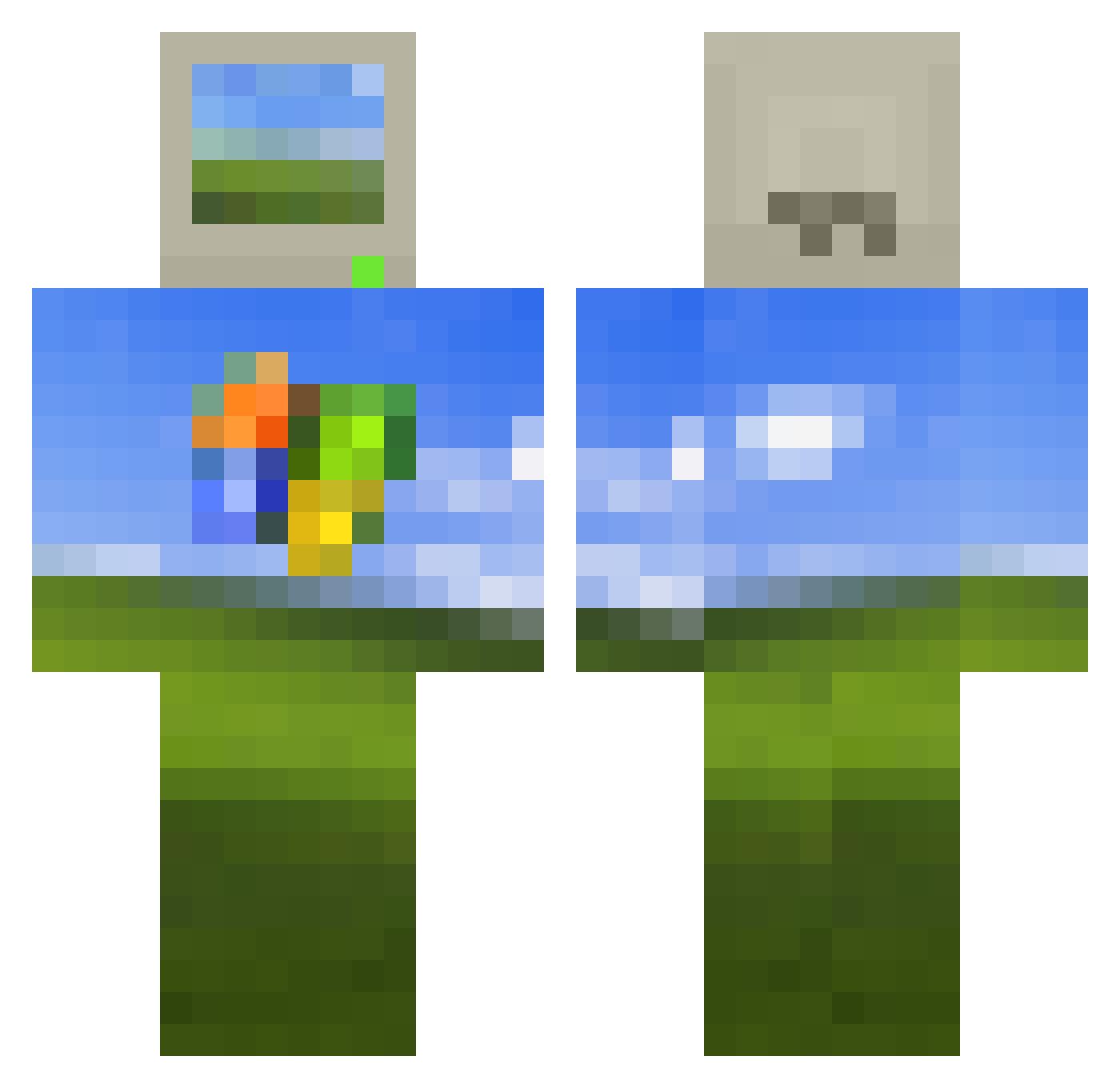
Other players with this skin (605)
Trotarius was the 513th player we have seen with this skin, first spotted on 31.10.2026. The same skin was seen on these players. Open a nickname to see their current skin and skin history.
 Veniii_ SIRACHAPAPI park5325 MtDubious ZTR198 harri_11037 BusinessGuy22 J0e_Swans0n1 Katje_ Olive2332 bigballswithhair LOOKLeo1 TheHouwang fms208 noise44 industrialcamp CallMePhax bombagyat chupacabralouis yNoen SlothSoup Tuwur FebrezeEffect Junkster175 X1nYu0 Pedrooli16 troyyyyyyyyy ThaiChickencurry Sopapodenutria G0ui01 ScOObydOOby64 GeneralCappy Mharatna LT_Quantum SivrajYT KentyBoi978 redmix0 AKRSGAMER amsay2001 uareon9 Ryszard48 suskiyou FeloMatus GreenManCZ ReylawBr zCaliBear Spxizy DioBrando43 syscall_func Zaxxor1337 nine2k16 iamacasualguy XCrypt1c69 FormlessAura Okaytravis capsvl3 _Fanta matiiiss BaaaadPanda chirik1122
More Bliss Minecraft skins
How to install the Trotarius skin
- Press the Download button above to save the skin as a PNG file.
- Minecraft: Bedrock Edition (PE): open the Dressing Room from the main menu (or tap your character → Edit Character), go to Classic Skins → Owned, press the + (new skin) button, choose the downloaded PNG and pick the Classic (Steve) model. Works on PC and mobile; consoles cannot import custom skins.
- Minecraft: Java Edition: open the Minecraft Launcher, go to the Skins tab, click New Skin, load the PNG, pick the Classic (Steve) model and press Save & Use. You can also upload it at minecraft.net → Profile → Change Skin.
The skin does not show up after import - what should I do?
Restart Minecraft and open the Dressing Room again - imported skins sometimes appear only after a restart. Also make sure you selected the imported skin and picked the Classic (Steve) model.
Which model should I choose, Classic or Slim?
This skin is designed for the Classic (Steve) model. If you pick the wrong model, the arms of the skin will look stretched or squeezed.
Is the skin of Trotarius free to download?
Yes. Press Download, save the PNG file and use it in Minecraft: Bedrock Edition or Java Edition - no payment or registration needed. The skin also works on multiplayer servers and Realms.
More skins
Looking for more? Go back to all Minecraft skins and check the top skins of the week, month and all time, or find any player's skin by nickname.