
TripleClick - Minecraft Skins & Skin History
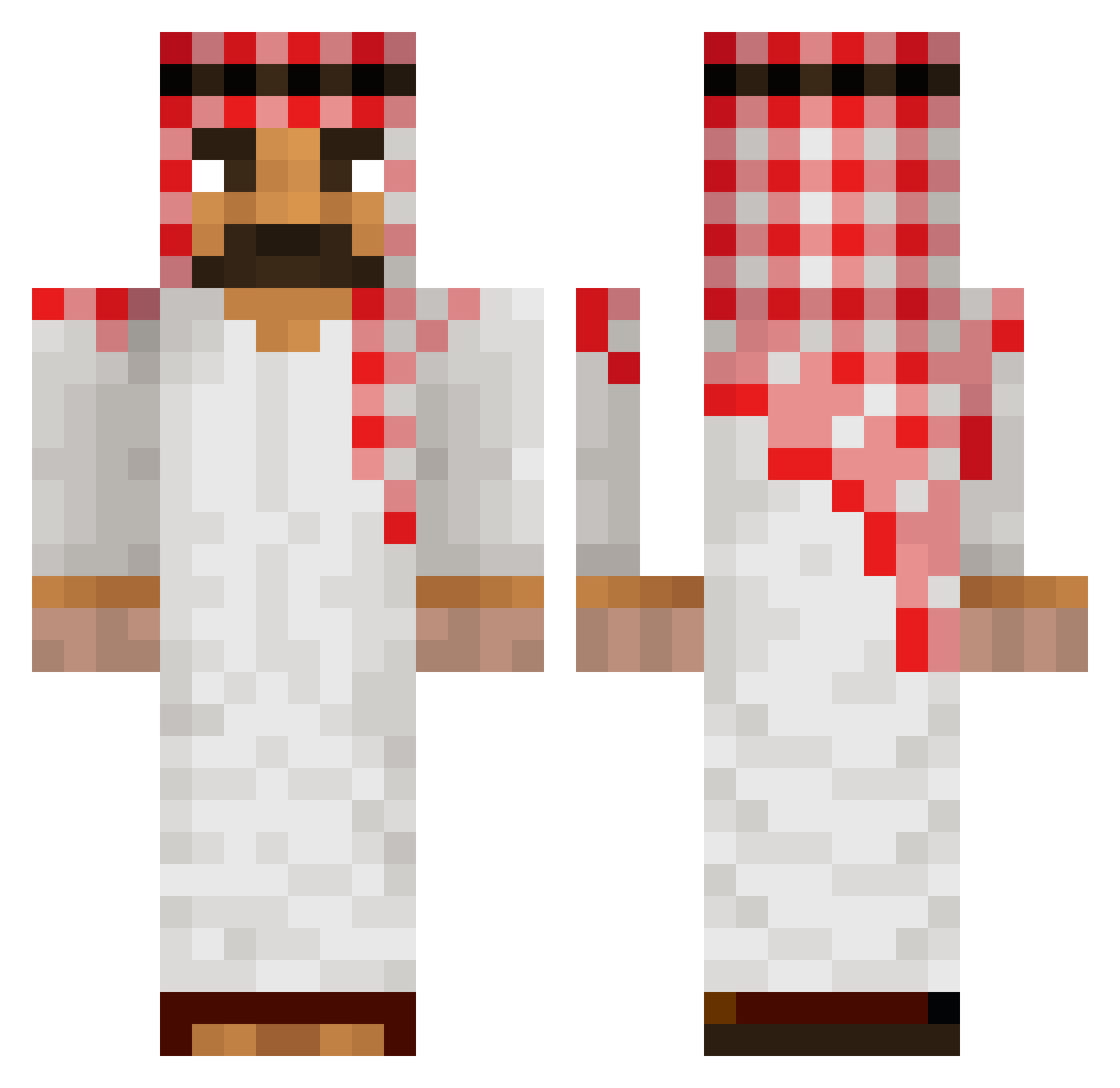
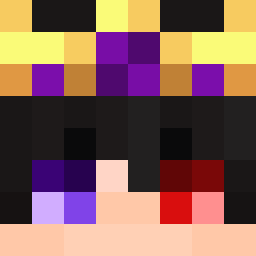
Current Minecraft skin of the player TripleClick, loaded from the official Mojang API. Rotate the 3D model with your mouse or finger, then download the skin as a PNG file and use it in Minecraft: Bedrock Edition or Java Edition for free. When TripleClick changes their skin, this page updates automatically and the old skin stays in the history below.
Other players with this skin (40)
TripleClick was the 26th player we have seen with this skin, first spotted on 26.09.2026. The same skin was seen on these players. Open a nickname to see their current skin and skin history.
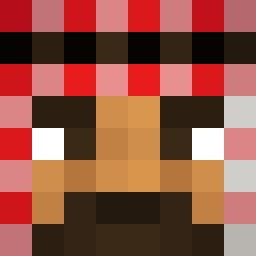 Bilokeet BulgariaPro Bibok1776 jxstdorian Radioactive7542 yebb3 Janmau polpoe salva1300 Aiden69Cab Stavros06 Mr_Sprengstoff Leci_Kotleci123 MaiMocpactic V1rtis Niterfjord KhabibShiesty Marcin_Wojewoda_ aesx mikeyyg TaGrosseMadre PITERPAN328 CerditoPRO Camilo1107
 Joaodollynho Gladdeduif Magikarp717 Ganitros039 FahraqAlMunthir PowerPlus beefno69
 ZjedzSzczura zezska ZedofZardoz M1KS3R0 NapalonyArab67 Ownerxnametags77 KUBAZArz
 jpryszard1 irugh13
More Middle Eastern Minecraft skins
See all 104 Middle Eastern skins
How to install the TripleClick skin
- Press the Download button above to save the skin as a PNG file.
- Minecraft: Bedrock Edition (PE): open the Dressing Room from the main menu (or tap your character → Edit Character), go to Classic Skins → Owned, press the + (new skin) button, choose the downloaded PNG and pick the Classic (Steve) model. Works on PC and mobile; consoles cannot import custom skins.
- Minecraft: Java Edition: open the Minecraft Launcher, go to the Skins tab, click New Skin, load the PNG, pick the Classic (Steve) model and press Save & Use. You can also upload it at minecraft.net → Profile → Change Skin.
The skin does not show up after import - what should I do?
Restart Minecraft and open the Dressing Room again - imported skins sometimes appear only after a restart. Also make sure you selected the imported skin and picked the Classic (Steve) model.
Which model should I choose, Classic or Slim?
This skin is designed for the Classic (Steve) model. If you pick the wrong model, the arms of the skin will look stretched or squeezed.
Is the skin of TripleClick free to download?
Yes. Press Download, save the PNG file and use it in Minecraft: Bedrock Edition or Java Edition - no payment or registration needed. The skin also works on multiplayer servers and Realms.
More skins
Looking for more? Go back to all Minecraft skins and check the top skins of the week, month and all time, or find any player's skin by nickname.