
Toucan_XXIX - Minecraft Skins & Skin History
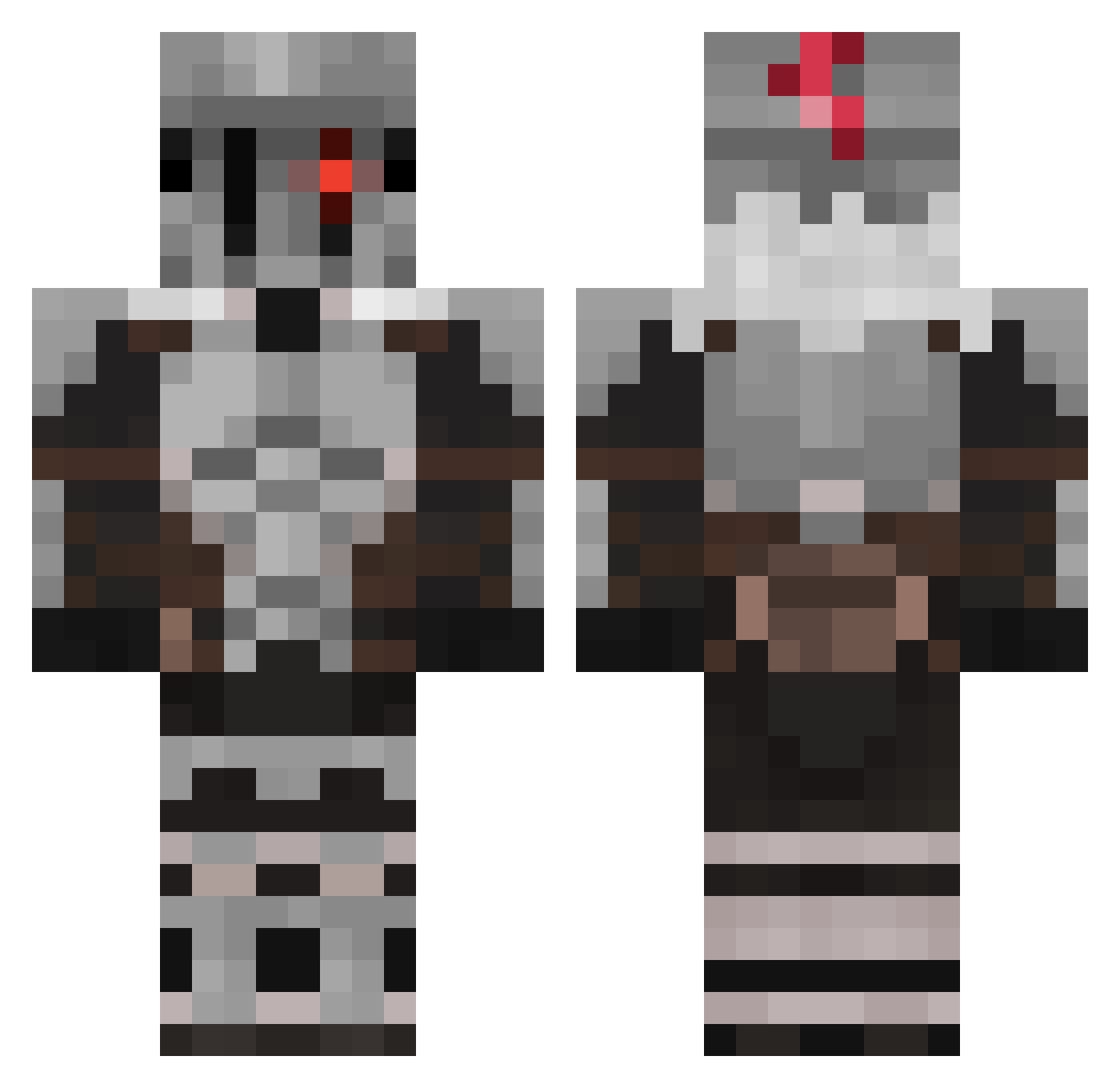
Current Minecraft skin of the player Toucan_XXIX, loaded from the official Mojang API. Rotate the 3D model with your mouse or finger, then download the skin as a PNG file and use it in Minecraft: Bedrock Edition or Java Edition for free. When Toucan_XXIX changes their skin, this page updates automatically and the old skin stays in the history below.
Other players with this skin (512)
Toucan_XXIX was the 420th player we have seen with this skin, first spotted on 09.10.2026. The same skin was seen on these players. Open a nickname to see their current skin and skin history.
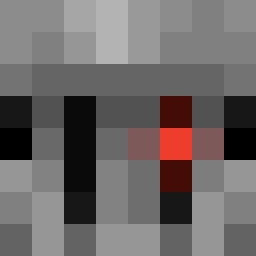 L0sG0rILLaS Tempest_gonzzo CbSteven3010 McGutsman C_v0 ___maru Smashh_ dopoto Celeyaya Dezartus Wenzal KevinMC Lotusna CalmPotato81 ElMordeHD Bonniebr MrSnow904 VoidSuperbia Zanibonito GiganHafky TorturedMonkey Airlolo frels Heloster KillerMen_004 Th3_Garlic_Bread DedoFogoso woopzxc0 screensniffer doomsday920 Greymor x_Revenant_x mat536 ji11990 Doracard ShockWaveSniper fusigibana HaplessLuck FullBust3r Babtoucamille Lolmolpaleta Winterlynxx Komorebyy R0XR0LL DrakDood Zero_Voidz Maxtermind RustyWolf615 Ocaradobarril InaneV87 Ayke12 Aochoa02387 FDSlayer24 TWFAZZ2 3N0C_25 NagtNuggetz XSamzsX GrimReaperOf949 Ninjakonsolu Bulleus
More Goblin Slayer Minecraft skins
See all 31 Goblin Slayer skins
How to install the Toucan_XXIX skin
- Press the Download button above to save the skin as a PNG file.
- Minecraft: Bedrock Edition (PE): open the Dressing Room from the main menu (or tap your character → Edit Character), go to Classic Skins → Owned, press the + (new skin) button, choose the downloaded PNG and pick the Classic (Steve) model. Works on PC and mobile; consoles cannot import custom skins.
- Minecraft: Java Edition: open the Minecraft Launcher, go to the Skins tab, click New Skin, load the PNG, pick the Classic (Steve) model and press Save & Use. You can also upload it at minecraft.net → Profile → Change Skin.
The skin does not show up after import - what should I do?
Restart Minecraft and open the Dressing Room again - imported skins sometimes appear only after a restart. Also make sure you selected the imported skin and picked the Classic (Steve) model.
Which model should I choose, Classic or Slim?
This skin is designed for the Classic (Steve) model. If you pick the wrong model, the arms of the skin will look stretched or squeezed.
Is the skin of Toucan_XXIX free to download?
Yes. Press Download, save the PNG file and use it in Minecraft: Bedrock Edition or Java Edition - no payment or registration needed. The skin also works on multiplayer servers and Realms.
More skins
Looking for more? Go back to all Minecraft skins and check the top skins of the week, month and all time, or find any player's skin by nickname.