
Tordesh - Minecraft Skins & Skin History
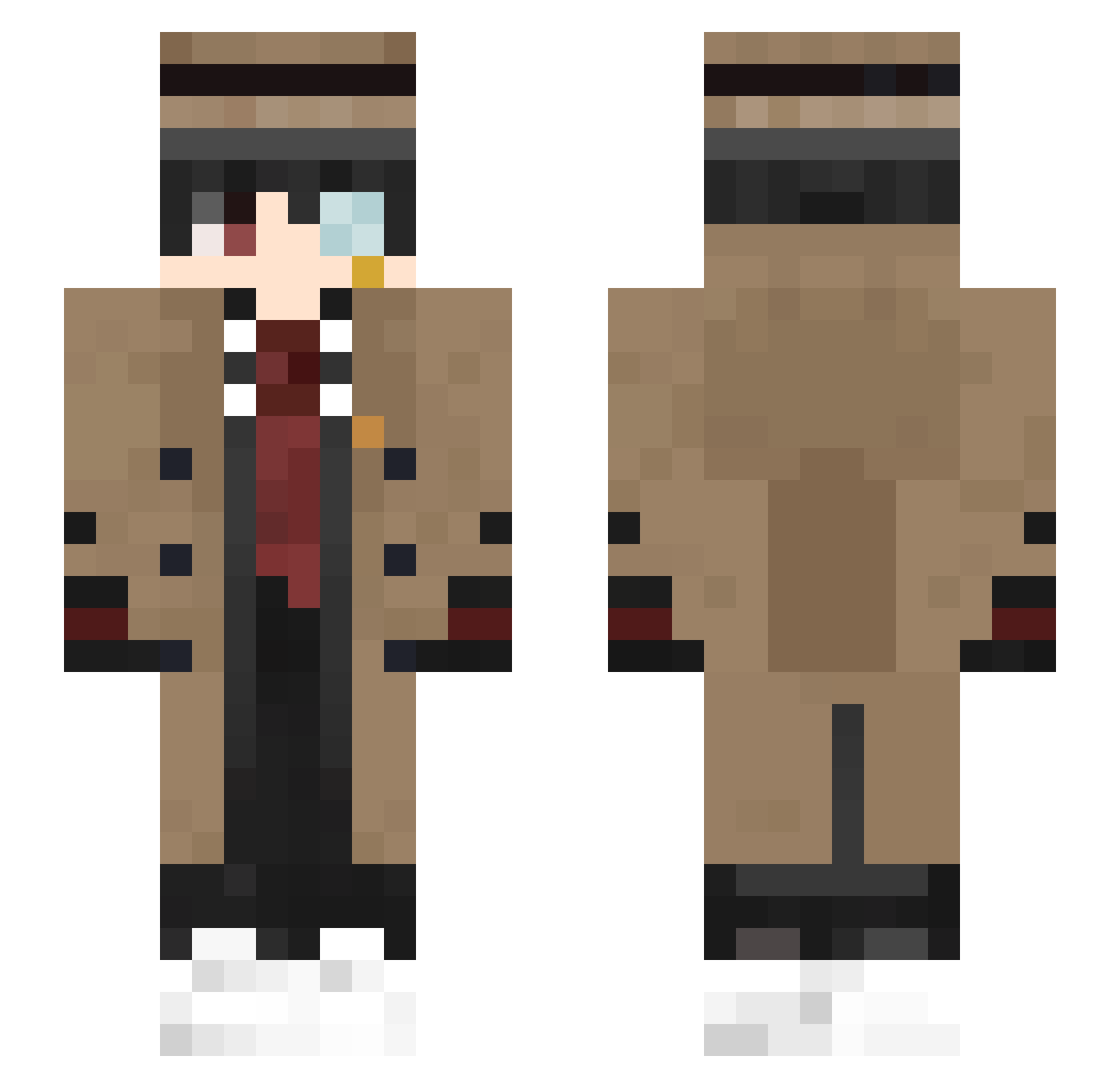
Current Minecraft skin of the player Tordesh, loaded from the official Mojang API. Rotate the 3D model with your mouse or finger, then download the skin as a PNG file and use it in Minecraft: Bedrock Edition or Java Edition for free. When Tordesh changes their skin, this page updates automatically and the old skin stays in the history below.
Other players with this skin (407)
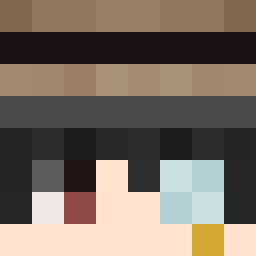
Tordesh was the 243rd player we have seen with this skin, first spotted on 22.09.2026. The same skin was seen on these players. Open a nickname to see their current skin and skin history.
 xMihu Ricky_7028 ScarFraisa EmAnUeLsI qi_yi0 nachito006 Kiritostrong Urcier Treezaa1 cxg022 chizhel Adooni i_got_1billion_w BeMyForever YuriIzak Hubo90 heeeun0623 elluid90 salventy DrSyrenix BennyGor Tekinemi Sblasco44 purrmirr123 Val_91 oys_060618 JLT0601 Dranix10 Juank1046 Raioflamejant12 Herl0ck_Sholmes Chenlai lipqil Raykke dzelef67 lidosama IIIsubhan NeacailX iTaySed youmin0729 TWUncleYung Ruo_Yu_ SiKev TheGoldBlockkk 0_Cronus_0 MikolajJ MelonLoner SkyGao itsksw dbsgysdn0319 NqMikey Cliffteezy_06 lol_lele _nk_ r1OG TReeWaNG Hideki25 BlueSlime1128 kaneeda Nathila
More Yugi Amane Minecraft skins
How to install the Tordesh skin
- Press the Download button above to save the skin as a PNG file.
- Minecraft: Bedrock Edition (PE): open the Dressing Room from the main menu (or tap your character → Edit Character), go to Classic Skins → Owned, press the + (new skin) button, choose the downloaded PNG and pick the Slim (Alex) model. Works on PC and mobile; consoles cannot import custom skins.
- Minecraft: Java Edition: open the Minecraft Launcher, go to the Skins tab, click New Skin, load the PNG, pick the Slim (Alex) model and press Save & Use. You can also upload it at minecraft.net → Profile → Change Skin.
The skin does not show up after import - what should I do?
Restart Minecraft and open the Dressing Room again - imported skins sometimes appear only after a restart. Also make sure you selected the imported skin and picked the Slim (Alex) model.
Which model should I choose, Classic or Slim?
This skin is designed for the Slim (Alex) model. If you pick the wrong model, the arms of the skin will look stretched or squeezed.
Is the skin of Tordesh free to download?
Yes. Press Download, save the PNG file and use it in Minecraft: Bedrock Edition or Java Edition - no payment or registration needed. The skin also works on multiplayer servers and Realms.
More skins
Looking for more? Go back to all Minecraft skins and check the top skins of the week, month and all time, or find any player's skin by nickname.