
Torch69 - Minecraft Skins & Skin History
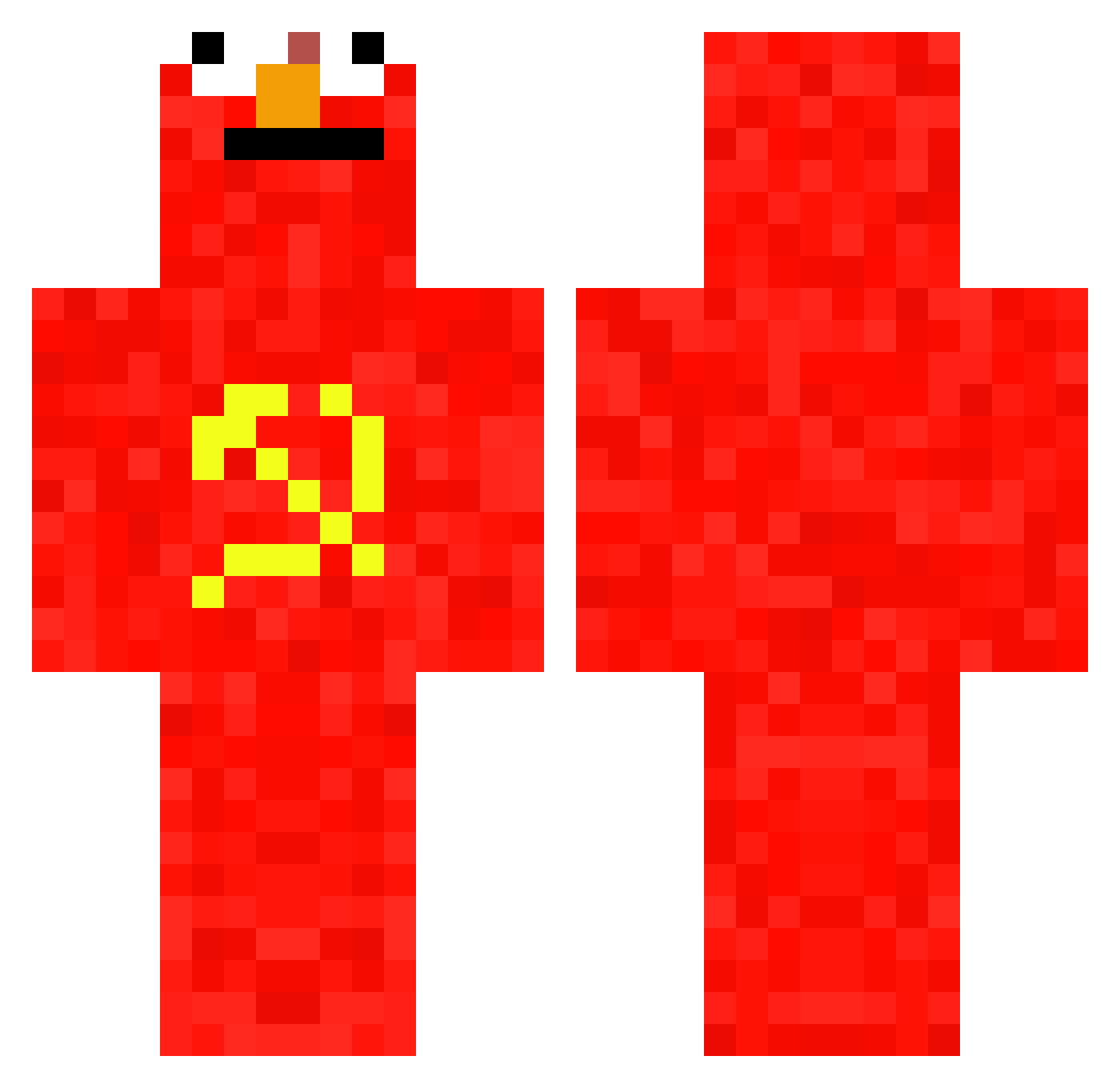
Current Minecraft skin of the player Torch69, loaded from the official Mojang API. Rotate the 3D model with your mouse or finger, then download the skin as a PNG file and use it in Minecraft: Bedrock Edition or Java Edition for free. When Torch69 changes their skin, this page updates automatically and the old skin stays in the history below.
Other players with this skin (697)
Torch69 was the 384th player we have seen with this skin, first spotted on 21.09.2026. The same skin was seen on these players. Open a nickname to see their current skin and skin history.
 JalJun Kombowoche XxhackerproxXyo1 Xpensiv3 SilasM0M Player33535 PandaP31 Mc_Jcola Sebldas Ataraxia_project jonah_eats Juupiterrrr SO4REN Mc_Beret N1CO361er Drinkingfire666 Timbocraft1409 ShrekMommy RouxEmilio Keck69 Oryuri markoxx Dunnss Krynser rnin_sung Teddymisha Gajdass XMrFearX Zyxth MONFREDADIGLET93 Parytheplatapos Benid2203 zakplayer05 junzzang0 c4yque_ RUSDennis wlmcheezit FrozenSiinex SOVIETSKIN jebigavito DruemlieJohn marlon_here Tamarac Gorsies EcoDavid krongler69 Ylazar SABAKU37 twitchh_saint QNgoc HorseKing6969 TescoMealdealXL roaiffq2 Adri336 ASULSENSUAL MapleDonut_66 nnaash_ Graabazz MonkeCommie MintyMan69
More Communist Minecraft skins
How to install the Torch69 skin
- Press the Download button above to save the skin as a PNG file.
- Minecraft: Bedrock Edition (PE): open the Dressing Room from the main menu (or tap your character → Edit Character), go to Classic Skins → Owned, press the + (new skin) button, choose the downloaded PNG and pick the Classic (Steve) model. Works on PC and mobile; consoles cannot import custom skins.
- Minecraft: Java Edition: open the Minecraft Launcher, go to the Skins tab, click New Skin, load the PNG, pick the Classic (Steve) model and press Save & Use. You can also upload it at minecraft.net → Profile → Change Skin.
The skin does not show up after import - what should I do?
Restart Minecraft and open the Dressing Room again - imported skins sometimes appear only after a restart. Also make sure you selected the imported skin and picked the Classic (Steve) model.
Which model should I choose, Classic or Slim?
This skin is designed for the Classic (Steve) model. If you pick the wrong model, the arms of the skin will look stretched or squeezed.
Is the skin of Torch69 free to download?
Yes. Press Download, save the PNG file and use it in Minecraft: Bedrock Edition or Java Edition - no payment or registration needed. The skin also works on multiplayer servers and Realms.
More skins
Looking for more? Go back to all Minecraft skins and check the top skins of the week, month and all time, or find any player's skin by nickname.