
TonyTheTwig - Minecraft Skins & Skin History
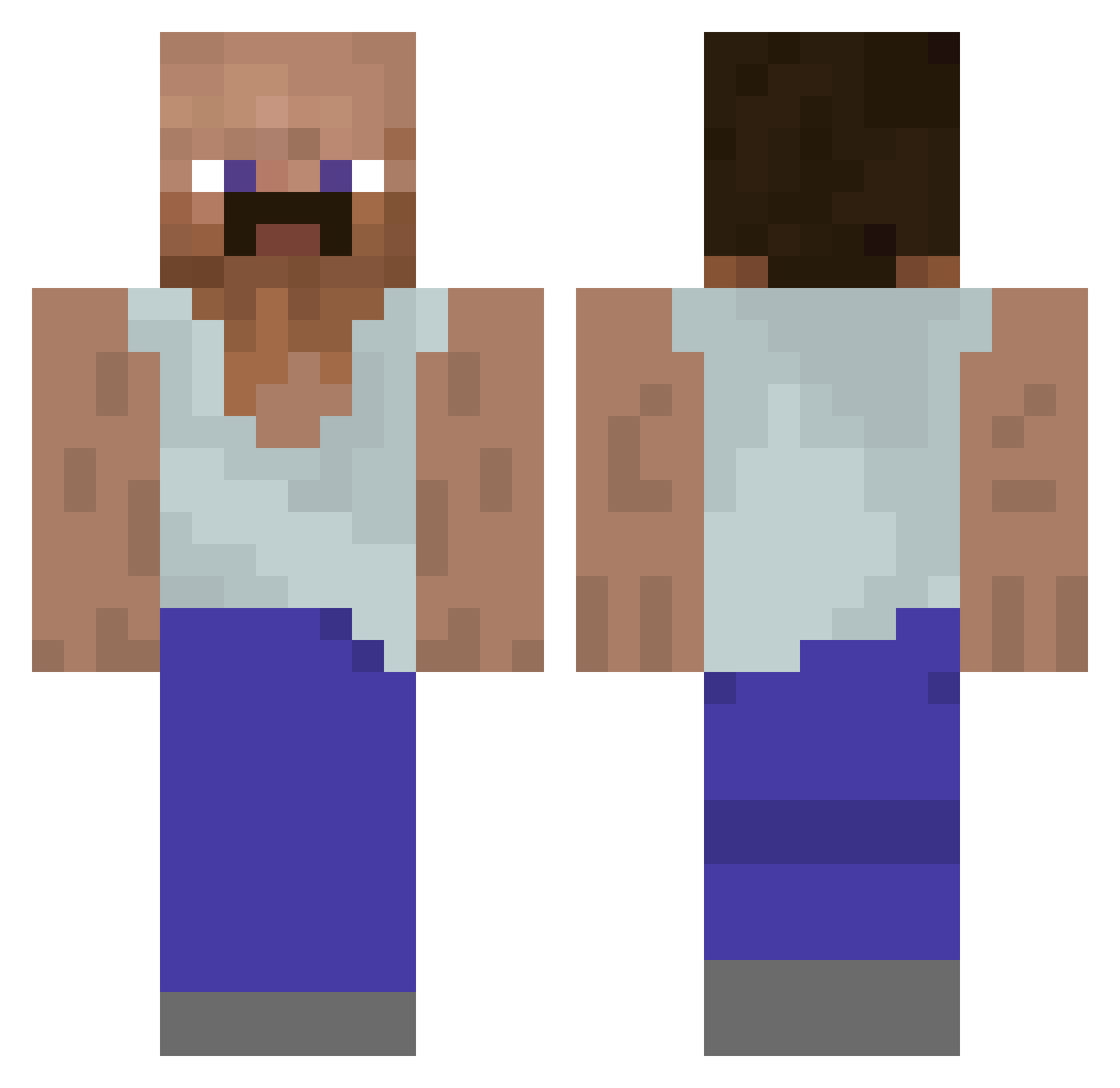
Current Minecraft skin of the player TonyTheTwig, loaded from the official Mojang API. Rotate the 3D model with your mouse or finger, then download the skin as a PNG file and use it in Minecraft: Bedrock Edition or Java Edition for free. When TonyTheTwig changes their skin, this page updates automatically and the old skin stays in the history below.
Other players with this skin (930)
TonyTheTwig was the 180th player we have seen with this skin, first spotted on 13.08.2026. The same skin was seen on these players. Open a nickname to see their current skin and skin history.
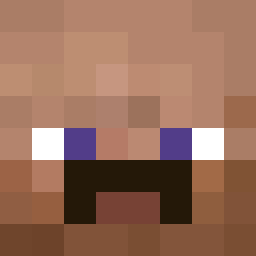 d4d1nh0 ReismitHack ohda SectorNick BagueTilen Mazinger19 Greensha FTSlax Hardcore_Maxxing dropk16 minkamp88
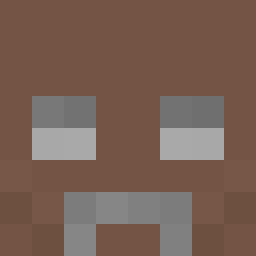 John5571 GNavy Hezuus Shush6006 LilZombieCheese Clocksoutall Luchoruiz92 GriloDelas BigHatty69 Huz2e Corn_eater
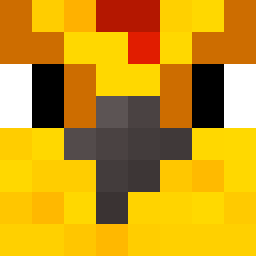 moon_1217 davewuwu BabaBanks idamussi09 Kootiet Pjoterko Bean_Man0511 simplylo Grxmlock raybeer2 InsecureAtom smothiboy juliothefoolio YungDc09 Morbus09 Stone10213697 UnshavenOrc 2Crank_ xMr0waa rodriguesgsr gabriel13151 KristofferTheis MALTMAN8 sankara9 ReAnNNN SuliuS9 Cryno q0fii minesna Rooty0325 vIschlekAya SpookyXZs Radzio2137 xMzim ebuaa synzl unicornluvr0701 sword_reach
More Mustache Minecraft skins
How to install the TonyTheTwig skin
- Press the Download button above to save the skin as a PNG file.
- Minecraft: Bedrock Edition (PE): open the Dressing Room from the main menu (or tap your character → Edit Character), go to Classic Skins → Owned, press the + (new skin) button, choose the downloaded PNG and pick the Classic (Steve) model. Works on PC and mobile; consoles cannot import custom skins.
- Minecraft: Java Edition: open the Minecraft Launcher, go to the Skins tab, click New Skin, load the PNG, pick the Classic (Steve) model and press Save & Use. You can also upload it at minecraft.net → Profile → Change Skin.
The skin does not show up after import - what should I do?
Restart Minecraft and open the Dressing Room again - imported skins sometimes appear only after a restart. Also make sure you selected the imported skin and picked the Classic (Steve) model.
Which model should I choose, Classic or Slim?
This skin is designed for the Classic (Steve) model. If you pick the wrong model, the arms of the skin will look stretched or squeezed.
Is the skin of TonyTheTwig free to download?
Yes. Press Download, save the PNG file and use it in Minecraft: Bedrock Edition or Java Edition - no payment or registration needed. The skin also works on multiplayer servers and Realms.
More skins
Looking for more? Go back to all Minecraft skins and check the top skins of the week, month and all time, or find any player's skin by nickname.