
Tomm1k - Minecraft Skins & Skin History
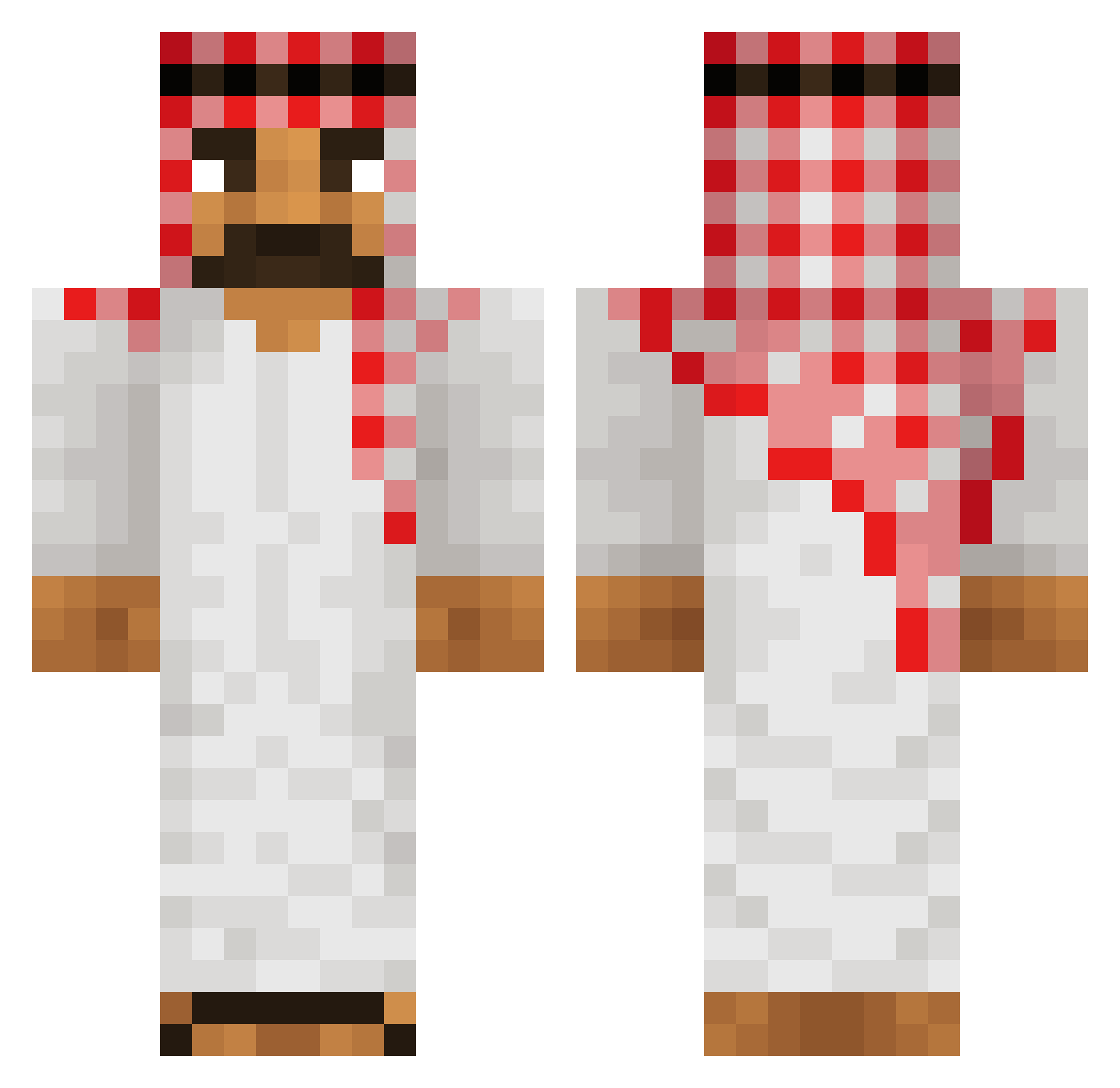
Current Minecraft skin of the player Tomm1k, loaded from the official Mojang API. Rotate the 3D model with your mouse or finger, then download the skin as a PNG file and use it in Minecraft: Bedrock Edition or Java Edition for free. When Tomm1k changes their skin, this page updates automatically and the old skin stays in the history below.
Other players with this skin (555)
Tomm1k was the 496th player we have seen with this skin, first spotted on 22.10.2026. The same skin was seen on these players. Open a nickname to see their current skin and skin history.
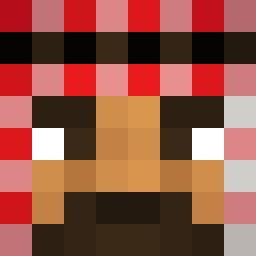 yirmind00 Honeyyyyyy mmlinaric GeorgePlays36 Psychicist TJGaming2022 Dyplom121 flynnstar123 icchiki _Tauma_ AladdinMK Imperium38 Azebi BusterPal 213zo Caspeeer omerfvrk Dr_Fade RicanBlaze1 MalhoneDBZ Perlstoner osamabinboming Noah026 reg0o Guigomess MullemeckMedStor Cozmic_Craze omeryus gaeybuster NoahSand frenchbagel Neky__ superninja69 Playboxone xox801 Obcecada OrHamagnok Mannelijke_Fluit pro13ab CzinkoMinem james80911 MKildeVand FabiRief Mr_Paarth apple0143 JakeyBoi1324 Nick_Bono 69_Gamer_69 rvnc godisgreatBOOM Michciooo Trevin1 Fiercec Fijio_ vertex_sh sinanjr Dejvid1865 Loganator1117 Tadziook LincolnFPS
More Traditional Minecraft skins
How to install the Tomm1k skin
- Press the Download button above to save the skin as a PNG file.
- Minecraft: Bedrock Edition (PE): open the Dressing Room from the main menu (or tap your character → Edit Character), go to Classic Skins → Owned, press the + (new skin) button, choose the downloaded PNG and pick the Classic (Steve) model. Works on PC and mobile; consoles cannot import custom skins.
- Minecraft: Java Edition: open the Minecraft Launcher, go to the Skins tab, click New Skin, load the PNG, pick the Classic (Steve) model and press Save & Use. You can also upload it at minecraft.net → Profile → Change Skin.
The skin does not show up after import - what should I do?
Restart Minecraft and open the Dressing Room again - imported skins sometimes appear only after a restart. Also make sure you selected the imported skin and picked the Classic (Steve) model.
Which model should I choose, Classic or Slim?
This skin is designed for the Classic (Steve) model. If you pick the wrong model, the arms of the skin will look stretched or squeezed.
Is the skin of Tomm1k free to download?
Yes. Press Download, save the PNG file and use it in Minecraft: Bedrock Edition or Java Edition - no payment or registration needed. The skin also works on multiplayer servers and Realms.
More skins
Looking for more? Go back to all Minecraft skins and check the top skins of the week, month and all time, or find any player's skin by nickname.