
Toleen - Minecraft Skins & Skin History
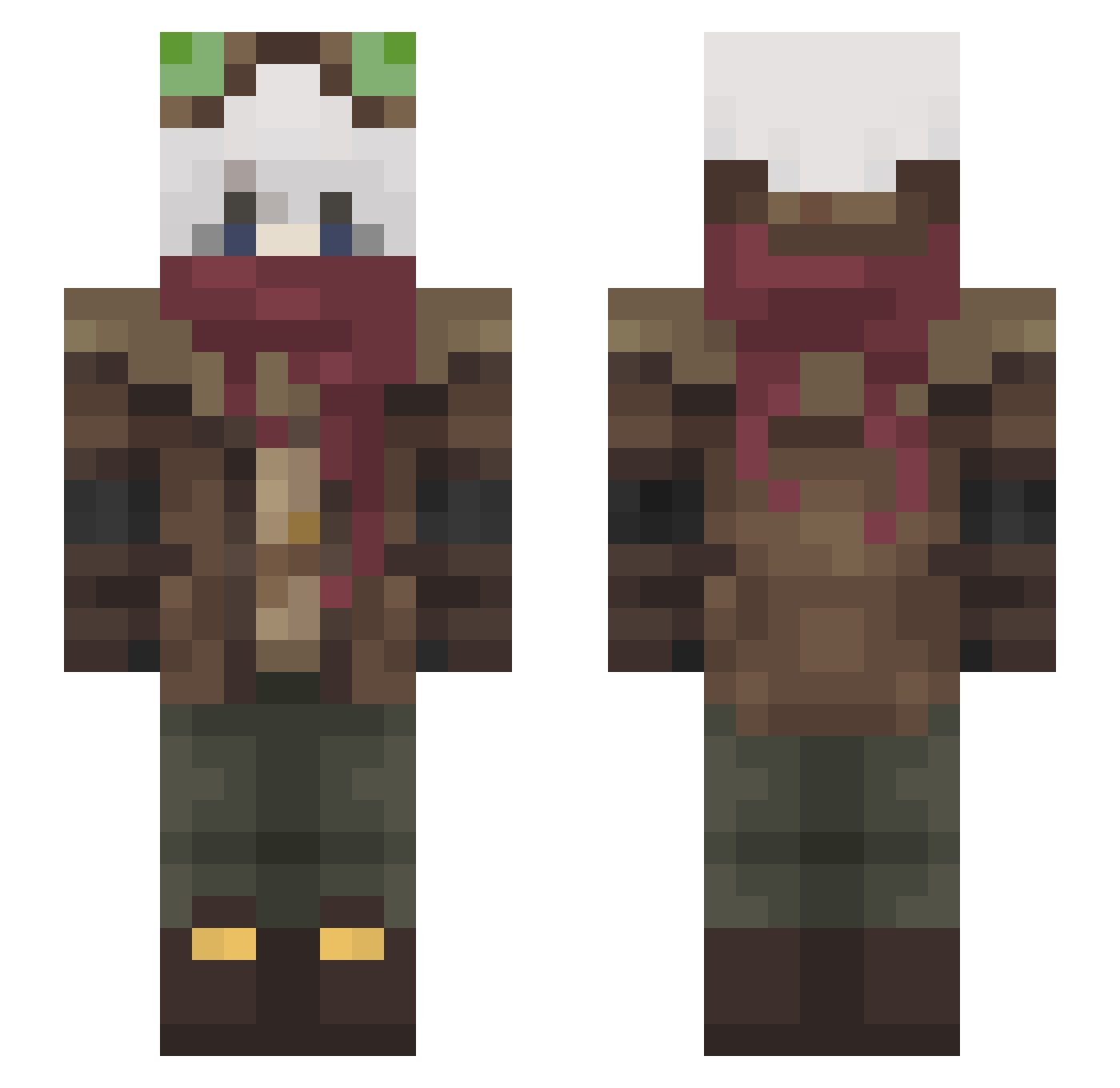
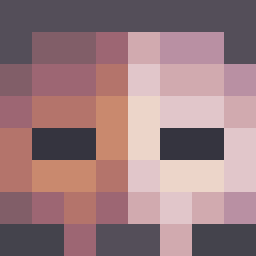
Current Minecraft skin of the player Toleen, loaded from the official Mojang API. Rotate the 3D model with your mouse or finger, then download the skin as a PNG file and use it in Minecraft: Bedrock Edition or Java Edition for free. When Toleen changes their skin, this page updates automatically and the old skin stays in the history below.
Other players with this skin (465)
Toleen was the 75th player we have seen with this skin, first spotted on 11.08.2026. The same skin was seen on these players. Open a nickname to see their current skin and skin history.
 ALonelySpirit boonbltz1022
 32_b_chocolatine Hornbeam_ DavidAddison13 luzifah ClayMan06 GriNseGriNch Lorecanthrope harmanimm RingabeI Prymecek Robotet MasterORavens_08
 EliaMiru KilnThrus Shiny__Galaxy AJtheGreat01 qpwoeiruty27 tirter _Halifax_ zeor111 Captain_Atom05 ThinkTrout OoImaruoO
 hi_im_mex xxsoraxx2 mourn2_
 Player472 PYCOPE3 Drighten Niiro7 Shadeeon whoismarker KokamiK ByrdSayAHH melfoooo VinniV321 Lu_Hui Saffix15 Yxlu UltraSkylerX Solax_01 Makrisi1 BaoWowTrain L4pinha kir_il KAWAZAKI7 Pineconer Zyc0157 _iskelet PlagueAims EclipsesDrawings
 Joshuk05 witchv
 flyneishere TheXtreme15 uctrl1398 TheGalaxy1000 GhostFaceorigina
More Pilot Minecraft skins
How to install the Toleen skin
- Press the Download button above to save the skin as a PNG file.
- Minecraft: Bedrock Edition (PE): open the Dressing Room from the main menu (or tap your character → Edit Character), go to Classic Skins → Owned, press the + (new skin) button, choose the downloaded PNG and pick the Slim (Alex) model. Works on PC and mobile; consoles cannot import custom skins.
- Minecraft: Java Edition: open the Minecraft Launcher, go to the Skins tab, click New Skin, load the PNG, pick the Slim (Alex) model and press Save & Use. You can also upload it at minecraft.net → Profile → Change Skin.
The skin does not show up after import - what should I do?
Restart Minecraft and open the Dressing Room again - imported skins sometimes appear only after a restart. Also make sure you selected the imported skin and picked the Slim (Alex) model.
Which model should I choose, Classic or Slim?
This skin is designed for the Slim (Alex) model. If you pick the wrong model, the arms of the skin will look stretched or squeezed.
Is the skin of Toleen free to download?
Yes. Press Download, save the PNG file and use it in Minecraft: Bedrock Edition or Java Edition - no payment or registration needed. The skin also works on multiplayer servers and Realms.
More skins
Looking for more? Go back to all Minecraft skins and check the top skins of the week, month and all time, or find any player's skin by nickname.