
Toferix - Minecraft Skins & Skin History
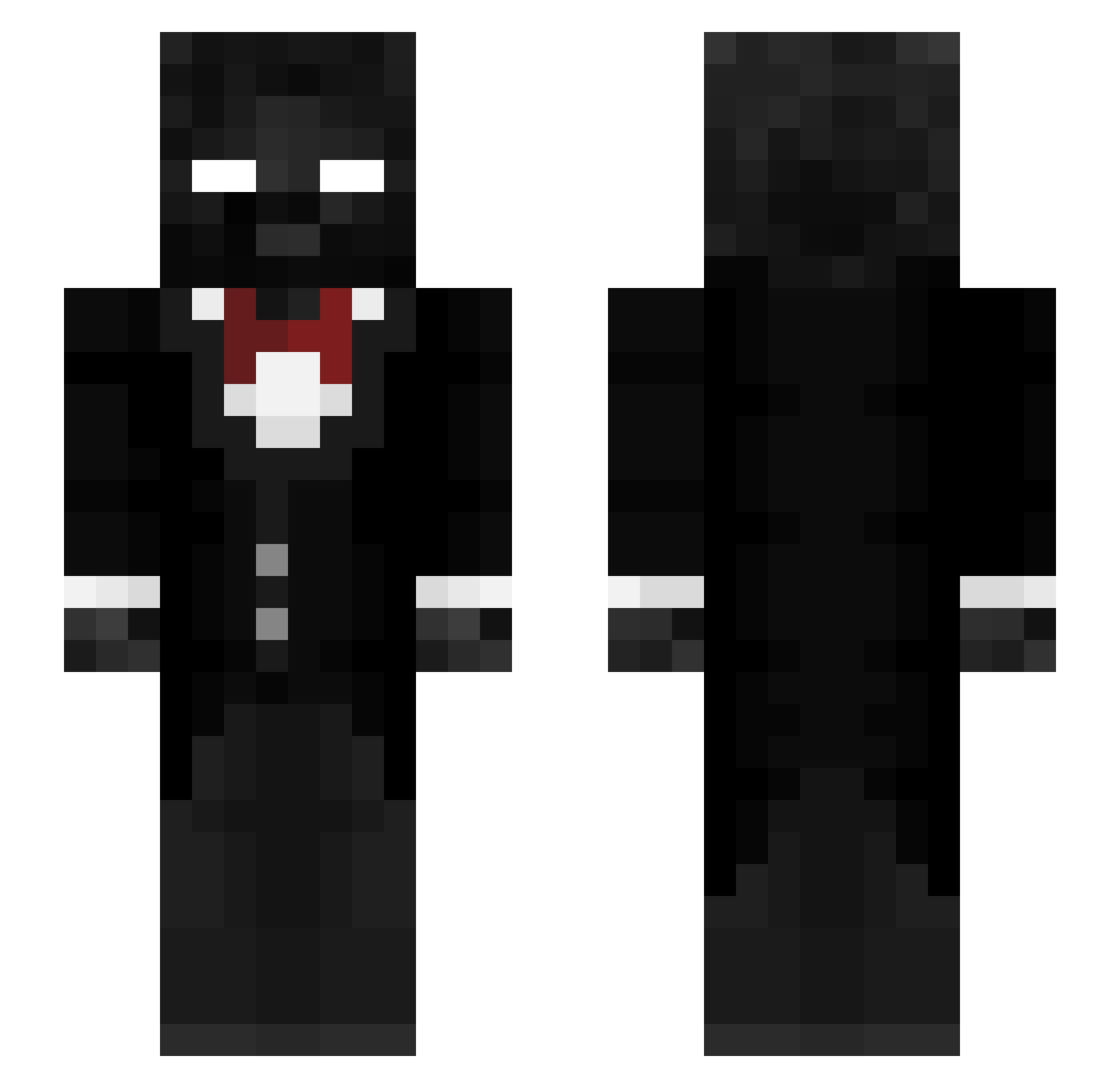
Current Minecraft skin of the player Toferix, loaded from the official Mojang API. Rotate the 3D model with your mouse or finger, then download the skin as a PNG file and use it in Minecraft: Bedrock Edition or Java Edition for free. When Toferix changes their skin, this page updates automatically and the old skin stays in the history below.
Other players with this skin (283)
Toferix was the 223rd player we have seen with this skin, first spotted on 10.10.2026. The same skin was seen on these players. Open a nickname to see their current skin and skin history.
 D4RK02 DoomSlayer777 ROTCEHTANK geschlossenner PotatoChangus Axadice 7x3x agarthaland silkyfox2 VortexGod454 MinuteTech Litelier Japonasxd Linusweber dkelis JimmyBills17 oozingwrist maxiccek sheluvday1x G59_VOID HQZCA1 DTaivan rissan2013 Jonyks22 Chi_zadiCA_Dao Gavfps urbacon 3Rex SImonPixels martijn_d2 RMCraider12 Donercrafti _SPECZ_ Cloudy_Man ichigo18 masterchaos0987 Et3rnal_Bliss sulfurix_acid MaoRizzDong XavinashX MasterToSurvive akumoroi iqsebrum Minutech12 D1dDy_xD Amirvona Yijiayi114514 MileMJ DomeQuicke luhvash2 Zippedww3 ducanhsebala s05084 Siphon1x MrWisteria ZebulonMakeijan kakspyr Web_shooter14 Ty1xr mgxxx
How to install the Toferix skin
- Press the Download button above to save the skin as a PNG file.
- Minecraft: Bedrock Edition (PE): open the Dressing Room from the main menu (or tap your character → Edit Character), go to Classic Skins → Owned, press the + (new skin) button, choose the downloaded PNG and pick the Slim (Alex) model. Works on PC and mobile; consoles cannot import custom skins.
- Minecraft: Java Edition: open the Minecraft Launcher, go to the Skins tab, click New Skin, load the PNG, pick the Slim (Alex) model and press Save & Use. You can also upload it at minecraft.net → Profile → Change Skin.
The skin does not show up after import - what should I do?
Restart Minecraft and open the Dressing Room again - imported skins sometimes appear only after a restart. Also make sure you selected the imported skin and picked the Slim (Alex) model.
Which model should I choose, Classic or Slim?
This skin is designed for the Slim (Alex) model. If you pick the wrong model, the arms of the skin will look stretched or squeezed.
Is the skin of Toferix free to download?
Yes. Press Download, save the PNG file and use it in Minecraft: Bedrock Edition or Java Edition - no payment or registration needed. The skin also works on multiplayer servers and Realms.
More skins
Looking for more? Go back to all Minecraft skins and check the top skins of the week, month and all time, or find any player's skin by nickname.