
TierUnFatiguer - Minecraft Skins & Skin History
Current Minecraft skin of the player TierUnFatiguer, loaded from the official Mojang API. Rotate the 3D model with your mouse or finger, then download the skin as a PNG file and use it in Minecraft: Bedrock Edition or Java Edition for free. When TierUnFatiguer changes their skin, this page updates automatically and the old skin stays in the history below.
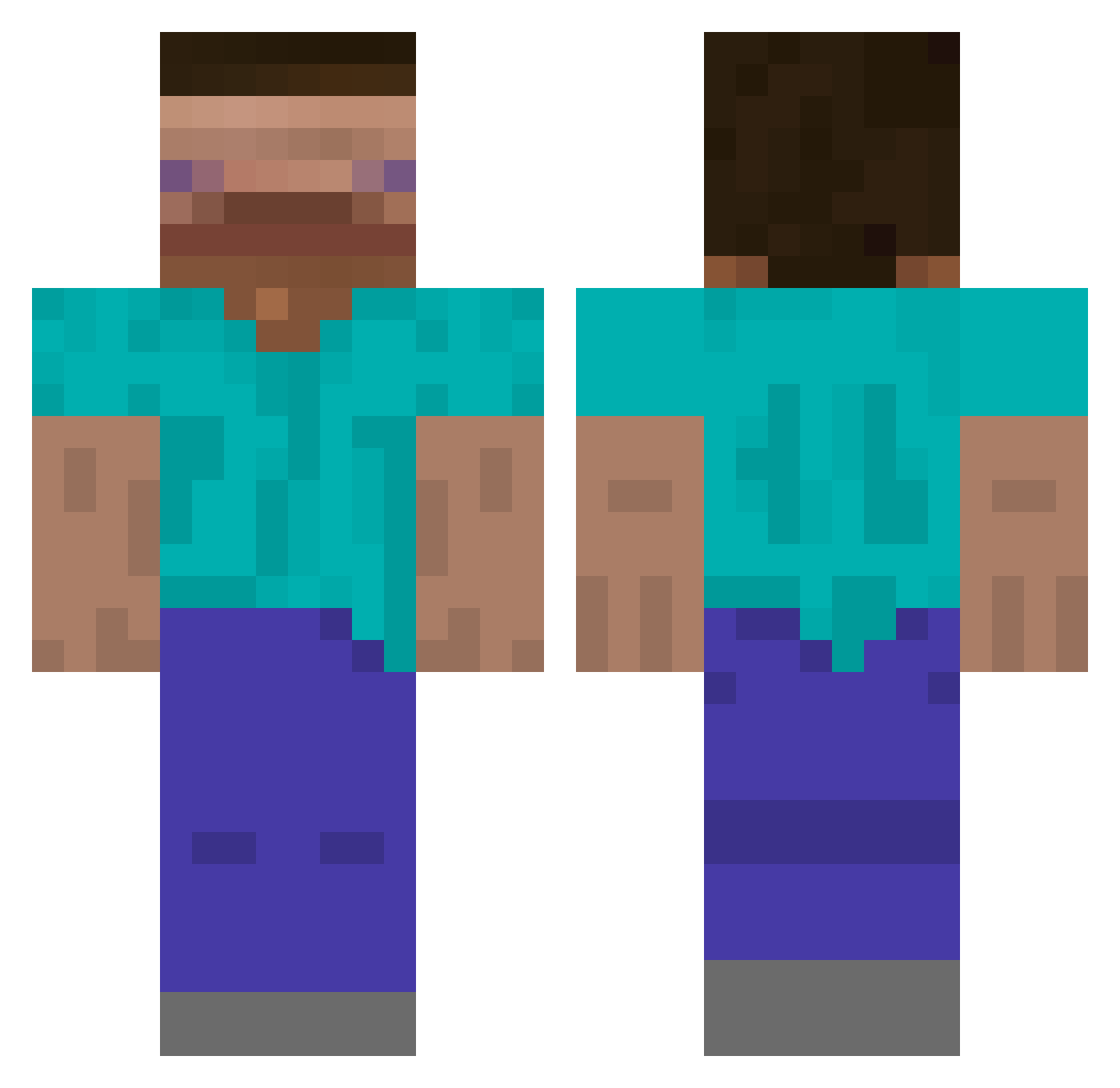
Other players with this skin (733)
TierUnFatiguer was the 667th player we have seen with this skin, first spotted on 09.11.2026. The same skin was seen on these players. Open a nickname to see their current skin and skin history.
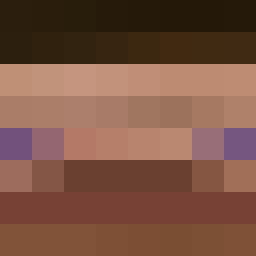 DompteurDeNini jackseahawks Noob6974 D3_ryL coda18 McJellyy murgarygoon Vehtic hwuhaiuhsdiu iinaifi0 ShiestyGin novemberninths Xyno_slayer purpleprison_ TooFast4You69 Hilcat rlacksrl5626 TalkTuahWoman Ymdshfe MrFlynn_ _i99900k ViVi_Ricee S1MULTANEOUS TinyQuokka azr0r Lostialgie24 Kojot69 Menoilllll Richard50 phoeno Xerxes9266 chipiiee tomodori tallthanyou wl061108 Elwoodh SooBlurry SyncronizedPasta dtiya231 Mchadd0 0Justice TheRealSecond Sausagewithbread 7Krim Krissito kraara El_diegin84 Nenciolo obbelo Babennn hartsi BleuWiix Adosiik22 SAMMAJAMMA08 TacosAlPastor24 Parabolek_pl Droppee _Victim_ kodiaksolemn redziak
How to install the TierUnFatiguer skin
- Press the Download button above to save the skin as a PNG file.
- Minecraft: Bedrock Edition (PE): open the Dressing Room from the main menu (or tap your character → Edit Character), go to Classic Skins → Owned, press the + (new skin) button, choose the downloaded PNG and pick the Classic (Steve) model. Works on PC and mobile; consoles cannot import custom skins.
- Minecraft: Java Edition: open the Minecraft Launcher, go to the Skins tab, click New Skin, load the PNG, pick the Classic (Steve) model and press Save & Use. You can also upload it at minecraft.net → Profile → Change Skin.
The skin does not show up after import - what should I do?
Restart Minecraft and open the Dressing Room again - imported skins sometimes appear only after a restart. Also make sure you selected the imported skin and picked the Classic (Steve) model.
Which model should I choose, Classic or Slim?
This skin is designed for the Classic (Steve) model. If you pick the wrong model, the arms of the skin will look stretched or squeezed.
Is the skin of TierUnFatiguer free to download?
Yes. Press Download, save the PNG file and use it in Minecraft: Bedrock Edition or Java Edition - no payment or registration needed. The skin also works on multiplayer servers and Realms.
More skins
Looking for more? Go back to all Minecraft skins and check the top skins of the week, month and all time, or find any player's skin by nickname.