
ThunderBird_35 - Minecraft Skins & Skin History
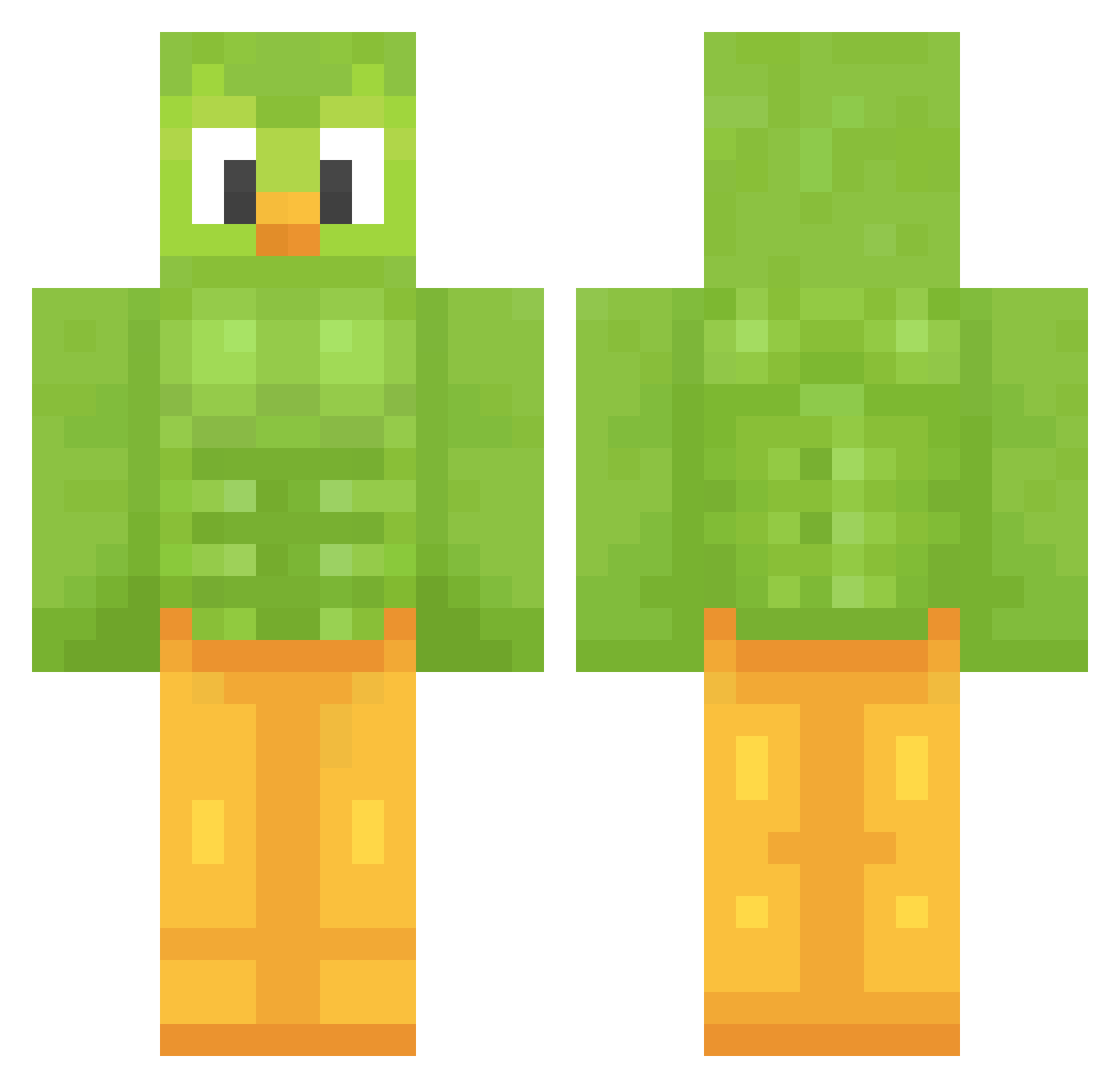
Current Minecraft skin of the player ThunderBird_35, loaded from the official Mojang API. Rotate the 3D model with your mouse or finger, then download the skin as a PNG file and use it in Minecraft: Bedrock Edition or Java Edition for free. When ThunderBird_35 changes their skin, this page updates automatically and the old skin stays in the history below.
Other players with this skin (1480)
ThunderBird_35 was the 1344th player we have seen with this skin, first spotted on 10.11.2026. The same skin was seen on these players. Open a nickname to see their current skin and skin history.
 saidanyx12 Skollgod Joshua_hunt Lunisity JanKiBa parrolan baymax360 beansmf Buckskip schmexyboy Emmroll UncRyan_ lamune0318 anna0425 hae918 Knolboer19 GILUGI MrGuideli 94mb IcyM ElReiPato SheroqHolmes SimonElSaumon Eskere0001 Demeshh konohara heeheeepotter Frostkilled BRM10704 shilohfinch Sethypoo3 adidenz DecieverPlays Dzedaj0164 RiveraSophia walze13 dabeast4life207 Haileyren izziehh gottuann Isabella__aa QDWDED Sharkshooter098 Mogyi McBaldBoy danidudeig knox00000 alyxxa6199 Giggle_juice Monfe AD4M_UK Amnionics LunarEclipse491 Bredzell Wigastyy KiloAbraham BessieBooo MrCreed172 MateilloPillo LlyuX
More Duo Minecraft skins
How to install the ThunderBird_35 skin
- Press the Download button above to save the skin as a PNG file.
- Minecraft: Bedrock Edition (PE): open the Dressing Room from the main menu (or tap your character → Edit Character), go to Classic Skins → Owned, press the + (new skin) button, choose the downloaded PNG and pick the Classic (Steve) model. Works on PC and mobile; consoles cannot import custom skins.
- Minecraft: Java Edition: open the Minecraft Launcher, go to the Skins tab, click New Skin, load the PNG, pick the Classic (Steve) model and press Save & Use. You can also upload it at minecraft.net → Profile → Change Skin.
The skin does not show up after import - what should I do?
Restart Minecraft and open the Dressing Room again - imported skins sometimes appear only after a restart. Also make sure you selected the imported skin and picked the Classic (Steve) model.
Which model should I choose, Classic or Slim?
This skin is designed for the Classic (Steve) model. If you pick the wrong model, the arms of the skin will look stretched or squeezed.
Is the skin of ThunderBird_35 free to download?
Yes. Press Download, save the PNG file and use it in Minecraft: Bedrock Edition or Java Edition - no payment or registration needed. The skin also works on multiplayer servers and Realms.
More skins
Looking for more? Go back to all Minecraft skins and check the top skins of the week, month and all time, or find any player's skin by nickname.