
Thor_DTG - Minecraft Skins & Skin History
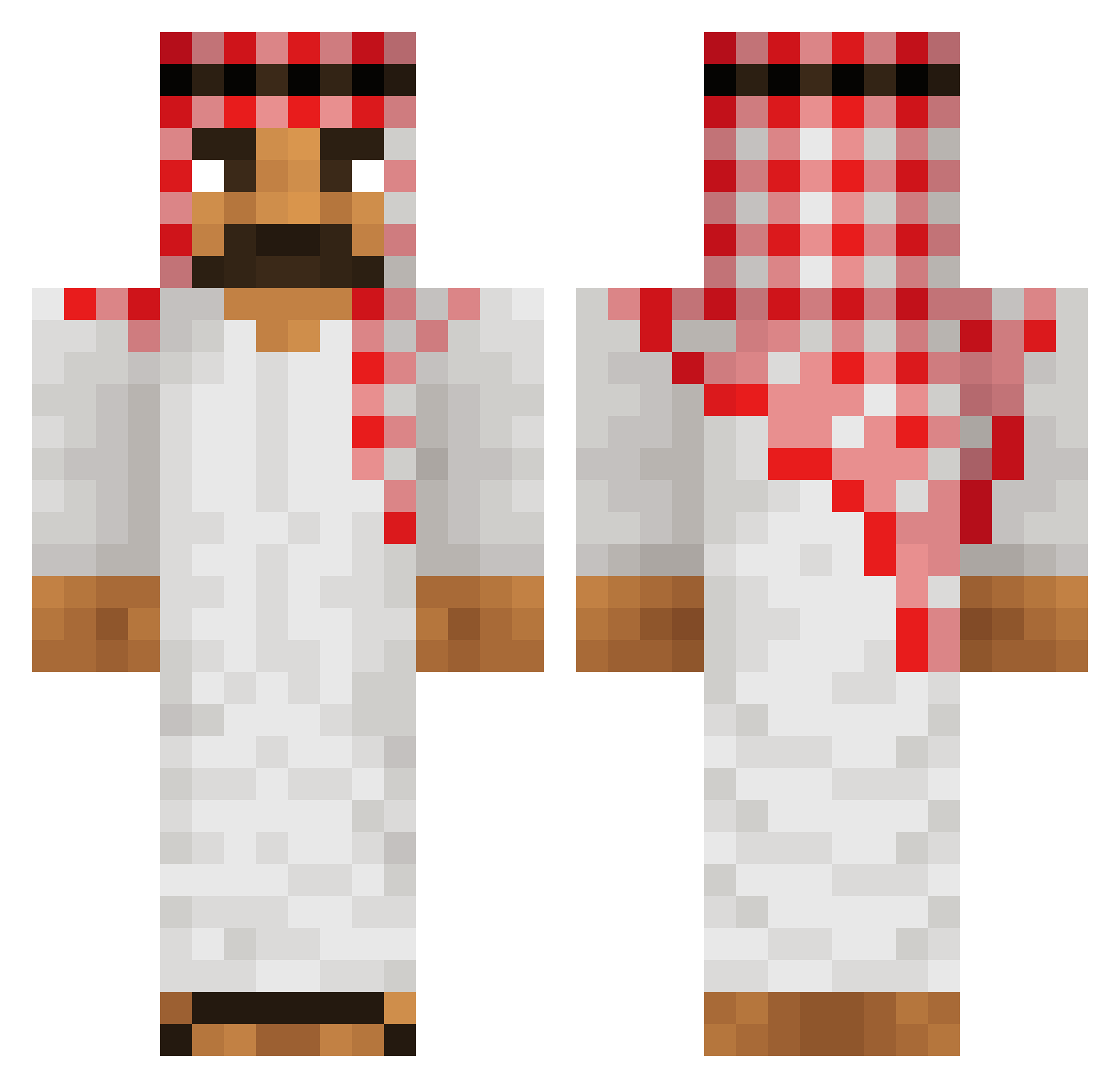
Current Minecraft skin of the player Thor_DTG, loaded from the official Mojang API. Rotate the 3D model with your mouse or finger, then download the skin as a PNG file and use it in Minecraft: Bedrock Edition or Java Edition for free. When Thor_DTG changes their skin, this page updates automatically and the old skin stays in the history below.
Other players with this skin (603)
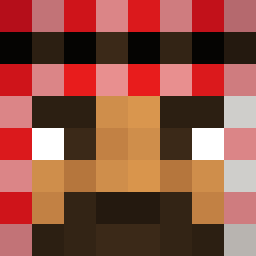
Thor_DTG was the 520th player we have seen with this skin, first spotted on 02.11.2026. The same skin was seen on these players. Open a nickname to see their current skin and skin history.
 destinite flix_321 GebakkenNutella Mr_Softis jimbertos gilad_shalit PePi0007 BawesomeBatman HappyFeet__ Finnyomg Samuel7039 slicerIF ASF3li mukbruh crossfire0304 ImFatall EarWax38 GlazePRP ProBillieSmoker Denkamnn123 extendo_ TheRealSted Gcosin06 memeshowXD Aet houssineljaouad DONUTessaBOY Tuggeridge bolchman xPatrik3 Siofjg robertoyaportie Peeter_griffen ruptured_spine47 egecardak mandemfcleader elpichonazo Mo3t4n InfoOdBogaa SalsaRosA14 Vladimir_Annikov Father_Russia001 afganistalainen Emilio_RZ Banjaman07 MidL1f3Cr1s1s stubbs666 Flyxz_ elChotax Vshavico1 Castaway64 Silveriiing EiSchowSchpihd JustSensitive capinirk Schrapp Extendedclip13 SCROJA ImSoPalestinian NukedPirate
More Sheikh Minecraft skins
How to install the Thor_DTG skin
- Press the Download button above to save the skin as a PNG file.
- Minecraft: Bedrock Edition (PE): open the Dressing Room from the main menu (or tap your character → Edit Character), go to Classic Skins → Owned, press the + (new skin) button, choose the downloaded PNG and pick the Classic (Steve) model. Works on PC and mobile; consoles cannot import custom skins.
- Minecraft: Java Edition: open the Minecraft Launcher, go to the Skins tab, click New Skin, load the PNG, pick the Classic (Steve) model and press Save & Use. You can also upload it at minecraft.net → Profile → Change Skin.
The skin does not show up after import - what should I do?
Restart Minecraft and open the Dressing Room again - imported skins sometimes appear only after a restart. Also make sure you selected the imported skin and picked the Classic (Steve) model.
Which model should I choose, Classic or Slim?
This skin is designed for the Classic (Steve) model. If you pick the wrong model, the arms of the skin will look stretched or squeezed.
Is the skin of Thor_DTG free to download?
Yes. Press Download, save the PNG file and use it in Minecraft: Bedrock Edition or Java Edition - no payment or registration needed. The skin also works on multiplayer servers and Realms.
More skins
Looking for more? Go back to all Minecraft skins and check the top skins of the week, month and all time, or find any player's skin by nickname.