
Themorgy - Minecraft Skins & Skin History
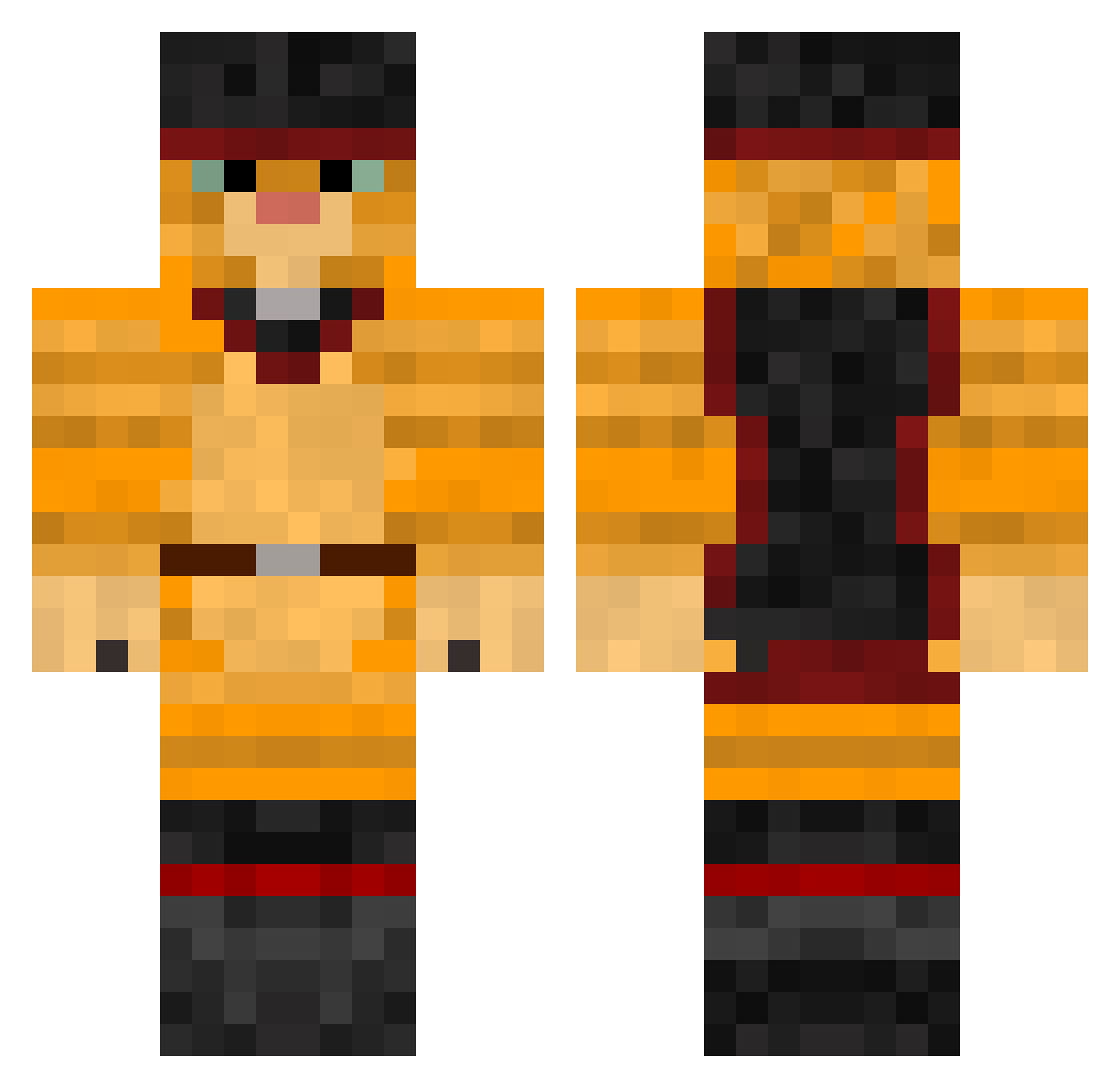
Current Minecraft skin of the player Themorgy, loaded from the official Mojang API. Rotate the 3D model with your mouse or finger, then download the skin as a PNG file and use it in Minecraft: Bedrock Edition or Java Edition for free. When Themorgy changes their skin, this page updates automatically and the old skin stays in the history below.
Other players with this skin (467)
Themorgy was the 426th player we have seen with this skin, first spotted on 10.11.2026. The same skin was seen on these players. Open a nickname to see their current skin and skin history.
 ErmakGood axeljoelbr Romanxx devildog1929 Xm0408X muffin131 pallopenguin gato333 CraigHD1 joo975 DrunkenCheetahh coolleopard Mancat Tigergirl614 Charlieo01 Deschzero Halse9 jacinto1999 cedrik74 Sassiplier ponpon61 AmazingJamesin Mathilde05 micahmoose Wright27 MauroCarp97 ebimura ItzThaGarfield mimosa_is_stupid clarashipster CrisozXIV dajumao1 TheCatLover604 Azaldor glorynow Shmexyness Elkontakt Happyface92 Squall1987 Pretttyboyfredo TooHolloww moyomorita Stijnepijntje destructor_meow ItsGrimmy PICKLMAJIK annaangelina E_Money207 MattFloura Wailike Smfrelier Creon0815 IGotJukes jakerwin CheesyRex miner9x N13lsvdv Blue_Tide gamehero913 Pizzacat5
More Puss In Boots Minecraft skins
See all 70 Puss In Boots skins
How to install the Themorgy skin
- Press the Download button above to save the skin as a PNG file.
- Minecraft: Bedrock Edition (PE): open the Dressing Room from the main menu (or tap your character → Edit Character), go to Classic Skins → Owned, press the + (new skin) button, choose the downloaded PNG and pick the Classic (Steve) model. Works on PC and mobile; consoles cannot import custom skins.
- Minecraft: Java Edition: open the Minecraft Launcher, go to the Skins tab, click New Skin, load the PNG, pick the Classic (Steve) model and press Save & Use. You can also upload it at minecraft.net → Profile → Change Skin.
The skin does not show up after import - what should I do?
Restart Minecraft and open the Dressing Room again - imported skins sometimes appear only after a restart. Also make sure you selected the imported skin and picked the Classic (Steve) model.
Which model should I choose, Classic or Slim?
This skin is designed for the Classic (Steve) model. If you pick the wrong model, the arms of the skin will look stretched or squeezed.
Is the skin of Themorgy free to download?
Yes. Press Download, save the PNG file and use it in Minecraft: Bedrock Edition or Java Edition - no payment or registration needed. The skin also works on multiplayer servers and Realms.
More skins
Looking for more? Go back to all Minecraft skins and check the top skins of the week, month and all time, or find any player's skin by nickname.