
The_Finnisher - Minecraft Skins & Skin History
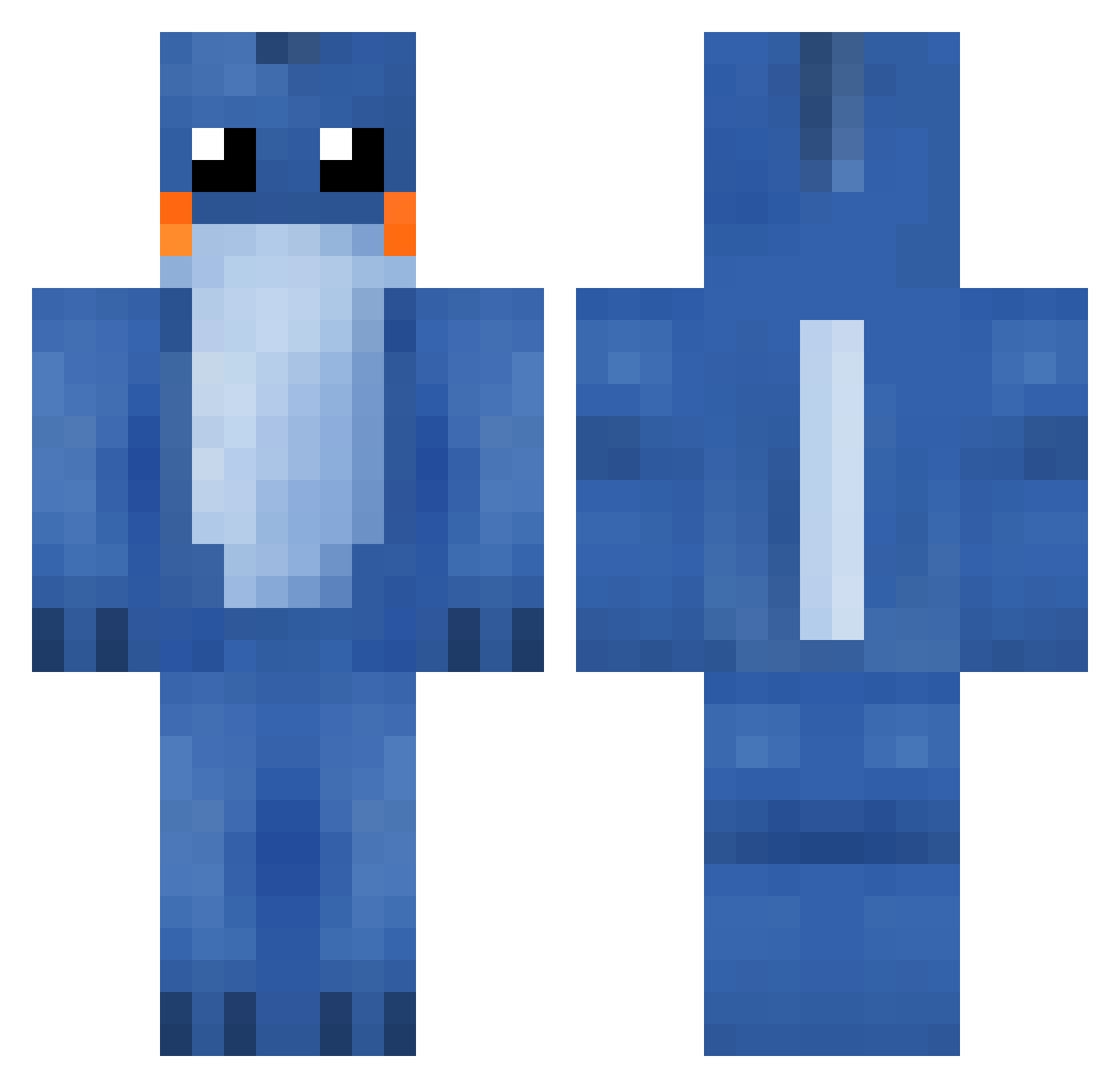
Current Minecraft skin of the player The_Finnisher, loaded from the official Mojang API. Rotate the 3D model with your mouse or finger, then download the skin as a PNG file and use it in Minecraft: Bedrock Edition or Java Edition for free. When The_Finnisher changes their skin, this page updates automatically and the old skin stays in the history below.
Other players with this skin (287)
The_Finnisher was the 261st player we have seen with this skin, first spotted on 24.10.2026. The same skin was seen on these players. Open a nickname to see their current skin and skin history.
 CloudBoi Cupcakelover1243 Asbjoernen mikael699 master_turtle2 Kappacopacabana Soman Hufweo SeargentDavid967 _Jaza_ BIGGDANN Piercey_Playz seventeen_dogs Foney wh0isthisdude WilltheKill26 Murphy6981 migHET lorenzorchata Buuuuusk cserpent1219 midnightmeko ts9042 KLAX_01 oxy874 buttercupcake7 lej94 Wieditox olirap shayner_b DOGWASH zjwillis Mudkip_Master04 DankMudkip godisar2 Dangkolo HTCcoolguys A2007DP magmortiano icytan OffloadStudios Haliba Bobertie10 Saggy_Bagel roboplatipus500 DankShadooo 4everMarius Eric_Myra FergusTheBoss ashleyike kieth75stone Kokoasurfer62 MaximusMF The_Liberal_Lord BUBBIE_Nugget Roomba26 danielddizzle Ghostpaskillah indiiva Epicdude105
More Lilo And Stitch Minecraft skins
See all 491 Lilo And Stitch skins
How to install the The_Finnisher skin
- Press the Download button above to save the skin as a PNG file.
- Minecraft: Bedrock Edition (PE): open the Dressing Room from the main menu (or tap your character → Edit Character), go to Classic Skins → Owned, press the + (new skin) button, choose the downloaded PNG and pick the Classic (Steve) model. Works on PC and mobile; consoles cannot import custom skins.
- Minecraft: Java Edition: open the Minecraft Launcher, go to the Skins tab, click New Skin, load the PNG, pick the Classic (Steve) model and press Save & Use. You can also upload it at minecraft.net → Profile → Change Skin.
The skin does not show up after import - what should I do?
Restart Minecraft and open the Dressing Room again - imported skins sometimes appear only after a restart. Also make sure you selected the imported skin and picked the Classic (Steve) model.
Which model should I choose, Classic or Slim?
This skin is designed for the Classic (Steve) model. If you pick the wrong model, the arms of the skin will look stretched or squeezed.
Is the skin of The_Finnisher free to download?
Yes. Press Download, save the PNG file and use it in Minecraft: Bedrock Edition or Java Edition - no payment or registration needed. The skin also works on multiplayer servers and Realms.
More skins
Looking for more? Go back to all Minecraft skins and check the top skins of the week, month and all time, or find any player's skin by nickname.