
TheVanya - Minecraft Skins & Skin History
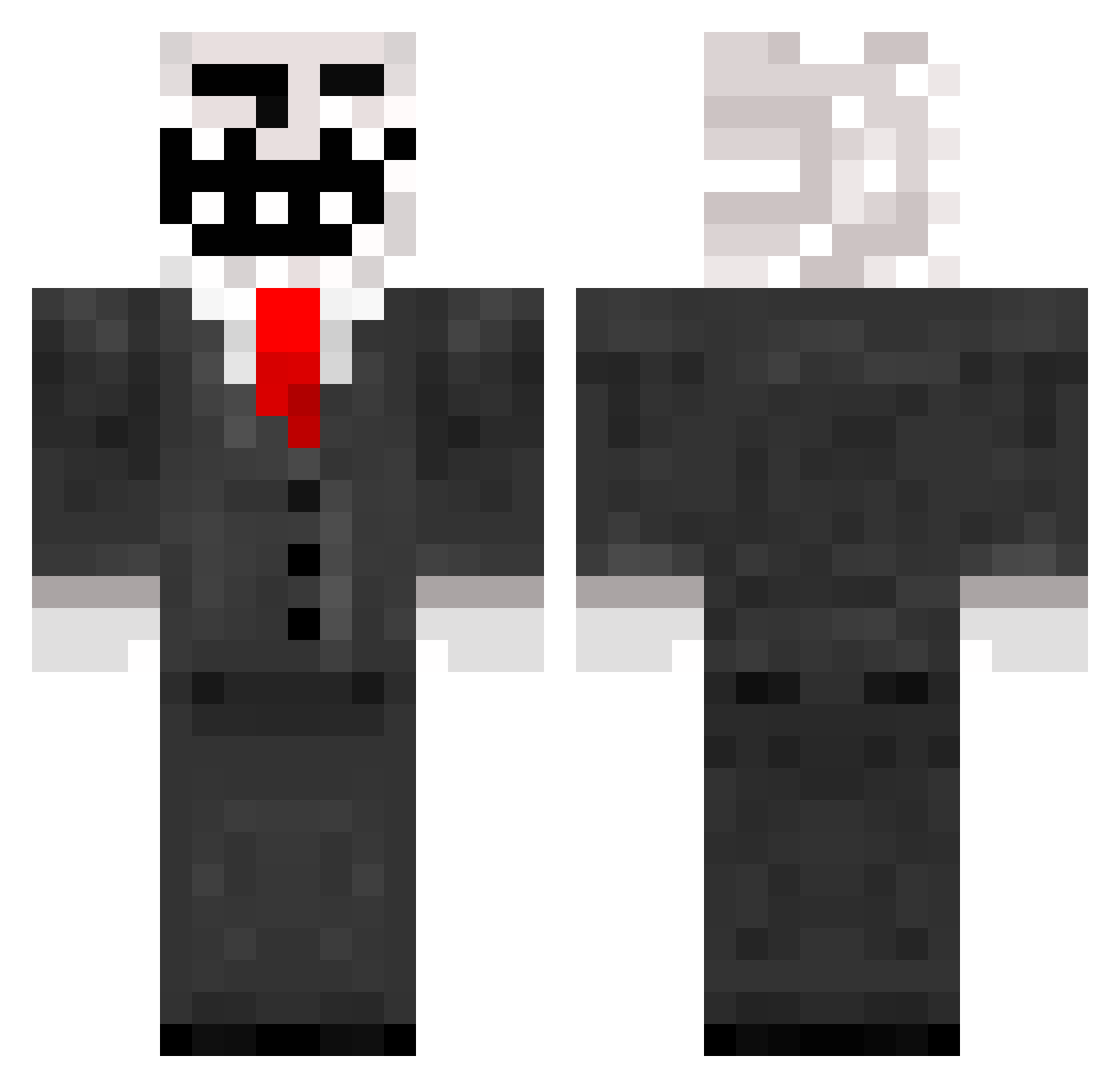
Current Minecraft skin of the player TheVanya, loaded from the official Mojang API. Rotate the 3D model with your mouse or finger, then download the skin as a PNG file and use it in Minecraft: Bedrock Edition or Java Edition for free. When TheVanya changes their skin, this page updates automatically and the old skin stays in the history below.
Other players with this skin (272)
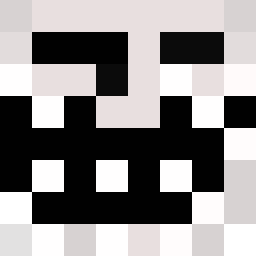
TheVanya was the 251st player we have seen with this skin, first spotted on 24.10.2026. The same skin was seen on these players. Open a nickname to see their current skin and skin history.
 Hermanni95 chromadrifting TheGushGaming Waterfallll TasT1s Crazy_Rock_Lover ElFernandinho R1SK01 Z3nTt Nokji vaytosh BigDikBobby123 LoonyZZ BrockKF RomRod sLusHy74 NaapurinMaSa Mathaius ___hotrod GameKiller_ks qyquan gleboi Roach31 MatteBuffalo359 SossuKingi2 estebas898 Claudione UNHOEABLE AvALA1D nate102812 Klassic5Chad fanatka_kuzmenko Shinolt RRR0703 miguxi Blyskawica28 BABAproxx52 Apoche35 DomJooJ kaiwen14514 _6XD kygos Gloomer1337 The_123fede dok1x13 GuMine yakiirr ealeshkov psdlex gotpwnd gold_kristjan Utryhd DupeGod Mr_Pasho _PVPplayer_ El_hombre_lol terminator4395 Etli_Pilav PontiSage K3LYYY
More Trollface Minecraft skins
How to install the TheVanya skin
- Press the Download button above to save the skin as a PNG file.
- Minecraft: Bedrock Edition (PE): open the Dressing Room from the main menu (or tap your character → Edit Character), go to Classic Skins → Owned, press the + (new skin) button, choose the downloaded PNG and pick the Classic (Steve) model. Works on PC and mobile; consoles cannot import custom skins.
- Minecraft: Java Edition: open the Minecraft Launcher, go to the Skins tab, click New Skin, load the PNG, pick the Classic (Steve) model and press Save & Use. You can also upload it at minecraft.net → Profile → Change Skin.
The skin does not show up after import - what should I do?
Restart Minecraft and open the Dressing Room again - imported skins sometimes appear only after a restart. Also make sure you selected the imported skin and picked the Classic (Steve) model.
Which model should I choose, Classic or Slim?
This skin is designed for the Classic (Steve) model. If you pick the wrong model, the arms of the skin will look stretched or squeezed.
Is the skin of TheVanya free to download?
Yes. Press Download, save the PNG file and use it in Minecraft: Bedrock Edition or Java Edition - no payment or registration needed. The skin also works on multiplayer servers and Realms.
More skins
Looking for more? Go back to all Minecraft skins and check the top skins of the week, month and all time, or find any player's skin by nickname.