
TheRealSinanG - Minecraft Skins & Skin History
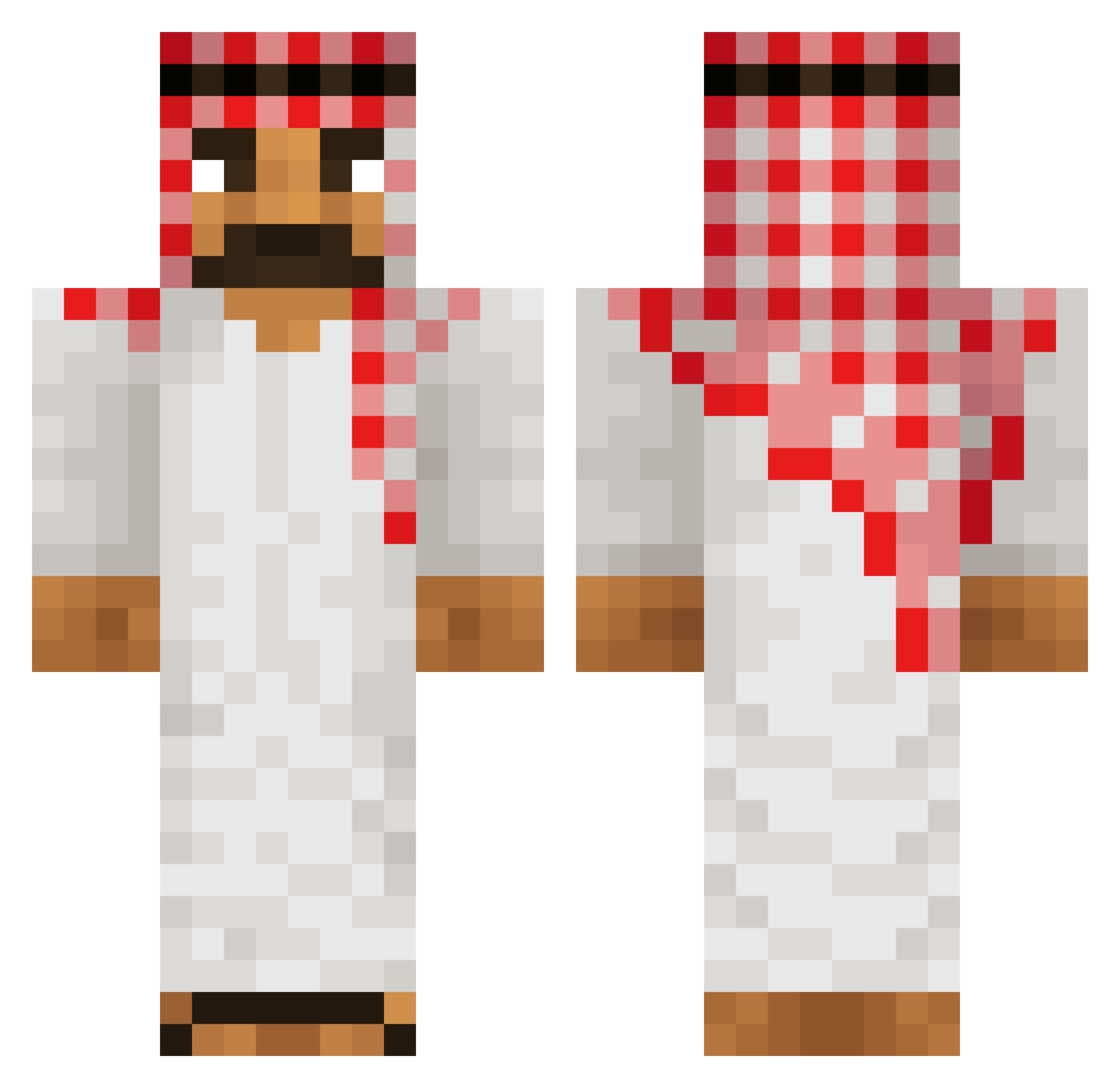
Current Minecraft skin of the player TheRealSinanG, loaded from the official Mojang API. Rotate the 3D model with your mouse or finger, then download the skin as a PNG file and use it in Minecraft: Bedrock Edition or Java Edition for free. When TheRealSinanG changes their skin, this page updates automatically and the old skin stays in the history below.
Other players with this skin (512)
TheRealSinanG was the 134th player we have seen with this skin, first spotted on 23.08.2026. The same skin was seen on these players. Open a nickname to see their current skin and skin history.
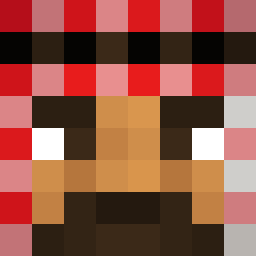 mido__2004 bladerzz buffman22 25thRas5 Pepitosko95 Dadanob29 cimba132 Denis_Rama Tryfull DryerCarp_Eli Venom4774 TheotheBoss9983 covernentt abdulllaah ypgamer3874 KiXs95 lemonlime345678 Bryanisabot2021 Amil_123 LokiAssassin Manu_76yyyy _ZEELOO_ hackerino66 King_Of_Tokyo Worshipp_allah AntoineG99 momo165 Mikejava2 Ginbooooooo Ferrari1st Barwagg Burjak Heezten Airefeek HANNA_FORSBLOM SonicMasterXDC The_Volcom lynaceltics SpecificOcean3 Razzyy_ Hooman2009 KAJZERSON mijorx Sayar22 FahimAFG YoneyaGV mdRetro ArabGamer03 FeelsDankMan1 Poohzaza Amitamit77 MrCornman JPDELASABANA Skryue firatsechs5 weepuddinhead Hebi3 SobatMahsyar a_duck_in_a_b pingulingu69
More Sheikh Minecraft skins
How to install the TheRealSinanG skin
- Press the Download button above to save the skin as a PNG file.
- Minecraft: Bedrock Edition (PE): open the Dressing Room from the main menu (or tap your character → Edit Character), go to Classic Skins → Owned, press the + (new skin) button, choose the downloaded PNG and pick the Classic (Steve) model. Works on PC and mobile; consoles cannot import custom skins.
- Minecraft: Java Edition: open the Minecraft Launcher, go to the Skins tab, click New Skin, load the PNG, pick the Classic (Steve) model and press Save & Use. You can also upload it at minecraft.net → Profile → Change Skin.
The skin does not show up after import - what should I do?
Restart Minecraft and open the Dressing Room again - imported skins sometimes appear only after a restart. Also make sure you selected the imported skin and picked the Classic (Steve) model.
Which model should I choose, Classic or Slim?
This skin is designed for the Classic (Steve) model. If you pick the wrong model, the arms of the skin will look stretched or squeezed.
Is the skin of TheRealSinanG free to download?
Yes. Press Download, save the PNG file and use it in Minecraft: Bedrock Edition or Java Edition - no payment or registration needed. The skin also works on multiplayer servers and Realms.
More skins
Looking for more? Go back to all Minecraft skins and check the top skins of the week, month and all time, or find any player's skin by nickname.