
TheNodden - Minecraft Skins & Skin History
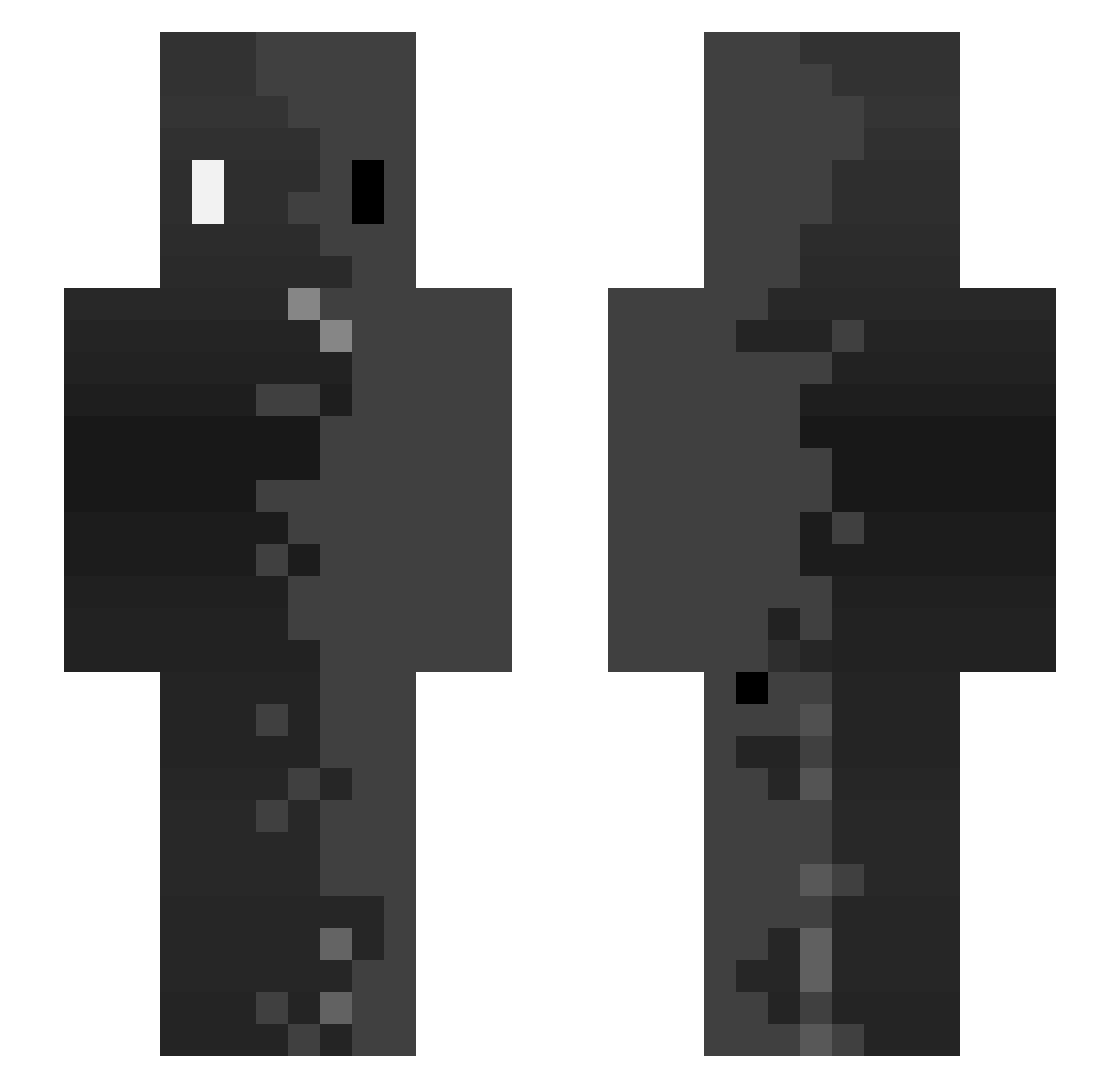
Current Minecraft skin of the player TheNodden, loaded from the official Mojang API. Rotate the 3D model with your mouse or finger, then download the skin as a PNG file and use it in Minecraft: Bedrock Edition or Java Edition for free. When TheNodden changes their skin, this page updates automatically and the old skin stays in the history below.
Other players with this skin (132)
TheNodden was the 95th player we have seen with this skin, first spotted on 01.10.2026. The same skin was seen on these players. Open a nickname to see their current skin and skin history.
 SavageHussain Kukanbo Tam1q soltiaz Spidi365 Just_a_stick195 RedSect12 Dada1230 edu067 Densk57 Friziad VICI_chza Sanrys FNC_Nara_ xDxlayy ticklepickl3 Kizi_987 12Black1 that_guy_X0 DrTatuk HeavyMetalFiend SethMC1 lautarobrito64 DA212 nrko28 zeinkc Le_Croc SHE_25 PaduHraje Juanchiloko ho14 Real_Mrnasty Cauatww Phenom_91 J9XN Henri1111111 ANAS_AGENT GTREWQE HerrK1 KingDog3411 SXNT32 JY021111 YXISXN14 CotoSkndr10 pimktrash194284 rooxeeslh HZShzs JustSorix Likes11 kubmc Blubiez FuneralSmell Dominguesz HaCkEr010101hihi katrinxa Son1Kairo Mucillon_ XJOHNGOAT justMaju27 escolido
How to install the TheNodden skin
- Press the Download button above to save the skin as a PNG file.
- Minecraft: Bedrock Edition (PE): open the Dressing Room from the main menu (or tap your character → Edit Character), go to Classic Skins → Owned, press the + (new skin) button, choose the downloaded PNG and pick the Slim (Alex) model. Works on PC and mobile; consoles cannot import custom skins.
- Minecraft: Java Edition: open the Minecraft Launcher, go to the Skins tab, click New Skin, load the PNG, pick the Slim (Alex) model and press Save & Use. You can also upload it at minecraft.net → Profile → Change Skin.
The skin does not show up after import - what should I do?
Restart Minecraft and open the Dressing Room again - imported skins sometimes appear only after a restart. Also make sure you selected the imported skin and picked the Slim (Alex) model.
Which model should I choose, Classic or Slim?
This skin is designed for the Slim (Alex) model. If you pick the wrong model, the arms of the skin will look stretched or squeezed.
Is the skin of TheNodden free to download?
Yes. Press Download, save the PNG file and use it in Minecraft: Bedrock Edition or Java Edition - no payment or registration needed. The skin also works on multiplayer servers and Realms.
More skins
Looking for more? Go back to all Minecraft skins and check the top skins of the week, month and all time, or find any player's skin by nickname.