
TheKamillis - Minecraft Skins & Skin History
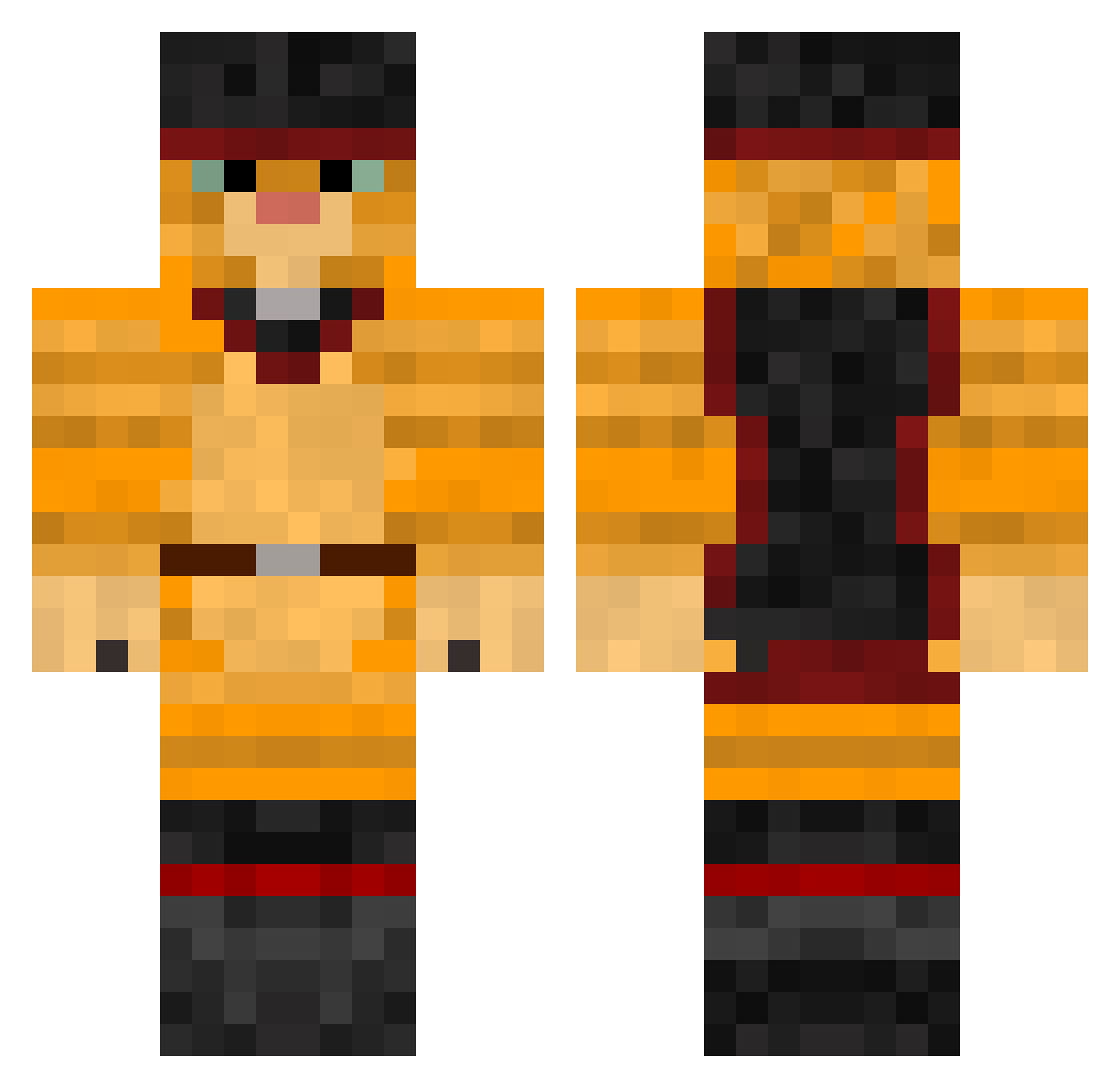
Current Minecraft skin of the player TheKamillis, loaded from the official Mojang API. Rotate the 3D model with your mouse or finger, then download the skin as a PNG file and use it in Minecraft: Bedrock Edition or Java Edition for free. When TheKamillis changes their skin, this page updates automatically and the old skin stays in the history below.
Other players with this skin (467)
TheKamillis was the 377th player we have seen with this skin, first spotted on 30.10.2026. The same skin was seen on these players. Open a nickname to see their current skin and skin history.
 lorenasaur Zwin300900 tyrent649 raven2301 matviktop1 AdvHaunted XLR8ing Meowvin25 rockkitten1 TommydCat Martypops123 wis3guyJR29 KiaDom parker123123123 teenielh kirves98 jayzsun ElGatoVolador homie_wan_kenobi bluebell441 ThaCroulOne Aaronvanlinge danefrak Satchmo890 CaptainMorganQQ StormyPhoenix77 THATsCRAZY SerOrBowser Drizzzle Ven3no GuroHJ1 The_Pink_Devil Krazey123 Andorzzz Leanne0904 deloev gamehero913 LordSnottyfeet Blue_Tide iLimeUK miner9x Creon0815 ChatVentriloque IDEMANDCUPCAKES Taz57 OutATime527 memsen carmeltoffe E_Money207 KillKREW760 chef711 annaangelina PICKLMAJIK destructor_meow Stijnepijntje TooHolloww Pretttyboyfredo DrunkenCheetah void_walker151 JackMiner2442
More Puss In Boots Minecraft skins
See all 70 Puss In Boots skins
How to install the TheKamillis skin
- Press the Download button above to save the skin as a PNG file.
- Minecraft: Bedrock Edition (PE): open the Dressing Room from the main menu (or tap your character → Edit Character), go to Classic Skins → Owned, press the + (new skin) button, choose the downloaded PNG and pick the Classic (Steve) model. Works on PC and mobile; consoles cannot import custom skins.
- Minecraft: Java Edition: open the Minecraft Launcher, go to the Skins tab, click New Skin, load the PNG, pick the Classic (Steve) model and press Save & Use. You can also upload it at minecraft.net → Profile → Change Skin.
The skin does not show up after import - what should I do?
Restart Minecraft and open the Dressing Room again - imported skins sometimes appear only after a restart. Also make sure you selected the imported skin and picked the Classic (Steve) model.
Which model should I choose, Classic or Slim?
This skin is designed for the Classic (Steve) model. If you pick the wrong model, the arms of the skin will look stretched or squeezed.
Is the skin of TheKamillis free to download?
Yes. Press Download, save the PNG file and use it in Minecraft: Bedrock Edition or Java Edition - no payment or registration needed. The skin also works on multiplayer servers and Realms.
More skins
Looking for more? Go back to all Minecraft skins and check the top skins of the week, month and all time, or find any player's skin by nickname.